ChatGPT prompts to improve your website homepage
A selection of ready-to-copy prompts to analyse a homepage, clarify its promise, improve calls to action, prepare an FAQ and prioritise fixes without changing the website at random.

A home page must quickly make clear what you are proposing, for whom, why you are credible and what action to take next. When it is too vague, too long or poorly structured, a visitor can leave without even knowing if he or she was concerned.
ChatGPT can help take a step back on this page, provided you ask the right questions. Precise prompts identify weak areas, obtain variants, prepare a FAQ and classify corrections.
Here is a simple method and a set of ready-to-copy prompts for analysing a website homepage. Use them yourself, then decide what can be corrected safely and what needs a fuller diagnostic review.
Principle
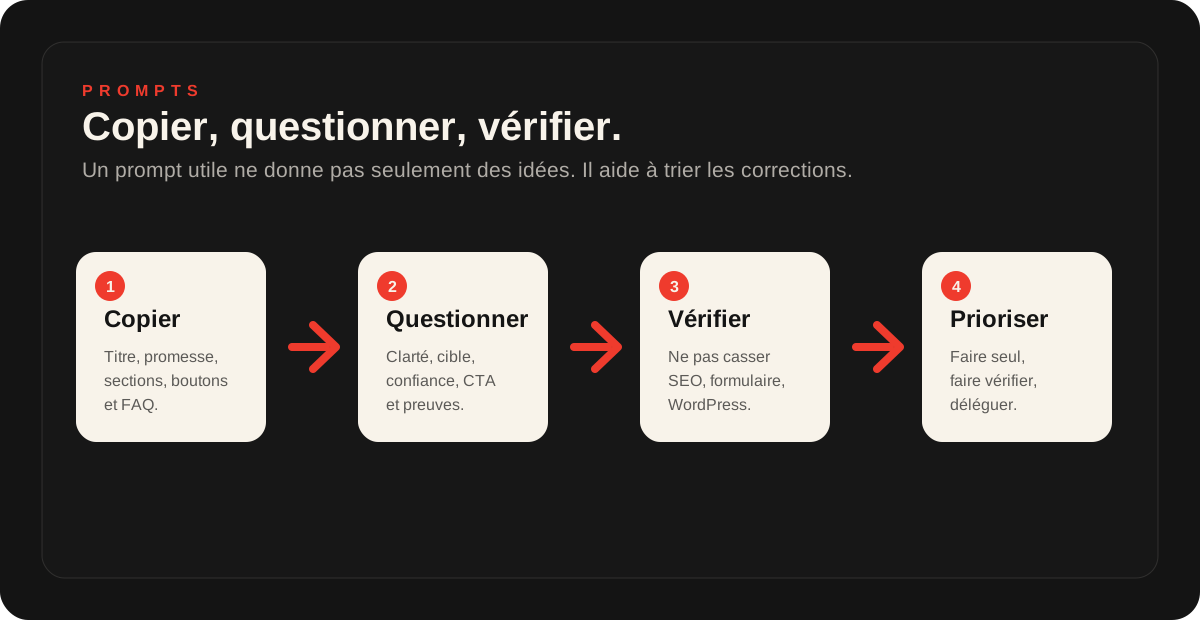
A good prompt asks for ideas and, above all, priorities.
Twenty suggestions from AI do not amount to a decision. Always ask it to distinguish straightforward fixes, changes that need checking and work to delegate.
Before copying the prompts: prepare the right context
The answer will be better if you give ChatGPT something other than a URL. A home page serves a commercial purpose, with a target, offer, evidence and constraints.
The text of the page: title, introduction, sections, buttons, evidence and FAQ.
The main objective: request for quote, call, reservation, purchase, candidacy or appointment.
Target: individual, leader, craftsman, association, firm, e-commerce, local sector.
The area or context: city, department, market, specialty, price level.
The current problem: few contacts, visitors who do not understand, slow page, questionable form.
Available data: clicks, page views, conversions, Search Console or customer returns.
Constraints: brand tone, offers not to promise, SEO pages to preserve.
Your intended next step: make fixes yourself, prepare a brief or request a diagnostic review.
Prompt 1: Verify whether the promise is clear
This is the first test. If a visitor doesn't quickly understand what you're doing, he won't read the rest. Copy the top of the page, then add this prompt.
Prompt to copy
Analyze the top of this homepage. Can a visitor understand within 10 seconds what the company offers, for whom, in what context, with what benefit and what action to take next? List unclear wording, overly generic terms and missing information. Then propose three clearer versions of the title without inventing any promise.
Review the proposed titles with caution. A good title must be clearer, but it must remain accurate. AI can sometimes make a promise too strong or too broad.
Prompt 2: Identify the actual target of the page
Many home pages talk about the company, but not enough about the visitor. This prompt is used to see if the target is legible.
Prompt to copy
From this homepage, identify the apparent primary audience. Explain which clues indicate this audience, which passages address them and which are too generic. Also say who might feel excluded or fail to realise that the offer is intended for them.
Prompt 3: identify unanswered objections
A visitor wonders what it is, then very quickly whether it is reliable, suitable, too expensive, complicated, risky or done for him.
Prompt to copy
Read this page as a hesitant visitor. List objections or questions that may remain unanswered before contacting the company. Rank them by importance: trust, price, timing, process, evidence, service area, guarantees, experience and simplicity. For each objection, suggest a section or sentence to add.
Prompt 4: Improving call to action
The CTA must match the level of decision of the visitor. "Contact us" can be too vague if the person does not know what they will get.
Prompt to copy
Analyze the calls to action on this page. Are they visible, consistent with the visitor's intent and specific enough? Suggest five clearer alternatives and indicate the best context for each: first screen, after the evidence, after a FAQ, before the form or at the end of the page.
Prompt 5: Review the order of the sections
A page may contain the right information in the wrong order. This prompt helps to build a more logical path.
Prompt to copy
Here are the current sections of my homepage. Propose a more logical order to convince a visitor. Explain each section's role: hook, problem, solution, evidence, process, offers, reassurance, FAQ and contact. Identify sections that seem unnecessary, repetitive or missing.
Prompt 6: Preparing a useful FAQ
A good FAQ is not used to complete the page. She answers questions that block contact. It can also assist the SEO if it remains accurate and linked to the search intent.
Prompt to copy
Based on this homepage, suggest a short FAQ to reassure visitors before they make contact. Separate commercial, practical, technical and trust-related questions. Explain how each question helps conversion. Do not promise anything outside my offer.
Prompt 7: improve SEO without keyword stuffing
The homepage is not always the best SEO page on the site, but it must remain understandable for Google and visitors. It must clarify the offer without stacking the keywords.
Prompt to copy
Analyze this homepage with a reasonable SEO objective. Identify likely search intent, important terms already present, missing questions, titles to clarify and risks of vague content. Do not suggest keyword stuffing. Propose a clearer structure and ideas for internal pages if some topics deserve a dedicated page.
Prompt 8: turning responses into action plans
This is the most important prompt. Without prioritization, you may change details while leaving the main problem intact.
Prompt to copy
From all your recommendations, make a three-column action plan: 1. to correct without risk, 2. to check before modification, 3. to delegate to a professional. For each action, indicate the expected impact, risk, level of effort and proof to be verified after modification.
What you can often fix alone
You can often make text-only improvements with limited risk: clarify wording, add a useful FAQ, strengthen reassurance or make a button more specific.
Text
Clarify a promise, shorten a paragraph, add an objection, reformulate an CTA.
Structure
Reorder simple sections, add a FAQ, trace evidence, make contact more visible.
Brief
Summarise the problems, prepare screenshots, list pages to check and questions to ask.
What to check before changing
Do not change an important page without looking at its real role. A home page may receive traffic, transmit conversions, carry a trademark request or contain sensitive technical elements.
- check if the page is already receiving traffic or impressions in Search Console;
- check if the buttons and forms really work;
- keep a copy of the old content before modification;
- Do not remove a section that reassures visitors without measuring the effect;
- do not change the theme, plugins, cache or scripts without backup.
WordPress case: pay attention to technical corrections
On WordPress, prompts can help improve content. On the other hand, they should not lead to changing the theme, the file functions.php, plugins, redirections, DNS or cache it at random.
If ChatGPT advises you to change the structure, delete scripts, move a form or modify a plugin, first turn this recommendation into a diagnostic question. The useful step can be a site audit, a verification of the form or a resumption of maintenance.
To continue analysis of your site
If you want to understand the general framework, start with use AI to improve its website. If you want to audit your site more widely with ChatGPT, the article Have your site audited by ChatGPT details the method, limits and data to be prepared.
This page is more operational: it gives you the prompts to copy to work on the homepage.
Frequently asked questions
Which ChatGPT prompts can improve a homepage?+
The best prompts ask AI to analyze clarity, target, promise, evidence, calls to action, objections and missing information. It is also necessary to request prioritisation, otherwise the answer is often too general.
Should we copy the entire homepage to ChatGPT?+
It is best to copy important items: main title, introduction, sections, buttons, evidence, FAQ and form. Also add the context of the activity, the target audience and the purpose of the page to avoid a generic response.
Can ChatGPT rewrite my home page?+
Yes, it can offer a clearer version, but you must check that the text remains true to your offer, your prices, your deadlines, your intervention area and your actual level of proof. A rewriting AI must not invent a promise.
Are prompts enough to improve conversions?+
They can help identify leads, but conversions also depend on speed, form, traffic, trust, mobile, analytics tracking and supply. Prompts help assess, not prove everything.
Can we use these prompts on a WordPress site?+
Yes to analyze the content and prepare corrections. On the other hand, technical changes on WordPress, plugins, theme, redirects, cache or form must be done with backup and method.
When to ask for a diagnostic review after using these prompts?+
Ask for a diagnostic review if you get a lot of ideas but no clear priority, if the page is important to the SEO, if the site is slow, if the form is questionable or if you don't know what to change without risk.
Key takeaway
ChatGPT prompts are useful for clarifying a home page, identifying objections, improving CTAs, preparing a FAQ and turning a unclear impression into an action plan.
But they don't replace a real site check. Before changing an important page, look at data, SEO, form, WordPress and technical risks. A good AI response becomes useful when it is prioritized.
Read next.

Have ChatGPT audit your website: method, prompts and limitations
ChatGPT can provide an initial assessment of a website if you supply the right information, ask useful questions and review its recommendations before applying them.
Read the article
Use AI to improve your website: method, prompts and limitations
AI can help analyse a page, clarify a message, explore SEO improvements or improve a homepage. It does not replace a thorough technical, SEO and commercial assessment.
Read the article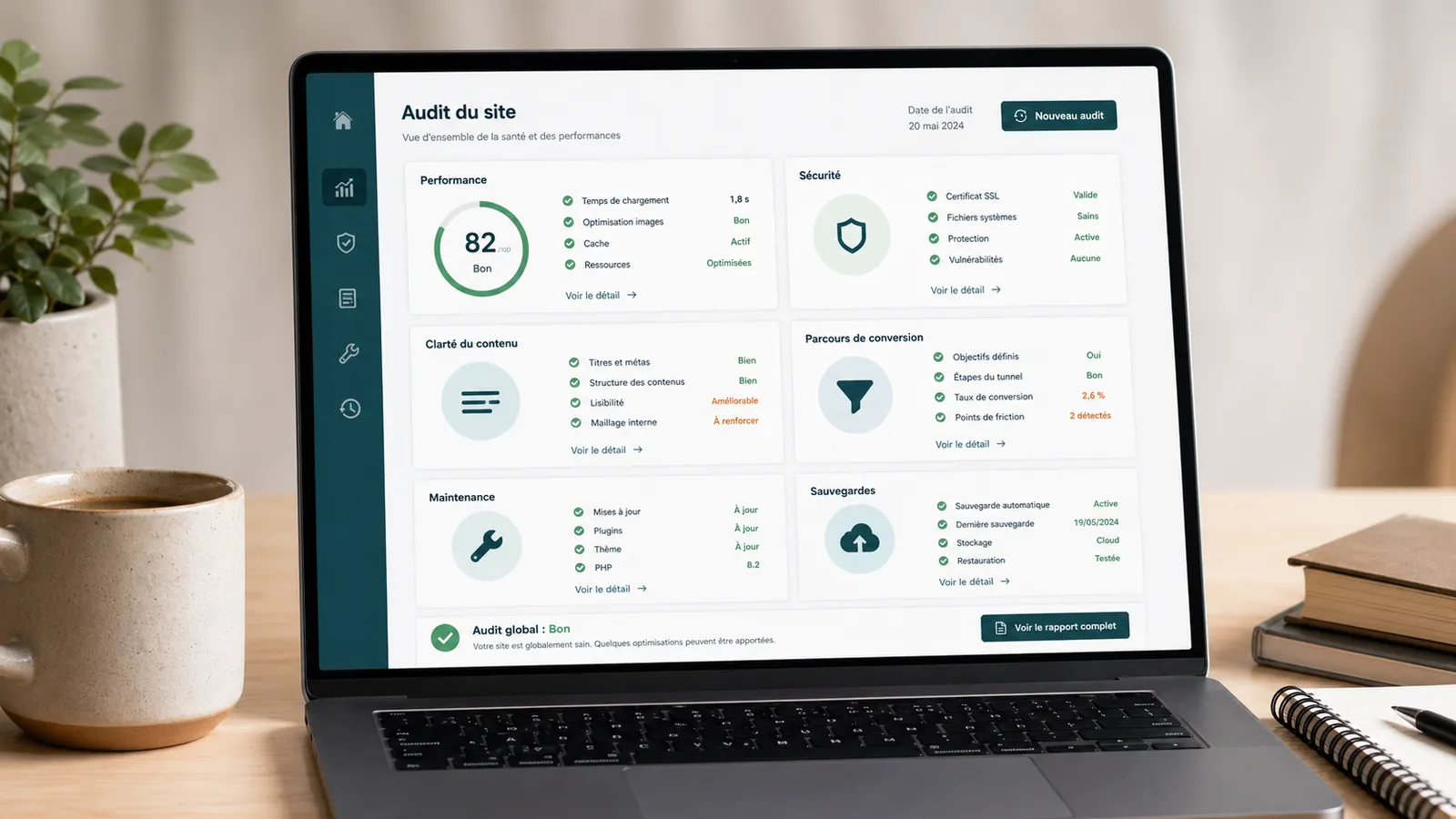
WordPress website audit: when is it really needed?
A WordPress website audit helps you determine whether your website needs maintenance, fixes or a redesign. Here is when it becomes useful.
Read the article