Use AI to improve your website: method, prompts and limitations
AI can help analyse a page, clarify a message, explore SEO improvements or improve a homepage. It does not replace a thorough technical, SEO and commercial assessment.

Many site owners arrive today with the same intuition: if AI can write, summarize and analyze, it must also be able to help improve a website. That's a good idea. A tool like ChatGPT can help take a step back on a home page, reformulate an offer, find FAQ questions, prepare a brief or identify inconsistencies in a text.
AI often gives many recommendations without knowing which matter most. It may find a page unclear, suggest ten titles, propose a FAQ and recommend SEO improvements. That does not mean you should apply everything in order or change a live WordPress website without checks.
The proper use is to use it to narrow the diagnostic review, better formulate problems, prepare leads, and then decide what deserves a useful correction.
Central idea
AI helps identify possible improvements. It does not decide what to fix first.
On a real site, priority depends on the objective, traffic, SEO, technique, forms, CMS, backups and what you might break by changing too quickly.
What AI can really improve on a site
AI is useful when the problem is legible in the contents or apparent structure of a page. It can analyze a text, compare several versions, propose reformulations, simplify a promise, classify objections, or help structure a page more clearly.
In particular, it can help on five common topics:
- clarify the promise of a home page;
- make a service page more understandable;
- prepare titles, headlines and calls to action;
- find questions to add in a FAQ;
- Identify missing information to reassure a visitor.
These uses are interesting because they don't ask to touch the technique right away. You can copy the text of a page, ask for an analysis, and then reread the proposals with your knowledge of the profession.
01
Clarity
Promise, target, main message.
02
SEO
Questions, structure, search intent.
03
Conversion
CTA, objections, evidence, trust.
04
FAQ
Useful questions before contact.
05
Brief
Clear summary for a service provider.
What AI doesn't see when it looks at your site
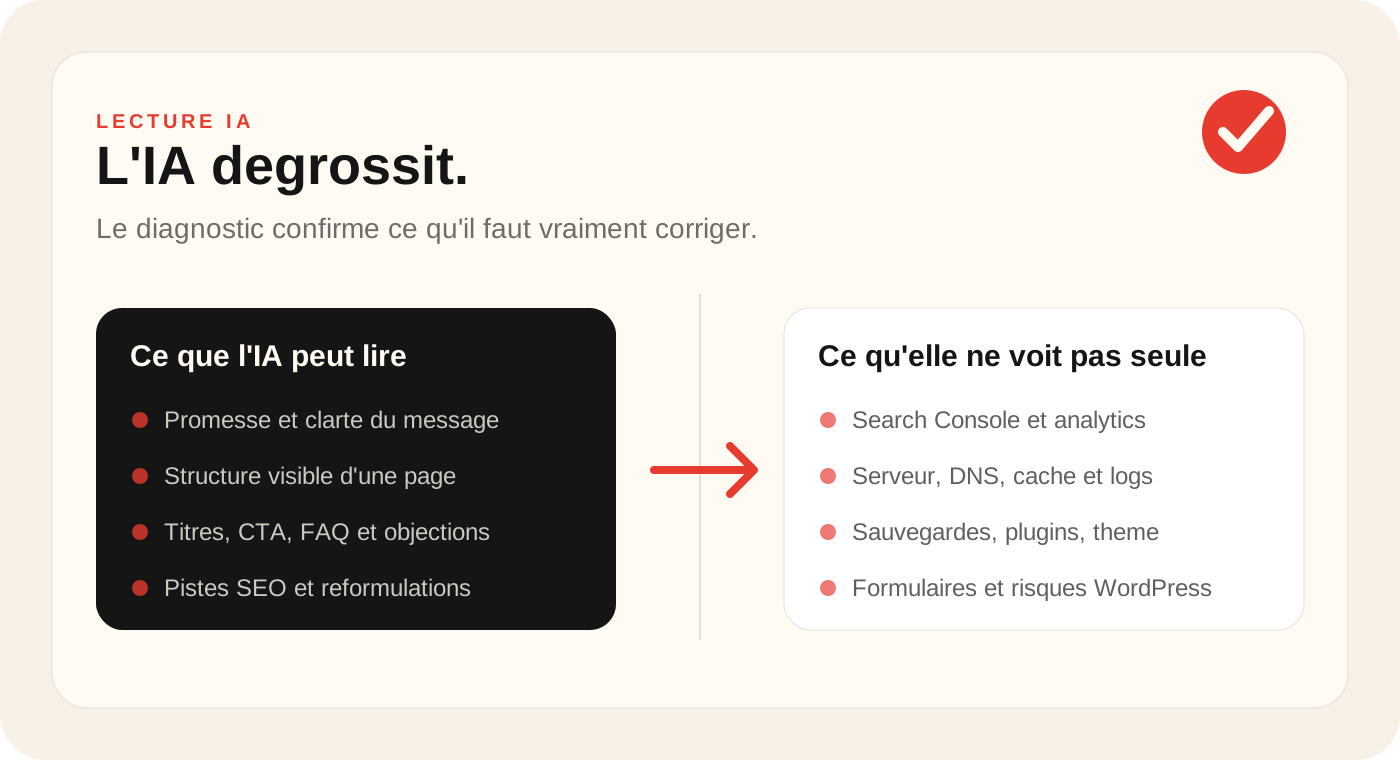
AI can comment on what you provide. It does not automatically see the website's full condition. Even with the URL, its analysis is limited to what it can read or what you copy into the conversation.
It does not necessarily know:
- your Google Search Console data;
- your Matomo, Analytics or Conversions statistics;
- pages that actually receive traffic;
- keywords already positioned;
- the status of the backups;
- installed WordPress plugins;
- quality of hosting;
- server errors, logs, redirects or DNS problems;
- forms that no longer issue emails;
- the business or trade constraints of your business.
An AI recommendation can therefore be useful but incomplete. It may say 'your page lacks evidence' without knowing the form no longer works. It may suggest rewriting a page without knowing that it already receives search impressions worth preserving.
Prompt 1: Have a home page analyzed
To start, copy the text from your home page to the AI tool. If the page is long, keep at least the main title, introduction, important sections, buttons and contact content.
Prompt to copy
Analyze this homepage as a web consultant. First tell me: 1. whether the offer is clear, 2. who the apparent audience is, 3. what could undermine trust, 4. which information is missing, 5. which calls to action are weak, 6. the three most important corrections. Rank recommendations by impact rather than ease.
The important point is the last sentence: ask for an impact classification. Otherwise, AI may give you a flat list where to change a word, rewrite a title and review the entire structure seem to be of the same importance.
Prompt 2: Improve the SEO of an existing page
AI can help enrich a page, but it must not become a generic text machine. For an existing page, the objective is first to better respond to the search intent, not to add random paragraphs.
Prompt to copy
Here is a page from my website. Analyze it for SEO without suggesting keyword stuffing. Identify likely search intent, questions already answered, important missing questions, sections to clarify, titles to improve and risks of vague content. Then propose an improved page outline.
Before publishing a rewritten version, check that the page retains its professional accuracy. A useful page responds better, more clearly, with examples, limits and evidence.
Prompt 3: Find out why a page does not convert
If your site receives visits but few requests, the obstacle can come from trust, offer, form, lack of evidence, too vague a promise or a call to invisible action.
Prompt to copy
Analyze this page with a conversion goal. What could prevent a visitor from contacting me? Look for problems with clarity, trust, evidence, information order, calls to action, unanswered objections and friction. Finish with five recommendations ranked from most to least important.
This prompt is useful for obtaining assumptions. But to confirm the problem, you have to look at the data: page views, clicks, submitted forms, route, mobile speed, traffic sources and input pages.
Prompt 4: Preparing a useful FAQ
A FAQ can help a visitor decide, especially if your activity requires trust. AI can help you list the likely questions, but you need to keep your hands on the answers and promises.
Prompt to copy
Based on this page, suggest a useful FAQ for a visitor who hesitates to contact me. Separate commercial, practical, trust-related and objection questions. Do not promise anything absent from the page. Explain how each question could help conversion.
Read every answer. AI can invent a warranty, delay, price or condition that does not match your actual offer. A FAQ must reassure, not create a promise that you do not keep.
Prompt 5: preparing a brief for a web service provider
This is probably one of the best uses of AI. Many web requests are unclear: "my website doesn't work", "I want to improve it", "we need to redo the SEO". AI can help you turn this feeling into a clearer brief.
Prompt to copy
Help me prepare a short brief requesting a website diagnostic review. Here are my context, URL, what I want to improve and what seems to be blocking progress. Rephrase it under: objective, symptoms, affected pages, recent changes, available access, possible urgency and questions for the provider.
A clear brief saves time. It allows the service provider to know whether it is necessary to start with a diagnostic review, an audit, a WordPress correction, an optimization of content or a wider resumption.
How to prioritise AI recommendations
Getting ideas is easy. Prioritising matters more: AI can suggest twenty changes, some useful, others secondary, risky or irrelevant.
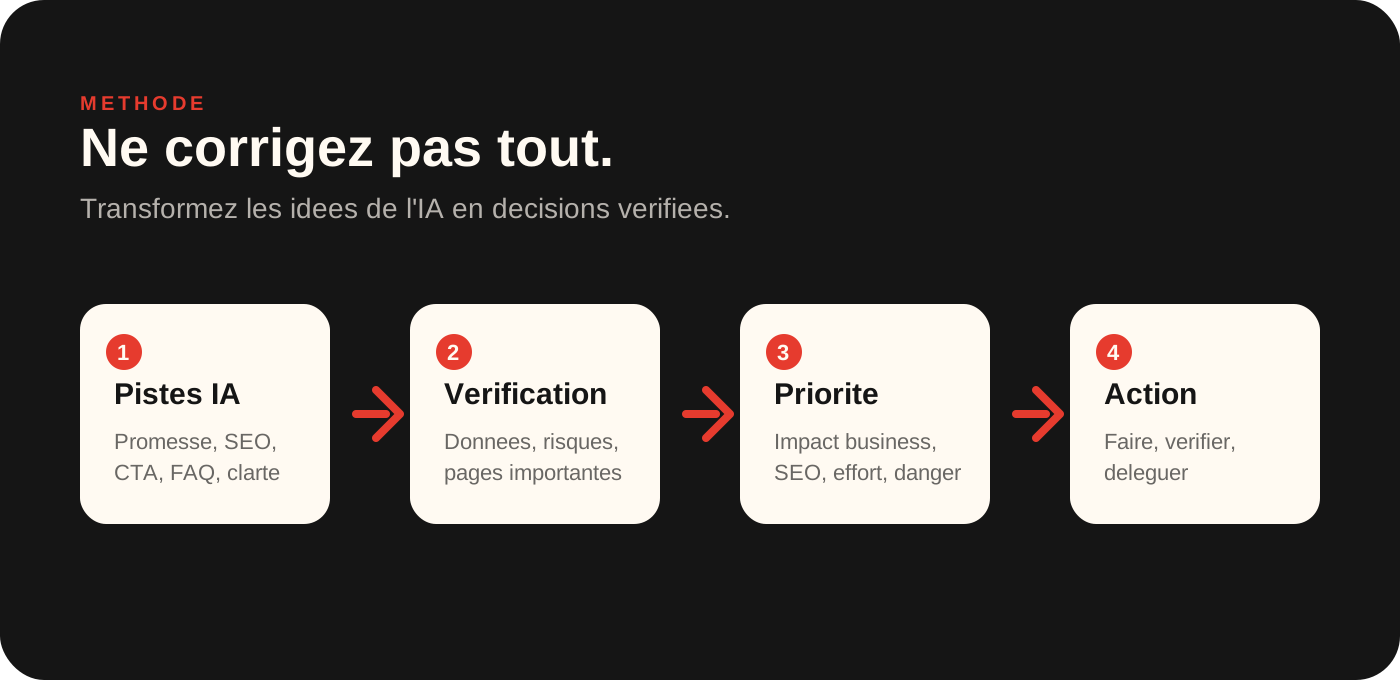
For each recommendation, ask four questions:
- Can this correction increase confidence or contact?
- Does it affect a page important for SEO?
- Does it require a risky technical change?
- Can I measure the effect after modification?
If a correction only touches the style of a paragraph, you can often test it easily. If it touches URLs, structure, WordPress theme, forms, redirects, scripts, cache or hosting, you have to be much more careful.
Do it yourself
List problems, reformulate a title, prepare a FAQ, compare two versions of text, clarify an offer.
To be checked
Edit an SEO page, change the order of an important page, rewrite a service page, review CTAs.
Delegate
Touch the theme, plugins, DNS, database, forms, redirections or security.
Special case: WordPress
If your site is under WordPress, AI can help you understand an error message, describe a symptom or prepare a request for help. It can also explain what an update, plugin, cache or redirect means.
On the other hand, do not copy the code generated by AI in your theme without backup. Do not edit the file functions.php to test. Do not disable all random plugins on a production site. Don't touch the DNS because an AI answer seems logical. And don't delete suspicious files without copying the current status.
If your WordPress site is slow, unstable, unmaintained or if you don't know where the backups are, start with a diagnostic review. AI can help formulate the problem, but the correction must remain methodical.
When AI is enough, when it is necessary to go further
AI is often enough to prepare, clarify and improve a first version. It is very useful to get out of a too vague page, find objections or write a brief.
It is no longer enough when the subject touches on the actual performance, the SEO of a page already positioned, forms, WordPress errors, security, redirections, a redesign or an important business decision.
In these cases, start by looking at the site: what works, what blocks, what can be corrected quickly and what deserves a more serious construction.
Where this topic joins other 2Cafés offers
While AI mainly highlights a problem of clarity, offer or conversion, the redesign or targeted optimization can be more useful than a simple text correction.
If it reveals a technical problem, slowness, form or WordPress tracking, the useful step can be a better structured maintenance or a one-time intervention.
And if your need goes beyond the site to touch your forms, CRM, spreadsheets or internal documents, the page dedicated to AI support on iapourmonentreprise.fr covers business assistants, APIs and automation.
Frequently asked questions
Can we really use AI to improve our website?+
Yes, AI can help clarify texts, identify structural problems, propose titles, prepare a FAQ, reformulate a page or list SEO tracks. It does not replace a technical audit, analysis of actual data or site-specific correction.
Can ChatGPT audit my website on its own?+
It can provide an initial assessment if you supply the URL, page text, screenshots or data. But it does not see everything: Search Console, analytics, server logs, backups, plugins, hosting, forms and technical history still need separate checks.
What prompts can be used to analyze a site page?+
Start by asking AI to identify the promise, target audiences, unprocessed objections, calls for action, missing information and the risk of confusion. Then request that the recommendations be prioritized, with a short and usable list.
Can AI improve the SEO of a site?+
It can help structure a page, identify questions, rephrase titles, prepare a FAQ and improve clarity. Avoid using it to mass-publish generic content. SEO also depends on search intent, technical setup, internal links, competition and actual data.
Can we fix a WordPress site with AI?+
AI can help understand an error message or prepare a hypothesis. On the other hand, it should not lead to changing the theme, database, DNS, plugins or server without backup, method and verification.
When should we ask for a human diagnostic review?+
Ask for a diagnostic review if the AI gives you too many recommendations, if you don't know what to apply, if the site is WordPress, slow, unstable, poorly monitored, poor performance, or if the modifications affect the SEO, technique, forms, backups or hosting.
Key takeaway
AI can help you look at your website with fresh eyes: formulate problems, test approaches, improve text, prepare questions and organise ideas. That is already useful.
But AI does not replace a technical, SEO and commercial assessment. It may not know what brings in enquiries, what already ranks, what could break WordPress or what needs preserving.
The right method is simple: use AI to get a first list of tracks, then sort it out before you act. A site in production does not change at random, even with a convincing response.
Read next.
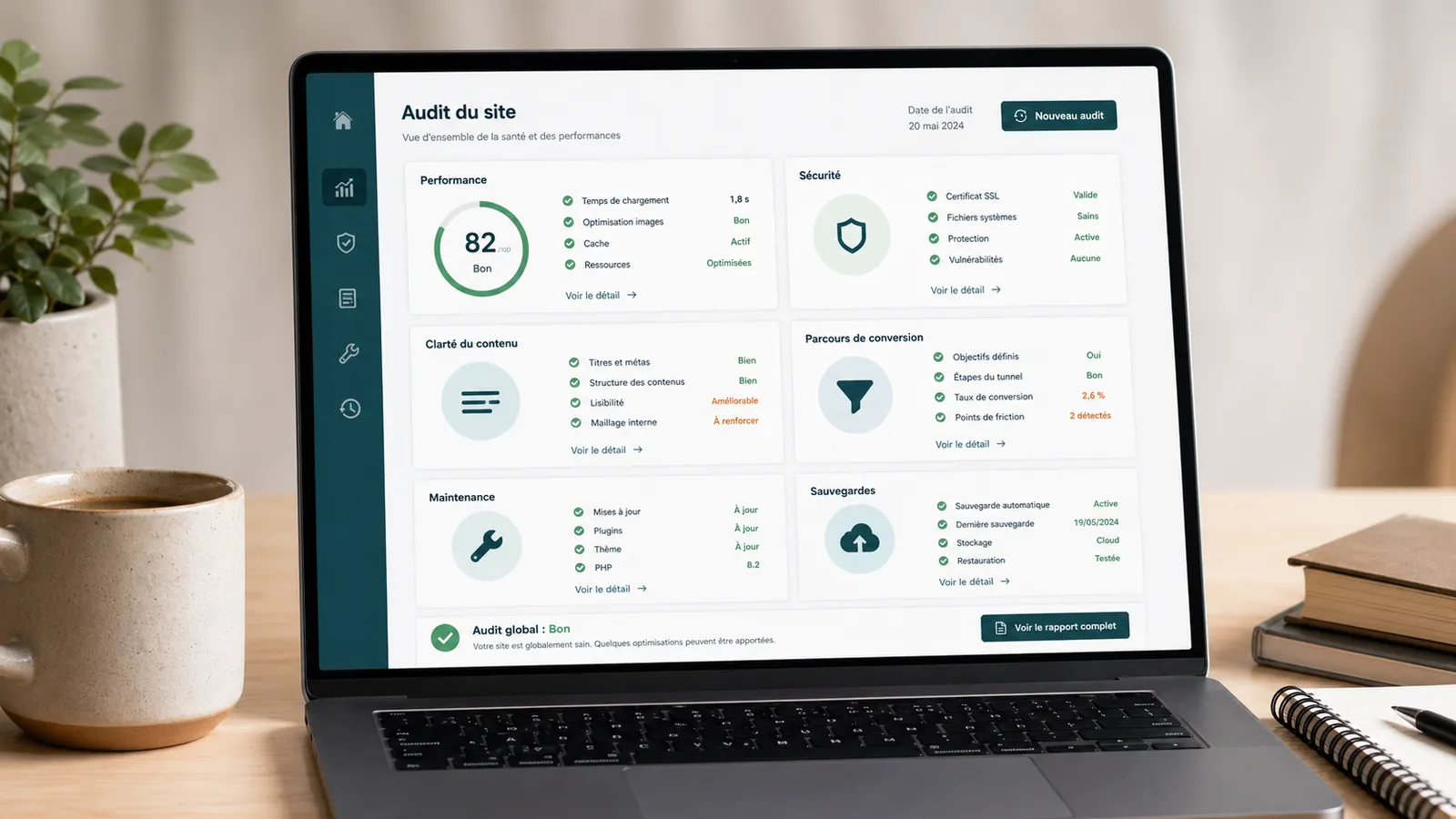
WordPress website audit: when is it really needed?
A WordPress website audit helps you determine whether your website needs maintenance, fixes or a redesign. Here is when it becomes useful.
Read the article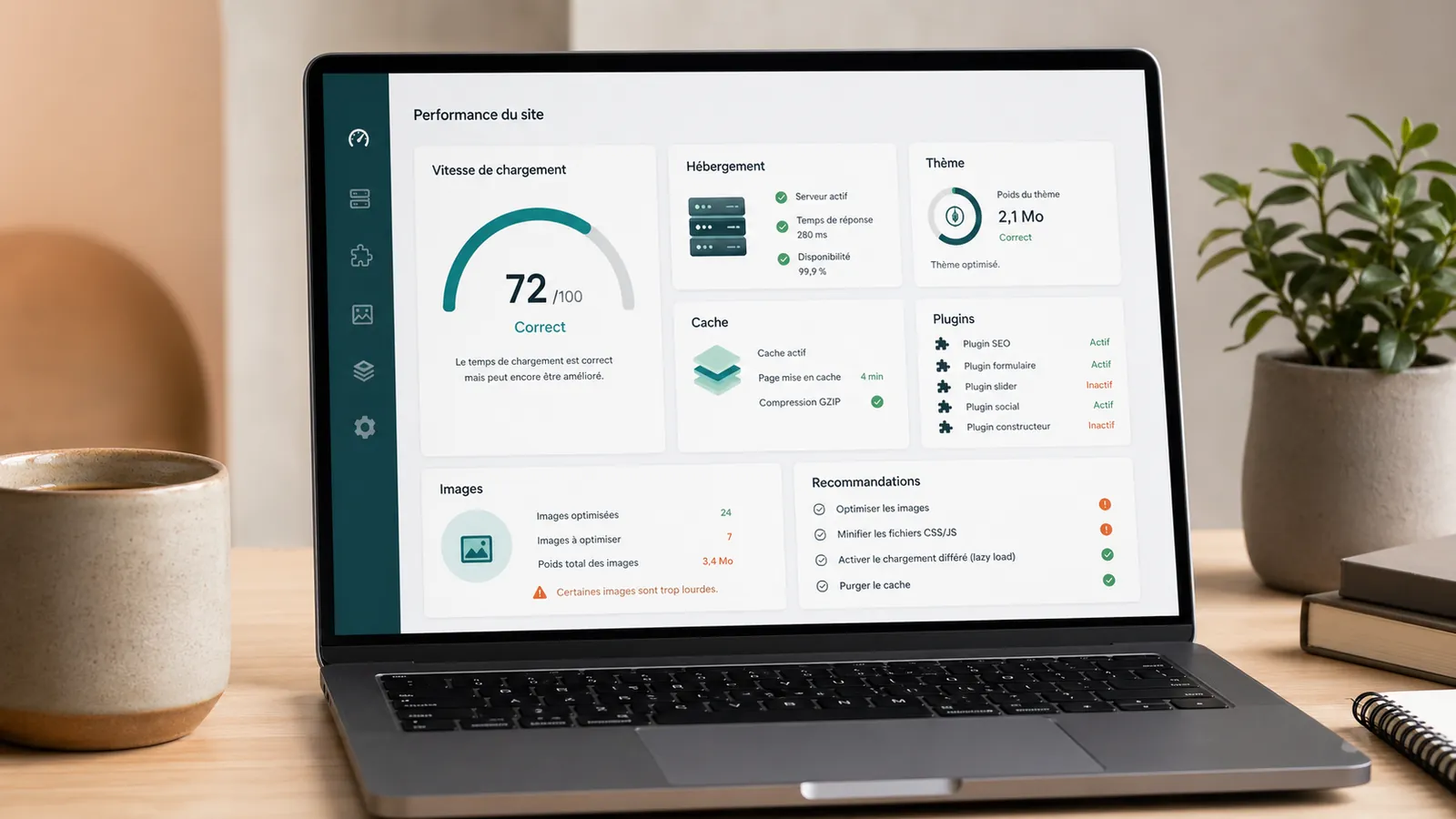
Slow WordPress website: identify the cause before fixing it
Is your WordPress website slow to load, especially on mobile or in the admin area? Here is how to distinguish hosting, theme, plugins, images and caching problems.
Read the article
WordPress maintenance costs: criteria for comparing quotes
Hosting, backups, security, support and modifications: the criteria for comparing WordPress maintenance quotes and their limitations.
Read the article