Optimize loading speed in 2026
How to improve the speed of a WordPress site in 2026: Core Web Vitals, images, cache, scripts, mobile and priorities without redoing everything.
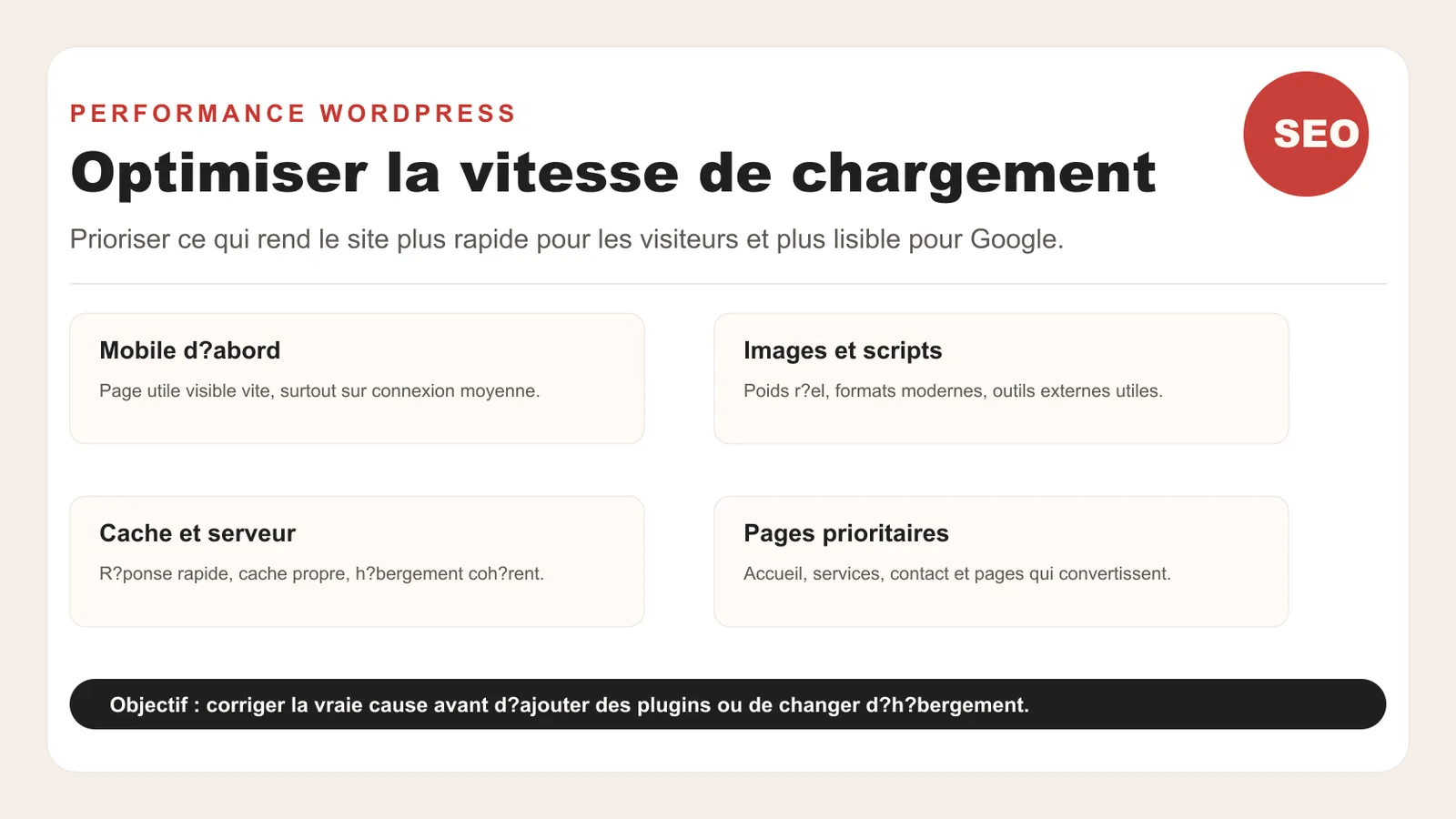
Optimizing the loading speed of a WordPress site in 2026 does not consist of installing three plugins and waiting for a green score. The useful objective is simpler: to make important pages useful quickly, especially on mobile.
Google looks at signals like Core Web Vitals, but your visitors judge even faster: is the page displayed, is the offer understandable, is the contact easy?
Measure before optimising
Before correcting, you need to know which page is a problem. The home page can be correct while a service page, a contact page or an important article is far too slow.
Tools such as PageSpeed Insights offer useful indicators: LCP, INP, CLS, image size, JavaScript and server response time. Interpret them in the website's context rather than treating the score as a standalone grade.
A useful optimization begins with a clear priority: which page really slows down acquisition or contact?
Core Web Vitals: what you need to understand without jargon
The LCP indicates whether the main content arrives quickly. INP helps to understand whether the page responds correctly to interactions. The CLS checks whether the elements move during loading. These signals do not replace common sense, but they direct corrections.
If a site loads a lot of images, scripts, fonts, videos or widgets before displaying useful content, the visitor waits. Even a successful design can then lose its efficiency.
Images: often the first lever
Oversized images are a common cause of slow loading. An unprocessed photo, a desktop banner served on mobile or several images outside the first screen can significantly slow the page down.
Modern formats, good dimensions, delayed loading and a clear hierarchy of images can already lighten a page without redoing the entire site.
Cache, theme and plugin: don't randomly correct
The cache can improve speed, but it doesn't fix everything. If the theme loads a lot of code, if the visual page builder adds too many scripts or if several plugins do the same thing, the cache hides only part of the problem.
That's why a slow WordPress site must be viewed layer by layer: hosting, theme, plugin, images, cache, scripts and priority pages.
Mobile: the real priority
Many sites seem acceptable on computer and become painful on the phone. Mobile less tolerates heavy pages, unnecessary animations and external scripts.
While the slowness mainly concerns the telephone, the article on the slow WordPress site on mobile details the specific causes: images, theme, scripts, cache and hosting.
Hosting: important, but not always guilty
A slow server can block any improvement. In this case, a WordPress hosting in France More coherent can help. But changing hosting provider will not compensate for a too heavy page or a poorly constructed theme.
Two cases must be distinguished: the server responds slowly, or the page loads too many things after the server response.
Simple action plan
- List the pages that really matter: home, services, contact, SEO pages.
- Test them on mobile and computer.
- Identify the main block: image, script, theme, cache, server or plugin.
- Correct one priority at a time, then check the actual rendering.
- Keep following up regularly to prevent the site from becoming heavy again.
When to request a diagnostic review or audit
If the cause is not clear, start with a no-obligation diagnostic review. If the site is old, very busy, strategic for acquisition or difficult to resume, a site audit will be more useful than a one-time correction.
And if the problem comes back regularly, a maintenance and hosting with a clearer scope helps keep a more stable foundation: backups, updates, monitored performance and useful corrections.
Frequently asked questions
What PageSpeed score should a WordPress website aim for?+
The score helps to prioritize, but it must not be the only objective. Important mobile pages, useful content display time, LCP, INP, CLS, and the visitor's ability to understand and contact quickly need to be improved.
Do we need to change the hosting provider to improve speed?+
Not always. Slow hosting can block the site, but too heavy a page will remain slow even on a better server. First, you need to identify if the problem comes from the server, theme, images, scripts, cache or plugin.
WP Rocket or a cache plugin is enough?+
A cache plugin can help, but it does not fix everything. If the theme is too heavy, if the images are poorly prepared or if too many external scripts load before the content, the gain will remain limited.
Which pages should be optimised as a priority?+
You have to start with pages that really serve the activity: home, service pages, contact page, pages that receive Google traffic and pages that trigger requests.
Read next.
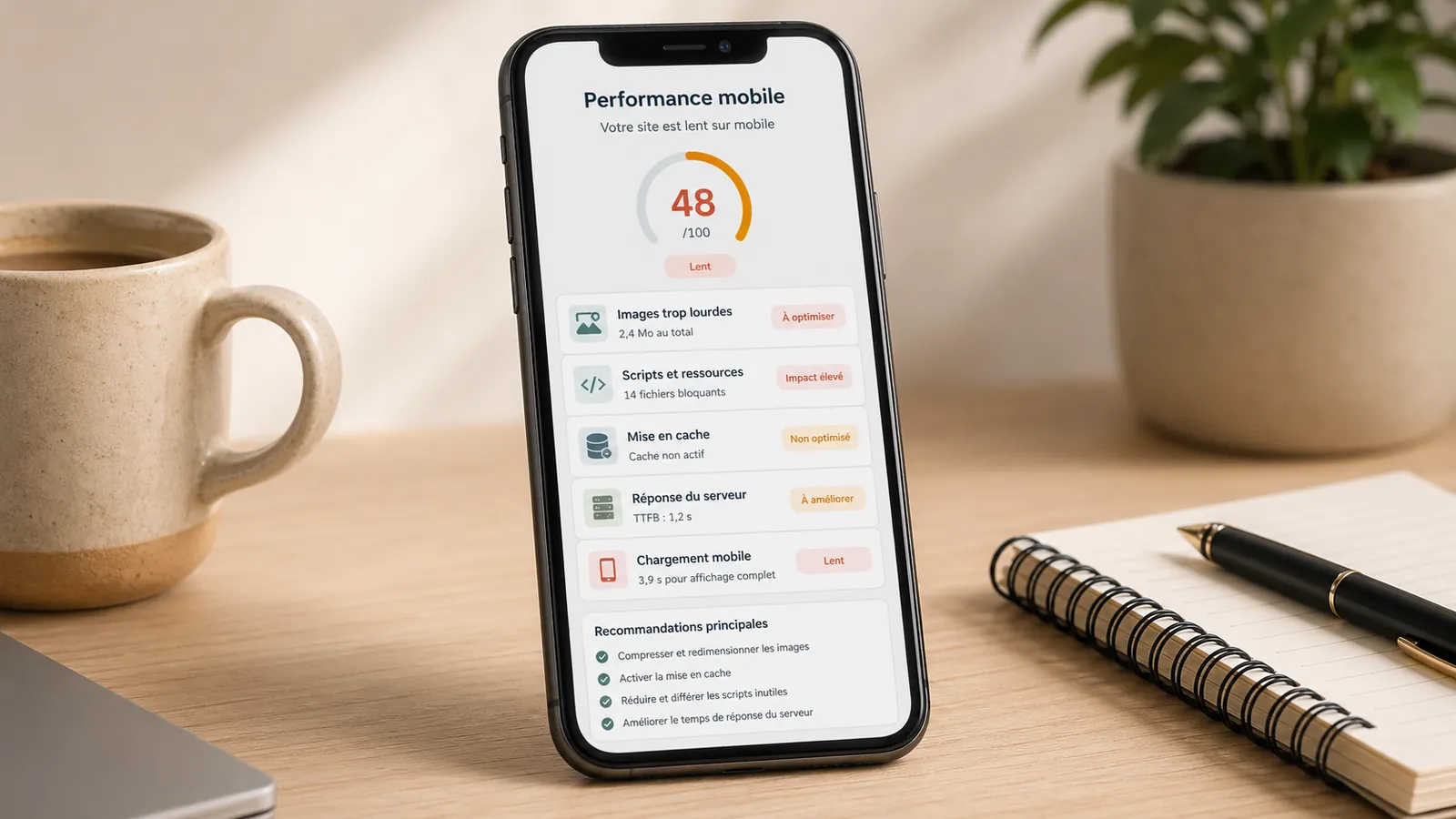
WordPress website slow on mobile: 5 causes to be checked
Heavy images, theme, scripts, cache, hosting: 5 causes to check if your WordPress site is slow on mobile.
Read the article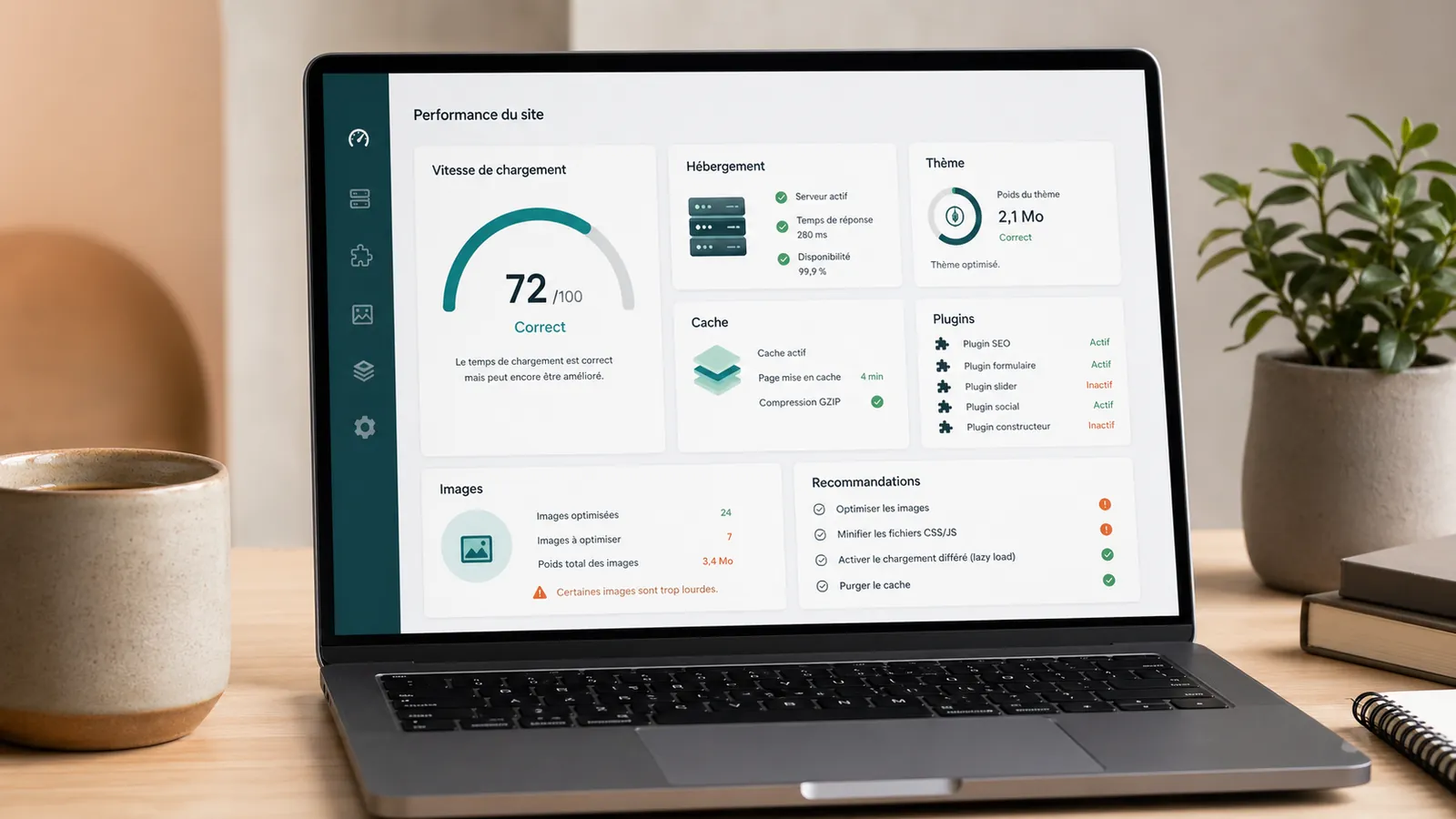
Slow WordPress website: identify the cause before fixing it
Is your WordPress website slow to load, especially on mobile or in the admin area? Here is how to distinguish hosting, theme, plugins, images and caching problems.
Read the article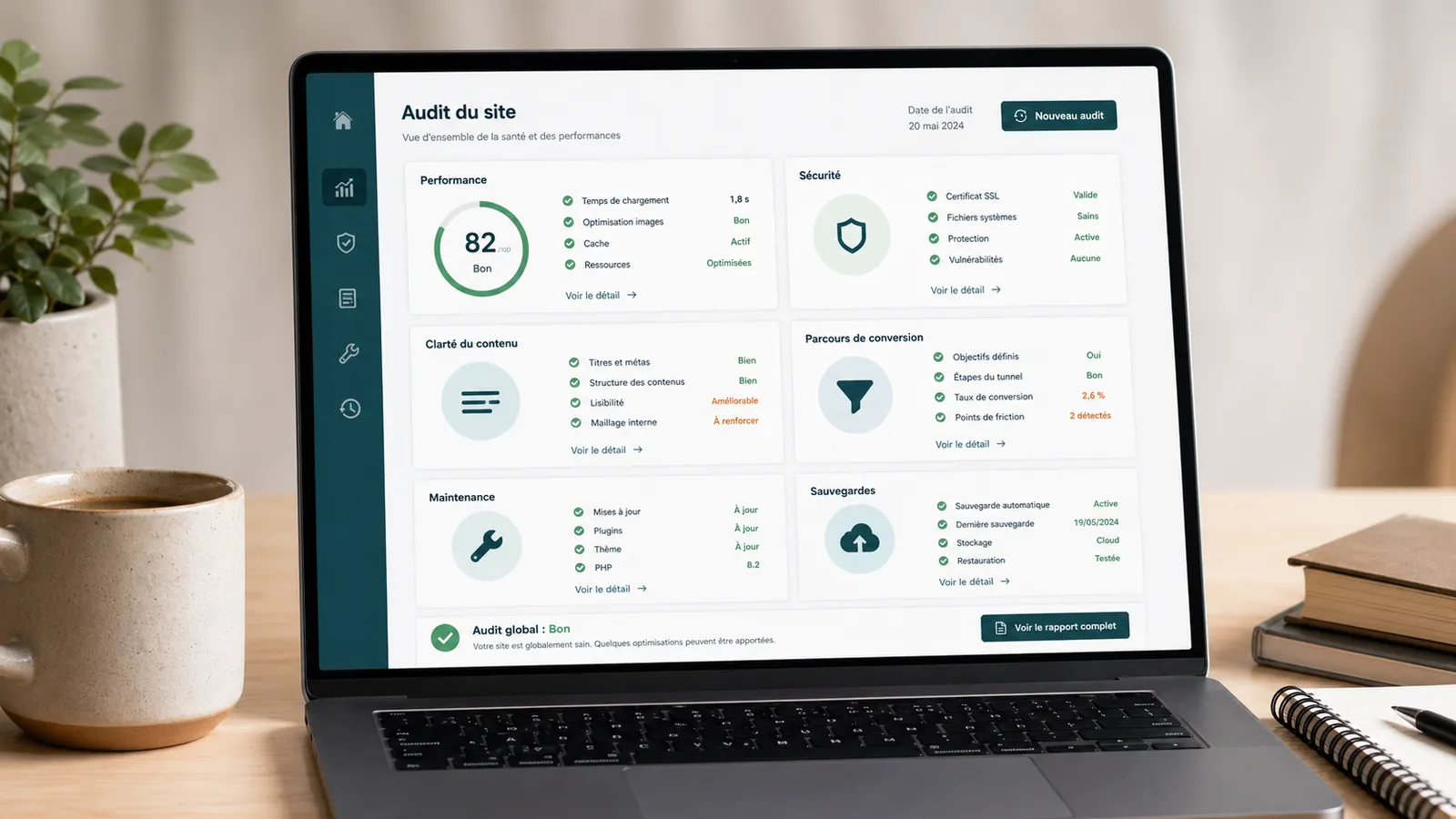
WordPress website audit: when is it really needed?
A WordPress website audit helps you determine whether your website needs maintenance, fixes or a redesign. Here is when it becomes useful.
Read the article