Change your WordPress provider: reduce the risk of downtime
Changing WordPress maintenance providers needs a method to reduce downtime risk: access, backups, DNS, hosting, tests and a gradual switchover.
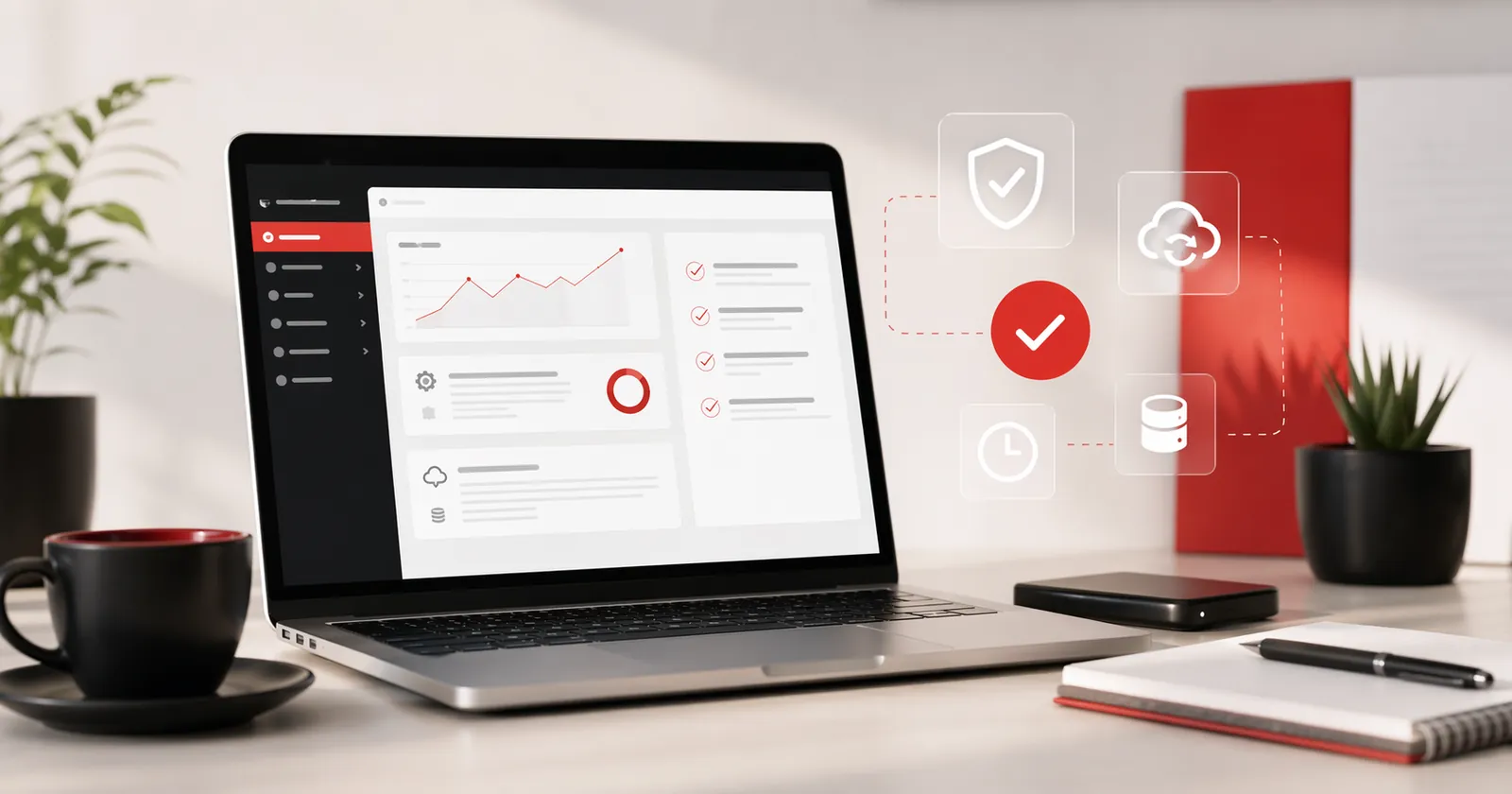
Changing WordPress maintenance providers is not a problem in itself. Websites change hands for simple reasons: a need for faster replies, an unclear contract, a new maintenance arrangement, a hosting change, the departure of a longstanding contact or a desire for better backup monitoring.
The risk appears when the transition takes place in disorder. One access is missing, the domain name is at the old service provider, emails go through the same hosting as the site, or an announced backup has never been tested.
The change must be prepared properly, with as little risk as possible for the site, emails, forms and Google visibility.
Why the change of service provider can create a cut
A shutdown rarely happens because a new service provider takes over the site. Rather, it happens because an element depended on the old service provider without it being visible: domain name, DNS, hosting, backups, emails or licenses.
You may have WordPress administrator access but no hosting access. Or hosting access but no domain access. Or control of the domain but not the email. Taking over then takes longer, because the system needs to be understood before it can be moved or maintained.
There may also be a dependence on the backups of the old service provider. If no one knows where they are, when they date and what they contain, any intervention becomes more risky. The article on the WordPress backup not found details this point.
Typical situation
Changing service provider does not always start with migration.
An association may want to change because requests take several weeks and no one knows where the backups are. The site still works, the emails are active and the domain is soon to be renewed.
In this case, the priority is first to list the access details, check the domain, map DNS and emails, retrieve a complete backup and test a copy of the site. The switchover comes next, when the sensitive points are known.
Before you change: clarify what belongs to you
Before migrating, cancelling or modifying anything, it is necessary to clarify ownership and access to key elements. Who controls the domain name? Who pays for the hosting? Where are the DNS managed? Where do the emails go? Who owns the admin accounts?
This stage is not an accusation against the former provider. Many unclear situations result from a long history: a website built years ago, staff changes, an old contract, tools added later or hosting taken over during an emergency.
While the current monitoring is mostly unclear, the article WordPress maintenance: clear tracking or ghost agency? can help ask the right questions without dramatizing the situation.
Access to gather before any switchover
A clean transition begins with an access list. Without this list, you can sometimes take over a site, but with more risk and more uncertainty.
- WordPress admin account.
- Hosting access or server panel.
- SFTP or FTP access to files.
- Database access or management tool.
- Domain name account and DNS management.
- Email accounts or tool that hosts them.
- Existing backups.
- Search Console, Analytics or Matomo.
- Useful licenses related to the theme, plugin or builder.
If several access details are missing, the subject becomes a regain of control before being a change of service provider. Article recovering access to your WordPress website This part is reproduced in detail.
Save before touching the site
A copy of the current status of the site must be created prior to a resumption. Even if the site appears to be old, slow or poorly followed, it remains the reference version: pages, media, settings, forms and sometimes items that are not documented anywhere else.
A serious backup must cover the files and database. A migration plugin can help, but it does not always guarantee that the restoration will work. If the site is heavy, old or unstable, it is best to test the copy in a separate environment.
Without a reliable backup, a simple update can become risky. This is exactly the scenario described in the article. update WordPress that breaks the site.
DNS, hosting, emails: the three sensitive points
The WordPress site is only part of the topic. A cut often happens around the DNS, hosting or emails.
The DNS indicates where to point the domain. A bad modification can cut the site, emails or both. Before any changes, you must note the existing records: site, emails, SPF, DKIM, DMARC, subdomains and external tools.
The hosting carries the site. If you change hosting, check PHP, database, memory limits, HTTPS, cache and redirects. Page WordPress hosting in France describes how we prepare a migration. The emails ask for the same caution: many managers think they only change the site, and then discover that the professional boxes depend on the same account.
Test the takeover before changing the live website
A good transition is not made directly on the visible site if the stake is important. The safest is to test a separate copy of the site: preproduction environment, protected subdomain or temporary installation.
This test makes it possible to check that the site is restored, that the administration remains accessible, that the main pages are displayed, that the forms are working, that the HTTPS is ready and that the critical plugins do not block.
If the test reveals a lot of fragility, it is better to know it before the switch. The right decision can then be to correct a few points, to predict a more cautious migration or to start with a site audit.
Plan the switchover with a rollback option
A smooth switchover needs preparation: an agreed time window, clear responsibilities, known steps, checks after the change and a way to roll back if something fails.
Minimum plan
- Check the backup before intervention.
- Prepare the new environment if hosting changes.
- Control home page, important pages, form and HTTPS.
- Monitor errors within hours.
- Keep the old environment available temporarily if possible.
- Check DNS, MX, SPF, DKIM, DMARC and receive emails.
A serious service provider does not promise that no incident can happen. Most importantly, it explains how the risk is limited and what is expected if the site does not respond as expected.
At the end of a resume diagnostic review, you need to know what's ready, what's missing, what can cut the site or emails, and what it's best not to touch too fast.
How to communicate with the former provider
Changing service provision does not require turning the relationship into a conflict. In the majority of cases, a clear and factual request is sufficient: admin access, transfer terms, recent full backup, DNS records, email information, licenses and contract termination date.
We would like to resume maintenance of the site with another contact. Can you provide us with the necessary access and information to ensure an uninterrupted transition?
If the service provider responds clearly, it is a good sign, even if some elements are not included or request a delay. If no one answers, the priority becomes to secure what is already accessible and ask for a resuming diagnostic review.
When to request a diagnostic review or go to maintenance
If the site is healthy, complete access details, clear backups and correct hosting, a WordPress maintenance can take over with a simple scope: updates, backups, security, support and small corrections.
If the site works but its condition is uncertain, the diagnostic review makes it possible to decide whether maintenance is sufficient or whether an audit is more prudent. If the site is already in difficulty, blocked, unstable or suspected of hacking, the priority is not to sign a maintenance: you must first stabilize.
The supply of WordPress maintenance: the scope of the service is consistent for a healthy brochure website. It is not meant to absorb in silence a complex recovery, a clean-up of hacking or a large technical debt.
Frequently asked questions
Can I change WordPress providers without taking the website offline?+
Yes, if the takeover is prepared: complete access, a verified backup, a website copy, testing outside production, DNS checks and a rollback plan. There is no such thing as zero risk, but a clear method avoids most visible interruptions.
What access do you need to get back before you change service provider?+
At a minimum you need WordPress admin access, hosting, SFTP or FTP, database, domain name, DNS, emails, backups, Search Console and measurement tools. Without these access details, recovery can be slower or more risky.
Should we warn the old service provider before the takeover?+
Yes, it is better to keep a clear and factual relationship. The request can be simple: recover access details, backups, hosting information and termination terms to organize a clean transition.
How long does a change of WordPress provider take?+
For a simple brochure website with the right access, the recovery can often be prepared in a few days. If access is incomplete, if the site is unstable, if the backups are unclear or if the domain is poorly controlled, more time must be allowed.
Does the change in maintenance mean changing hosting?+
Not always. If the current hosting is healthy, accessible and properly sized, it can be kept. A change becomes useful if the environment is too slow, too closed, poorly documented or too dependent on the old service provider.
What if the old service provider no longer responds?+
First identify what you already have: access to the domain, hosting, WordPress and email, plus invoices, backups and technical accounts. An assessment then establishes whether the website can be taken over directly or needs a more gradual recovery.
Conclusion: changing providers should bring clarity
Changing WordPress maintenance providers without visible downtime rarely depends on one technical action. It is a series of straightforward steps in the right order: access, backup, copy, testing, DNS, email, switchover and verification.
If your site needs to change hands, start with a no-obligation diagnostic review. The objective is to check access details, backups, hosting and the risk of shutdown before touching what is still working.
Read next.
WordPress Maintenance: clear maintenance or an absent agency?
Signs of an unclear maintenance agreement, evidence of actual maintenance and questions to ask before renewing your contract.
Read the article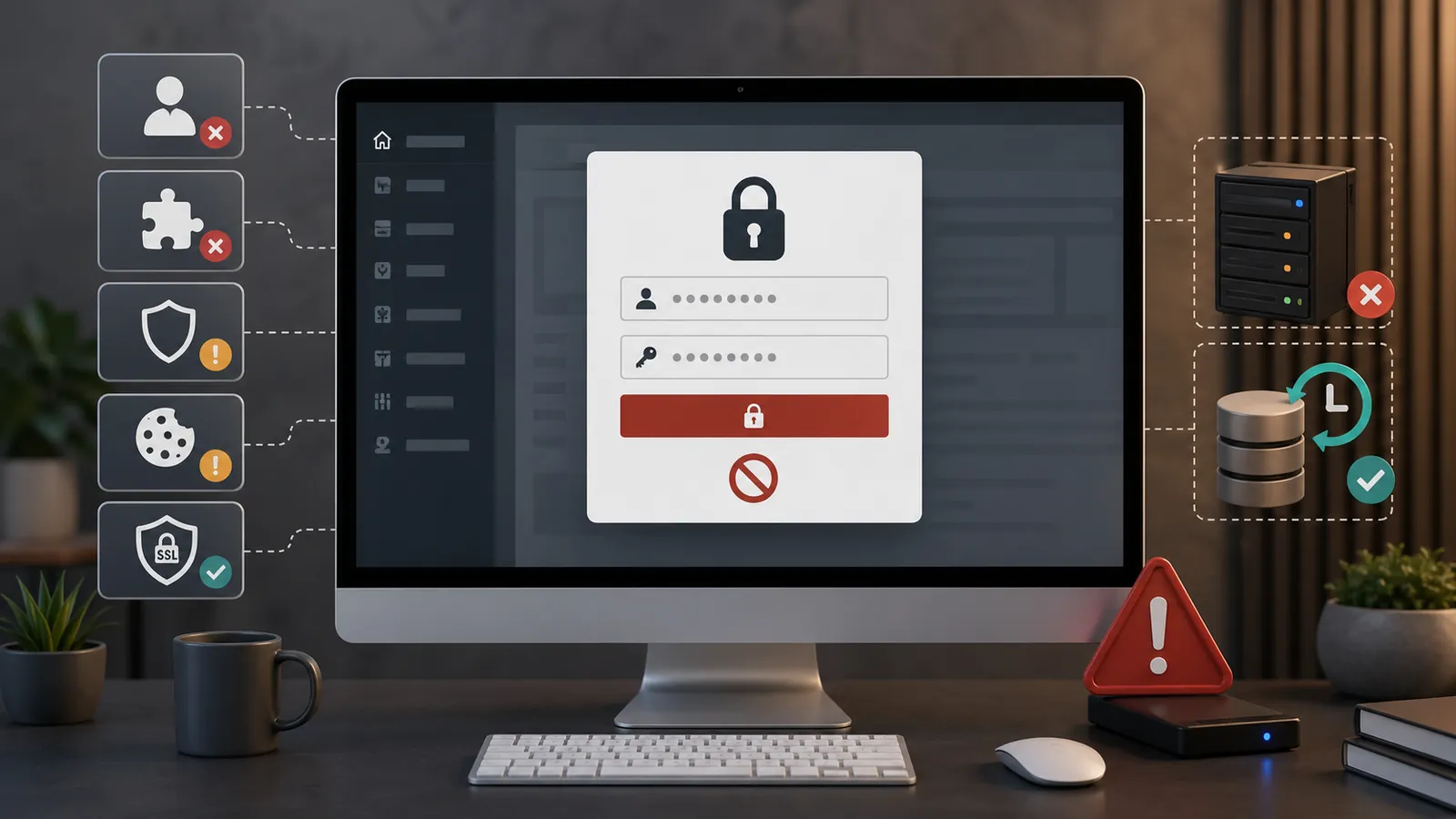
Recover access to your WordPress website: hosting, domain, emails and WordPress
Lost access to your WordPress website? How to regain control of hosting, your domain, email and administration safely.
Read the articleCannot access WordPress admin: what to check without making the problem worse?
Cannot access WordPress admin? Common causes and useful checks before making changes that could worsen the problem.
Read the article