Missing WordPress backup: why you should act quickly
A missing WordPress backup can turn a simple bug into a serious incident. Here is what to check and how to avoid losing control of the website.
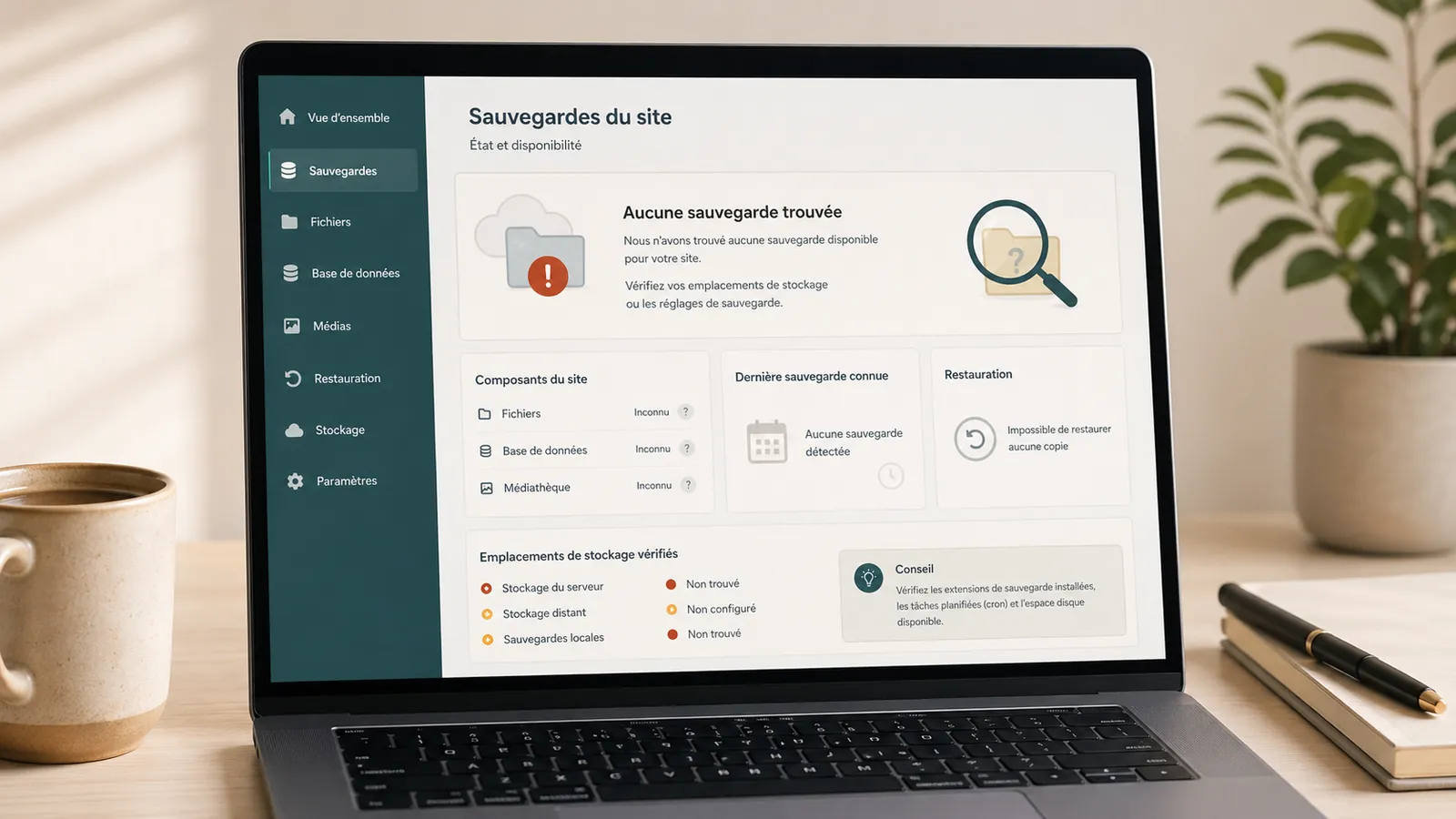
"There must be a backup somewhere." It is a common response when a WordPress website breaks, is hacked or loses content. But that assumption is not enough.
A missing WordPress backup immediately creates uncertainty: where is it stored, how old is it, does it contain the files, database, images, theme and plugins, and can it actually be restored?
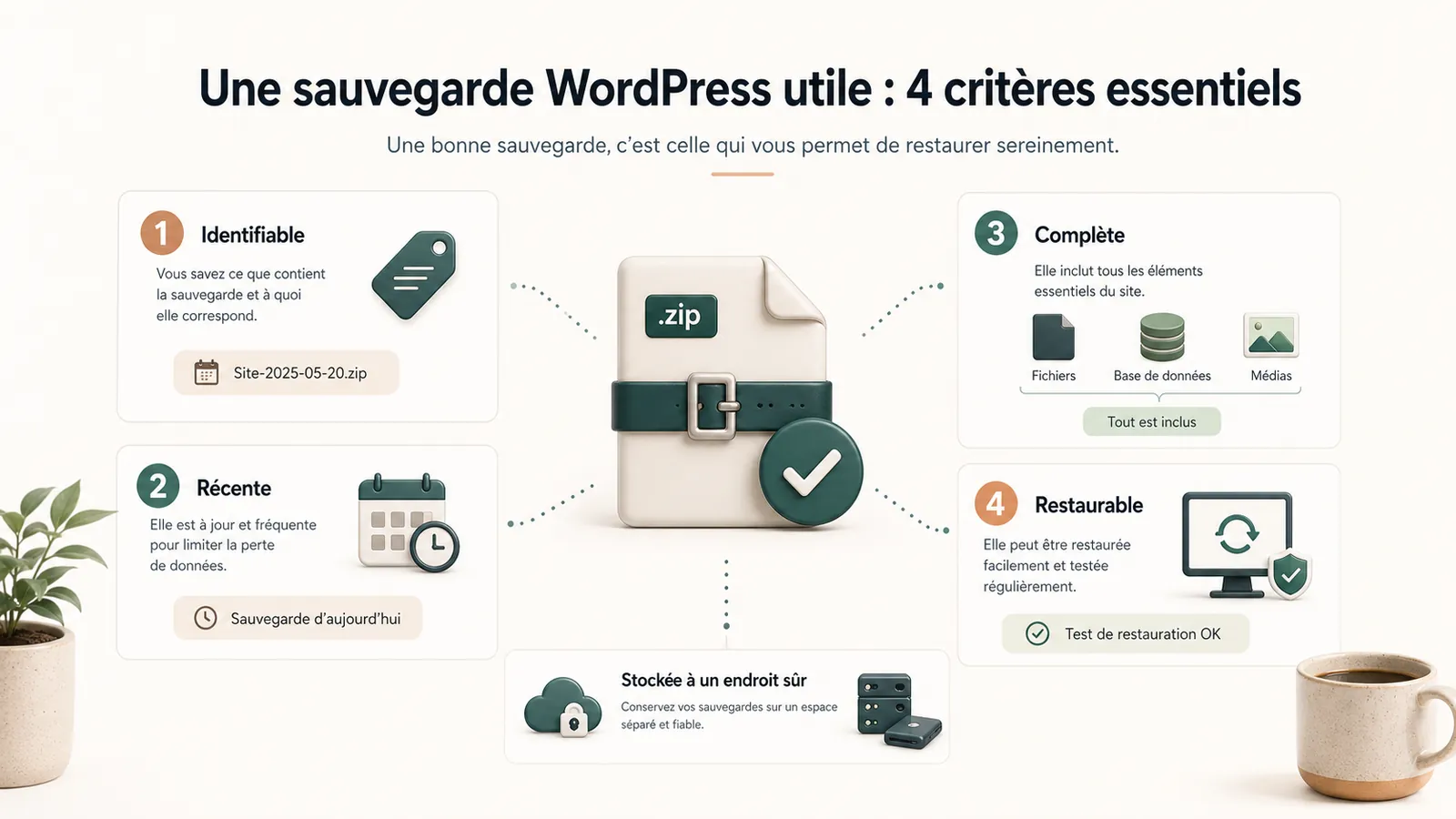
A useful backup must be localizable, dated, complete and restorable at the time the site needs it.
A missing backup changes the nature of the problem
With a reliable backup, an incident can sometimes be resolved quickly. Without one, every correction carries more risk: you must work on the current website without a clear way to roll back.
This is what turns a simple bug into a heavy repair: a update WordPress that breaks the sitedeleted content, mishandling, hosting failure or hacked WordPress website.
A backup provides a way back. If it is missing, impossible to locate or unusable, the website is harder to recover safely.
What a good WordPress backup should contain
A good backup should cover the site files, database, media, theme, plugins and useful configuration. Without the database, you can lose pages, articles, settings and forms. Without the files, you can lose images, theme or certain elements of the site.
Ideally, it also takes several versions. A single backup may be too recent, too old or already affected by the problem. Storage must be separated from the site: if everything is in the same place and the server blocks, the backup may become inaccessible at the time it is needed.
A recent backup is not always enough
A recent backup may contain the problem. If the site has been hacked for two weeks and the backup dates yesterday, it can restore an already infected site. In this case, restoration is not the first step: the page clean a hacked WordPress site without removing traces explains why the copy of the current state goes ahead.
Conversely, too old a backup can cause recent content to be lost: requests, pages, articles, forms, settings or images added since. A partial backup can restore only part of the site and leave the rest inconsistent.
An untested backup is a promise, not a guarantee.
For this reason, a useful backup must be identifiable, complete and restorable.
Why backups become unclear
Backups become unclear when no one really controls the site. Old service provider, change hosting, plugin installed then forgotten, lost access, deleted cloud space, local backups not found, no verification routine.
It's a classic symptom of WordPress site not maintained. The site still works, but no one knows exactly how to take it back in case of a problem.
What to do if you can't find the backup
Do not start by overwriting the current website. Even in a damaged state, it may contain useful information. Preserve what exists before making changes.
Check hosting provider, backup plugins, old emails, cloud spaces, folders transmitted by an old service provider and server files. If an incident is in progress, start with a no-obligation diagnostic review to avoid an action that would make recovery more complicated.
If no one knows who owns the hosting, domain or backup accounts, start with identify access details to be recovered Before restoring anything.
Where to look first
- The hosting provider's customer account and server snapshots.
- Back-up plugin installed in WordPress.
- Cloud spaces, old emails and folders transmitted by a service provider.
- FTP/SFTP files and database exports stored locally.
- Automatic backups linked to a maintenance offer.
Current incident
If the site is broken and the backup is not found, do not restore anything until you have copied the current state. Even if damaged, the site may contain files, contents or traces useful for recovery.
When hosting Can Help
Some hosting providers retain backups or snapshots. This can help, but check the limits: retention period, frequency, restoration method, included files and whether the database is available.
A WordPress hosting in France proper follow-up can make these topics clearer. But hosting alone does not replace a backup and verification method.
In an offer of maintenance and hosting, the interest is precisely to have a framework: where are the backups, what they cover, and who knows what to do if the site blocks.
How to avoid this problem in the future
It takes a simple routine: automatic backups, separate storage, multi-version storage, periodic verification, access documentation and identified manager.
A restoration test, even punctual, gives important information: the backup is present and can be used. This is what distinguishes an announced backup from a useful backup.
The article on the WordPress maintenance: the scope of the service explains what is covered by a framed tracking: updates, backups, security, support and small common fixes.
Key takeaway
A useful WordPress backup is identifiable, recent, complete and restorable when the site needs it.
Frequently asked questions
Where to find a WordPress backup?+
It can be found at the hosting provider, in a backup plugin, in a cloud space, in an old service provider or in the server files. The most important thing is to check if it is recent, complete and recoverable.
Can I restore an old WordPress backup?+
Yes, but this may result in the loss of recent content or the release of an outdated version of the site. Check the date, contents of the backup and what will be replaced.
Does WordPress maintenance include backups?+
Serious maintenance must include monitoring of backups: creation, preservation, verification and restoration capability if an incident occurs.
How do I know if a WordPress backup is complete?+
It must contain files, database, media, theme, useful plugins and important settings. The date and actual restoration capacity must also be verified.
What to do before restoring a WordPress backup?+
Before restoring, you must copy the current status of the site, check the date of backup, understand what will be replaced and ensure that the backup does not already contain the problem.
Conclusion: a backup must be usable
A missing WordPress backup is a serious issue. It is often what turns a simple incident into a major problem.
If your site is broken, hacked or unstable and you don't know what backup to use, start with a no-obligation diagnostic review. You will know whether to restore, correct or return the site under maintenance.
Read next.
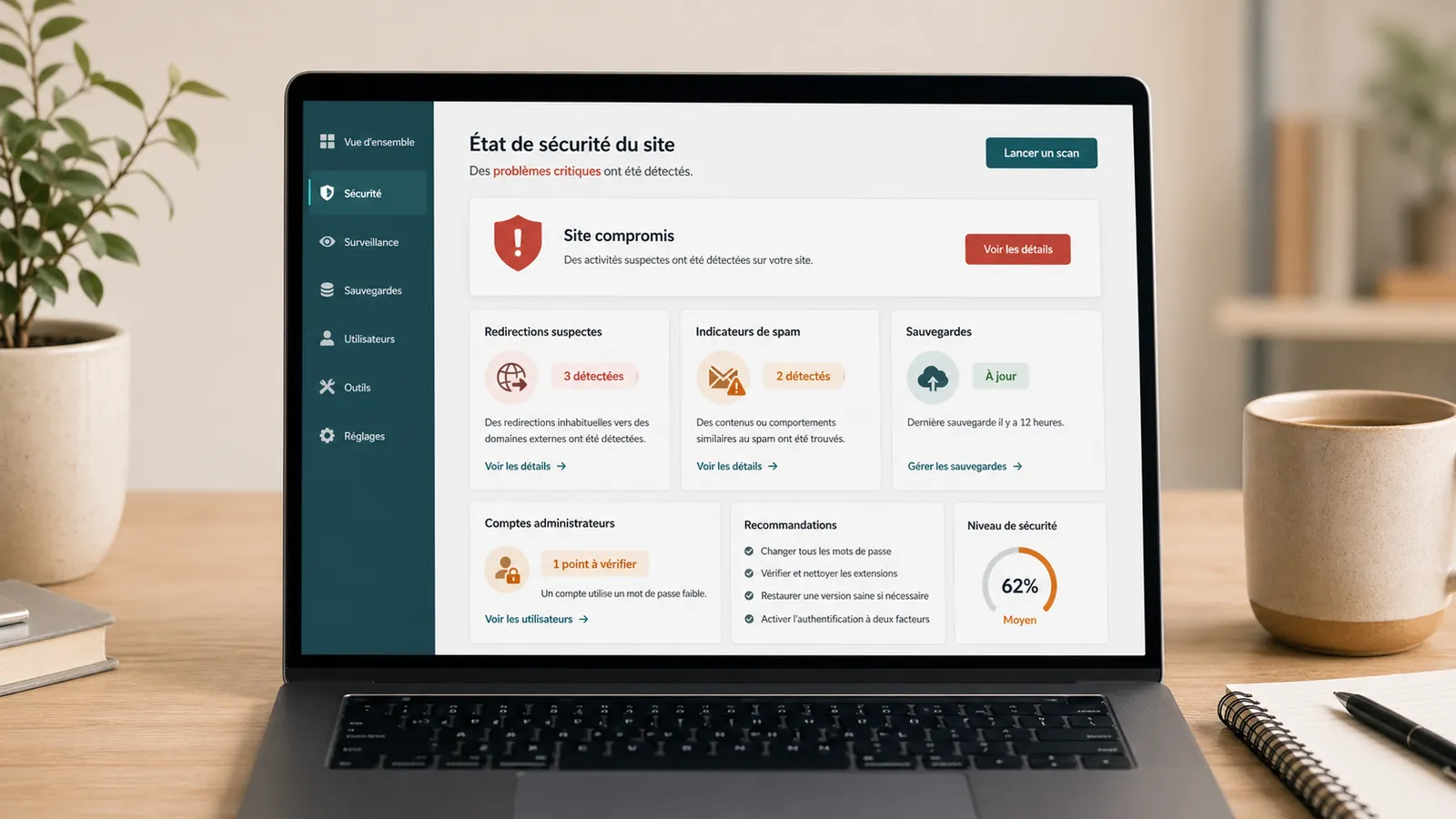
Hacked WordPress website: what to do without making things worse
WordPress website hacked? What to check, what to avoid and when to request a diagnostic review so cleanup does not make things worse.
Read the article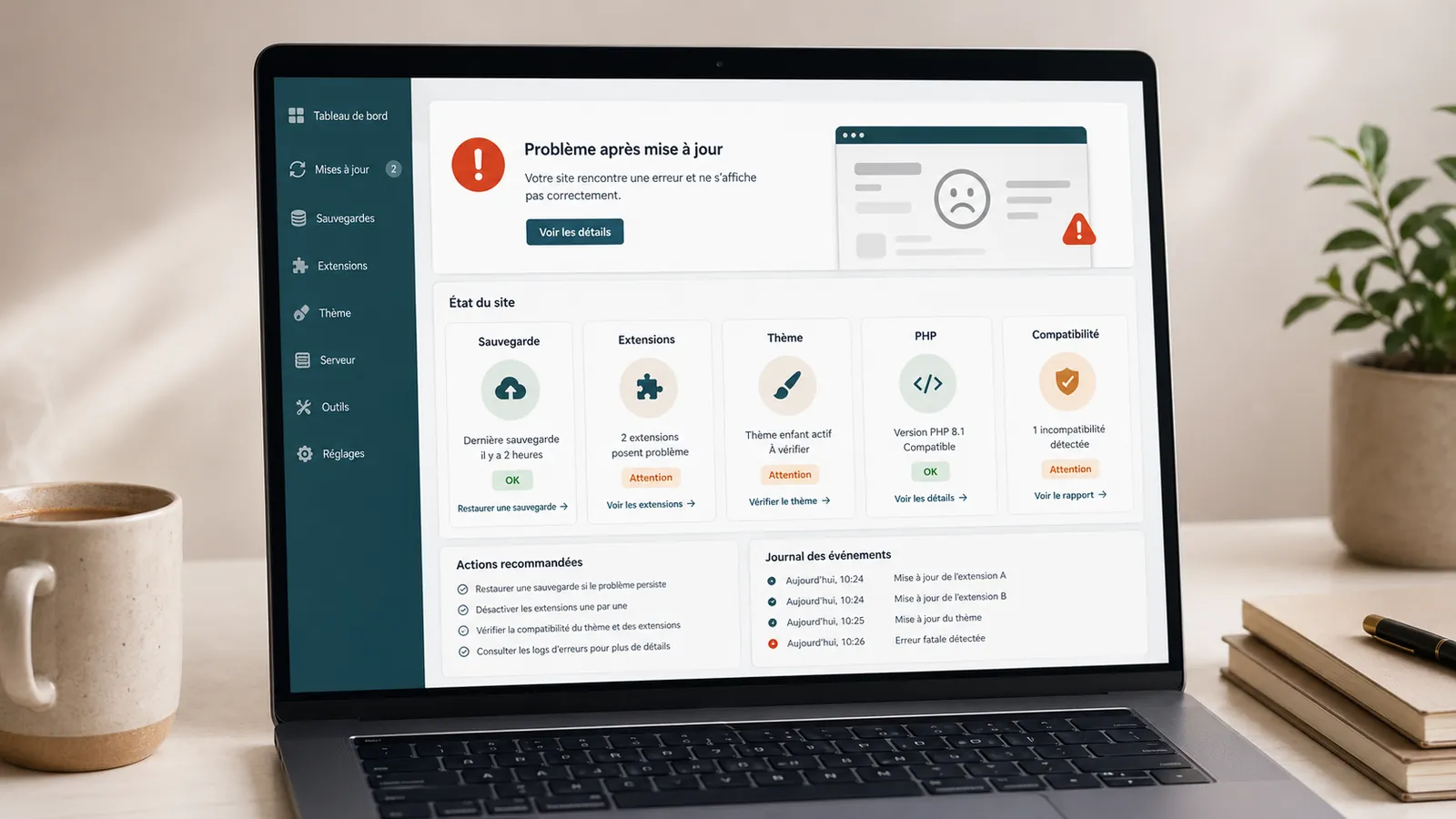
WordPress update broke your website: what should you do?
A WordPress update broke your website? What to check, what to avoid and when to request a diagnostic review before making fixes.
Read the article
WordPress critical error: what to do when the site displays an error message?
Does your website display 'There has been a critical error on this website'? Here is what to check, what to avoid and when to request a diagnostic review before making fixes.
Read the article