Recover access to your WordPress website: hosting, domain, emails and WordPress
Lost access to your WordPress website? How to regain control of hosting, your domain, email and administration safely.
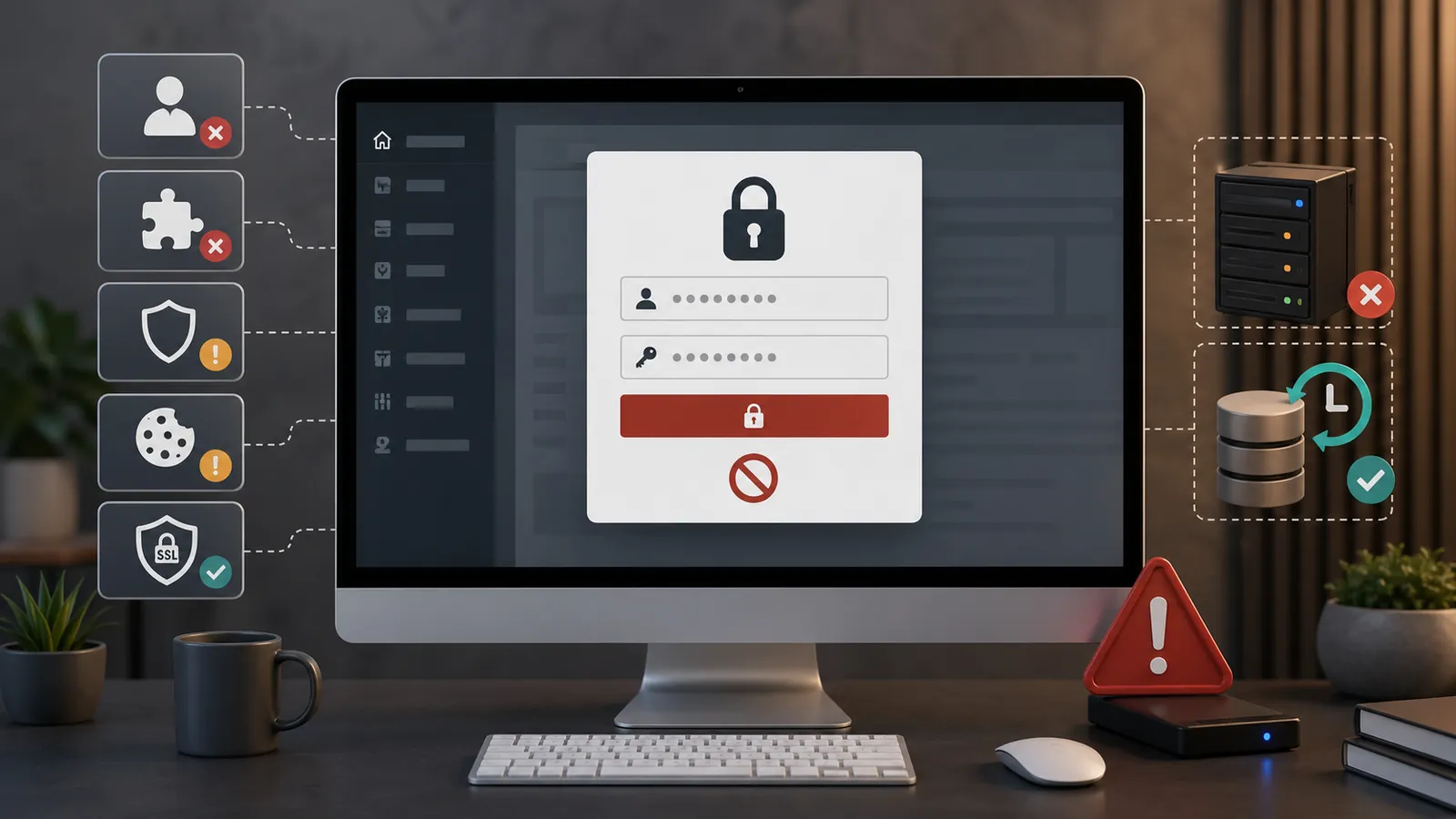
You have an online WordPress site, but nobody really knows where the access details are. The WordPress administration may be linked to an old address. The hosting is in the name of a service provider. The domain name was purchased several years ago by someone who is no longer responding. The emails still work, but you don't know who manages them.
This often happens after a website launch, a staff change, a relationship with an agency ending, a previous webmaster becoming unavailable, unclear maintenance or a takeover without technical documentation.
Taking over a website requires identifying four layers: WordPress, hosting, the domain name and email. If one remains outside your control, the website remains vulnerable.
Typical situation
Having WordPress does not mean controlling the entire site.
A law firm may still access its WordPress dashboard while no longer knowing which account manages hosting or the domain. The website remains online, but renewal invoices go to a former employee's old address.
The right approach is to separate WordPress, hosting, domain, DNS, emails, backups and measurement tools. Resumption must involve proof of ownership, official accounts and vendor procedures.
First, separate access details to recover
When a leader says "I no longer have access to the site", he can talk about several different things: WordPress administration, hosting, domain name, DNS, emails, backups, Google tools or licenses.
These access details do not have the same value and do not recover in the same way. A WordPress account allows you to modify the site. A hosting provider account allows you to take over the technical base. A registry account protects the domain. A recovery email box can sometimes reset everything else.
- Who can connect to WordPress?
- Who receives the reset emails?
- Which hosting provider hosts the website?
- Who controls the hosting customer account?
- Which registrar holds the domain name?
- Where are the backups?
- Who pays the bills?
- Who owns Search Console, Analytics, Matomo and useful licenses?
What to avoid when you don't have access
When access is blocked, the temptation is strong to look for a tutorial to get back in hand quickly. That is precisely where we need to slow down.
Avoid manipulations that create an admin account without validation, directly modify the database, overwrite files, move the domain or replace the site without verified backup. These actions can aggravate the situation, remove useful evidence or create a conflict with the historical service provider.
If you have only lost access to the administration, the article onadmin access WordPress impossible details the first checks. Here, we process the complete resumption of the site.
Recover admin WordPress access
Start with the normal ways: usual login URL, WordPress password recovery, email address associated with the account, spam, filtering rules and possible other legitimate administrator.
If the reset email does not arrive, the problem may come from an old address, from a problem sending the site or from confusion between several accounts. If no one has admin access, you have to go back to the top layer: hosting, domain, contracts, invoices and proof of ownership.
The context must also be kept in mind. An admin access that disappears may come from an error, but also from a security incident. If an unknown account appears, if the site redirects elsewhere or if the hosting provider reports an alert, one should consider hacked WordPress website.
Taking hold of the hosting
Hosting is the technical foundation of the site. This is where WordPress files, database, backups, PHP versions, logs, SSL certificate, sometimes email boxes and sometimes domain name are usually found.
Without access to hosting provider, you can sometimes continue to modify the site from WordPress. But you will remain dependent if the site breaks, if a backup needs to be restored, if the server is blocked or if the historical service provider no longer responds.
If the hosting is in an account owned by the former webmaster or an agency, ask for an official transmission: customer access, technical access required, full backup, renewal information, list of related services and end date of service.
Recover or secure domain name
The domain name is often the most sensitive point. If you lose the domain, you can lose the site address, emails, some of Google's visibility and accumulated confidence.
The official holder should be the company, firm, association or legal representative. Not just the webmaster, not a forgotten personal address, not an agency that bought the domain without clear transfer.
If the domain is in a provider's account, request a transfer or registration in the legitimate owner's name. If the provider does not respond, contact the registrar with available evidence: registration certificate, legal representative's identity, invoices, contract, trademark or historical correspondence.
Do not change DNS, MX or email settings without copying current values. A domain recovery carried out too quickly can cut the site, email boxes or both.
Don't forget emails and recovery accounts
Emails are often the main lock. An address like contact@example can receive customer requests, but also WordPress resets, hosting provider, registrar, Search Console, paid plugin, emailing tools and security services.
Check who administers email boxes, where they are hosted, which addresses are used to recover WordPress, hosting provider and domain, whether former employees or service provider still have access, and whether the messages on the form arrive well.
This point also counts for the forms. A site may seem to work while messages no longer arrive in the right box. The article on the WordPress form that no longer works Deal with this specific case.
Former webmaster absent: how to progress cleanly
An absent former webmaster doesn't always mean conflict. Sometimes the person has changed activity, the agency has closed, the contract never provided for the transmission or the project was delivered without technical file.
The first step remains a clear, calm and written request: WordPress administrator access, hosting provider used, customer account or transfer modalities, domain registrar, DNS, email boxes, recent complete backup, licenses and renewal information.
If the service provider does not respond, gather the evidence: contract, signed quote, invoices, payments, delivery exchanges, partial access, legal notices of the site, company documents, proof of brand or trade name.
Site blocked, hacked or inaccessible: treating the emergency
Access recovery becomes more urgent if the site is blocked, hacked, inaccessible or suspended by the hosting provider. Once access has been recovered, a site that redirects or hosts unknown accounts is subject to a WordPress cleaning after hacking: quote and steps It's not just a takeover.
First assess the immediate risk: is the website offline? Does it redirect to another domain? Is it sending spam? Has the hosting provider reported malware? Does Google display a warning? Is email affected?
If theHosting provider blocks WordPress site, read the exact reason before requesting reactivation. Malware or spam requires a different response from non-payment or excessive resource use.
If the site no longer responds at all, start by distinguishing domain, hosting, SSL, update, plugin or hacking with the article WordPress site inaccessible: what to do.
Checklist of evidence to be gathered
Useful folder
- Extract of registration or proof of structure.
- Contract to create the site.
- Signed quote and invoices.
- Proof of payment.
- Delivery emails from the site.
- Old ID transmissions.
- Domain name invoices.
- Emergency list: blocked site, closed emails, near expiration domain.
After recovery: put the site under control
Retrieving access is not enough. Once the hand is taken over, you have to put it in order: admin accounts, recovery email addresses, double authentication, domain with the right name, renewal date, hosting, backups and email services.
Then check the technical basis: updates, abandoned plugins, theme used, available backups, form, HTTPS, performance, security alerts, Google tools and paid licenses.
Once the site has been clarified, a maintenance with hosting may help prevent the same situation recurring, with monitored backups, checked updates, documented access and a named contact.
When to ask for a diagnostic review
Ask for a diagnostic review If you do not know where the website is hosted, the previous webmaster is unresponsive, the domain belongs to a third party, recovery email accounts are lost, the website is blocked or providers are passing responsibility between them.
The diagnostic review is used to answer a simple question: what is missing to take over the site without damaging it? The follow-up can be access recovery, migration, security intervention, audit, or maintenance refit.
Frequently asked questions
Where to start when site access is incomplete?+
Start by distinguishing what is missing: WordPress, hosting, domain name, DNS, emails, backups or measurement tools. The aim is to identify the right supplier and proof of ownership to be collected before any takeover.
What if the old webmaster doesn't answer?+
Collect the contract, invoices, email exchanges, proofs of payment, domain information and proofs of ownership of the company. First ask for a clear transmission of access details. If the service provider remains absent, contact the relevant suppliers with this evidence.
Who must own the domain name?+
The official domain name owner should be the company, firm or legal representative. If the domain is in the name of a third party, a transfer or correction of the holder must be arranged with the registrar.
Can we recover a WordPress site without access hosting provider?+
Sometimes yes if a legitimate WordPress administrator can export the site and contents. But for a complete recovery, hosting provider access remains important: files, database, backups, emails, DNS, logs, security and renewals.
Why are emails linked to site recovery?+
Emails are often used to reset WordPress, hosting provider, registrar, Google tools and paid plugins. If the recovery address is an old inaccessible box, the recovery can block. We must check the critical email boxes from the beginning.
What if the site is blocked or suspended by the hosting provider?+
Read the exact reason for blocking before acting: malware, spam, resources, non-payment or administrative problem. Do not try to put the site online without understanding the cause. You need to secure access, check backups and fix the problem before reactivation.
Can 2Cafés help me prepare for recovery?+
2Cafés can help you make the inventory, identify missing accounts, prepare requests to suppliers and take over the site cleanly. Recovery must always involve legitimate access, proof of ownership and formal procedures.
Conclusion: Retrieve access, then reduce dependency
Losing access to a WordPress site poses a problem of continuity: who owns the domain, who manages hosting, who receives important emails, who can intervene if the site falls, who knows where the backups are?
Resumption must be based on evidence, formal requests and clear documentation.
If your site still depends on a former webmaster, an unknown hosting provider account or a lost email address, start with a diagnostic review. You will know what needs to be recovered, what is urgent and what needs to be put back under control before talking about maintenance.
Above all, you leave with a clear reading: the available access details, the missing access details, the proof to prepare and the adjustments not to be modified too quickly.
Read next.
Cannot access WordPress admin: what to check without making the problem worse?
Cannot access WordPress admin? Common causes and useful checks before making changes that could worsen the problem.
Read the article
Change your WordPress provider: reduce the risk of downtime
Changing WordPress maintenance providers needs a method to reduce downtime risk: access, backups, DNS, hosting, tests and a gradual switchover.
Read the article
WordPress website unreachable: what to do before you call someone?
WordPress website unreachable? What to check before acting: hosting, domain, SSL, updates, plugins, backups and signs of hacking.
Read the article