WordPress website blocked by its host: what should you do?
Has your host blocked your WordPress website? Possible causes and checks to make before relaunching it.

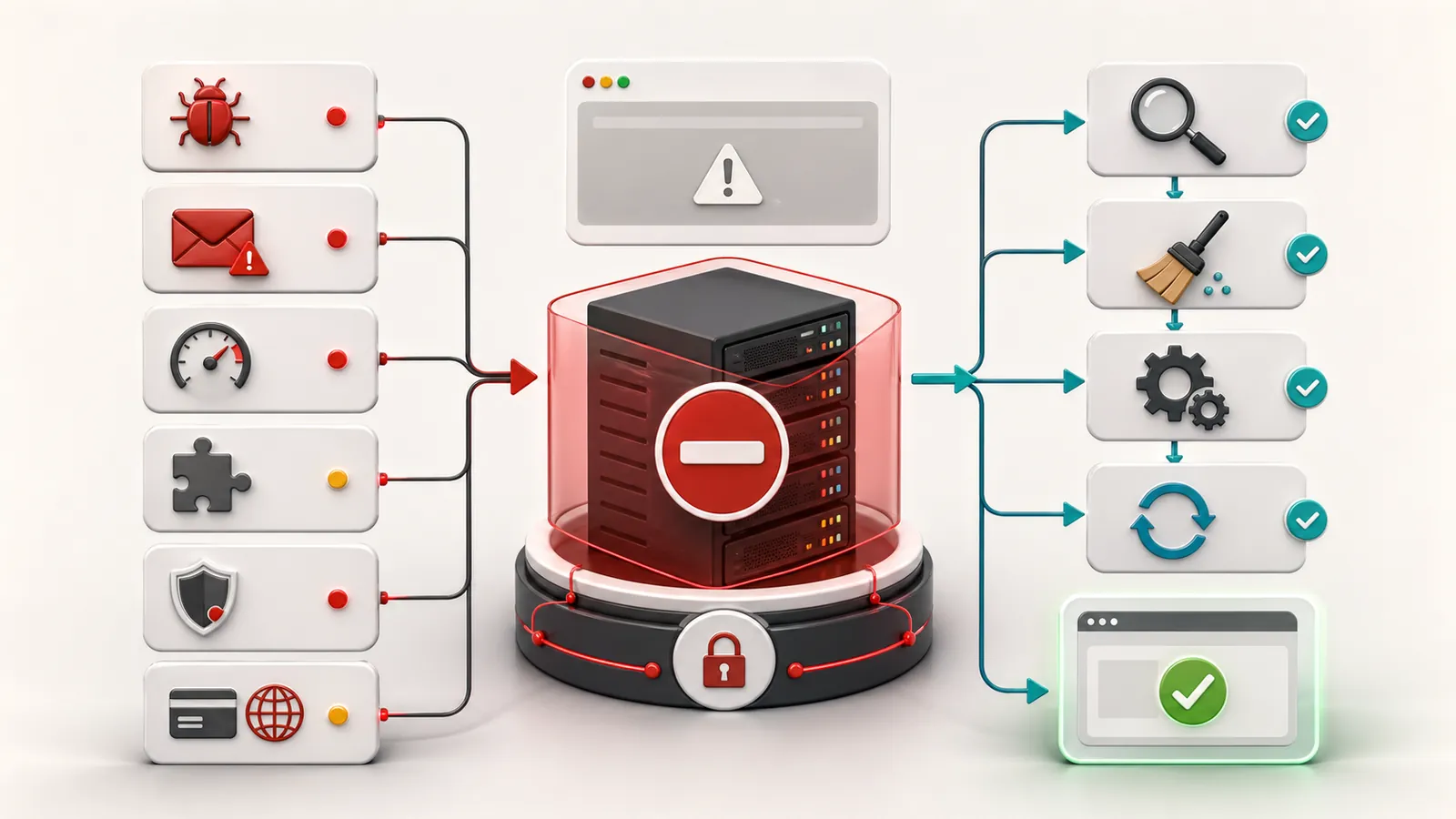
When a hosting provider blocks a WordPress site, the problem often exceeds the simple breakdown. The site can be suspended, isolated, disabled or limited to protect the server, visitors or email reputation.
The reflex must not be to put the site online as quickly as possible. First of all, we need to understand why the hosting provider blocked access.
If the message mentions malware, spam, infected file or suspicious redirection, the page WordPress emergency support allows to send the URL and the pattern of the blockage before requesting a reactivation.
The reason for blocking is the first useful information
The hosting provider usually gives a reason: malware, spam, suspicious files, excessive resource use, an exploited vulnerability, an abnormal script or an administrative issue.
This information directs the follow-up. A spam block is not treated as an over-resource. A malware block does not settle by deleting only one visible file.
Putting the site online without understanding the pattern of blocking can cause exactly the same problem to come up.
Frequent causes
The most serious causes are hacking, spam sending, infected files and malicious redirections. In these cases, the article on the hacked WordPress website gives the framework of reaction.
Blocking can also come from a site that is too heavy, from a plugin that consumes too many resources, from a poorly configured cache or from inappropriate hosting.
What should not be done?
Do not force the re-release without correction. Do not restore a backup without checking if it is healthy. Do not randomly delete the reported files if you do not know how they arrived.
If the problem comes from a site that redirects to another site, clean only visible redirection is not enough.
Useful checks
Retrieve the exact message from the hosting provider. Check reported files, date of blocking, available backups, latest updates, admin accounts and sensitive plugins.
If the site was already slow, old or poorly maintained, blocking may result from an accumulated problem. One WordPress site not maintained In many cases, these situations are made heavier.
When to ask for a diagnostic review
Ask for a no-obligation diagnostic review if the hosting provider mentions malware, spam, suspicious file, abnormal resources or if you don't know which backup to use. If the hosting provider talks about malware, spam or infected files, this is the page intervention on a blocked WordPress site for malware which explains the elements to be sent and the criteria of the quote before being put online. If the blocking threatens the upload or emails, you can also have the WordPress incident checked before requesting a reactivation.
Diagnostic review is used to determine whether to clean, restore, correct hosting, audit the site or re-establish maintenance.
Key takeaway
Understand why the hosting provider blocked the website before putting it back online. The reason for suspension determines the correction needed.
Frequently asked questions
Why would a hosting provider block a WordPress website?+
A hosting provider can block a WordPress site for malware, spam sending, excessive resource consumption, security flaw, suspicious file, non-payment or configuration problem.
What if my site is blocked by the hosting provider?+
You should read the reason for the blockage, do not put the site online without understanding, check the backups, clean up if necessary and correct the cause before reactivation.
Does a hosting suspension mean the website has been hacked?+
Not always, but it's a serious hypothesis if hosting provider mentions malware, spam, suspicious files or abnormal activity.
Read next.
WordPress website sending spam: what to check on the server
Has your host reported spam sent from your WordPress website or server? What to check before re-enabling email.
Read the articleMalware files reported: what should you do on WordPress?
Has your hosting provider detected malicious WordPress files? What to check, what to avoid and how to prepare cleanup without making the incident worse.
Read the article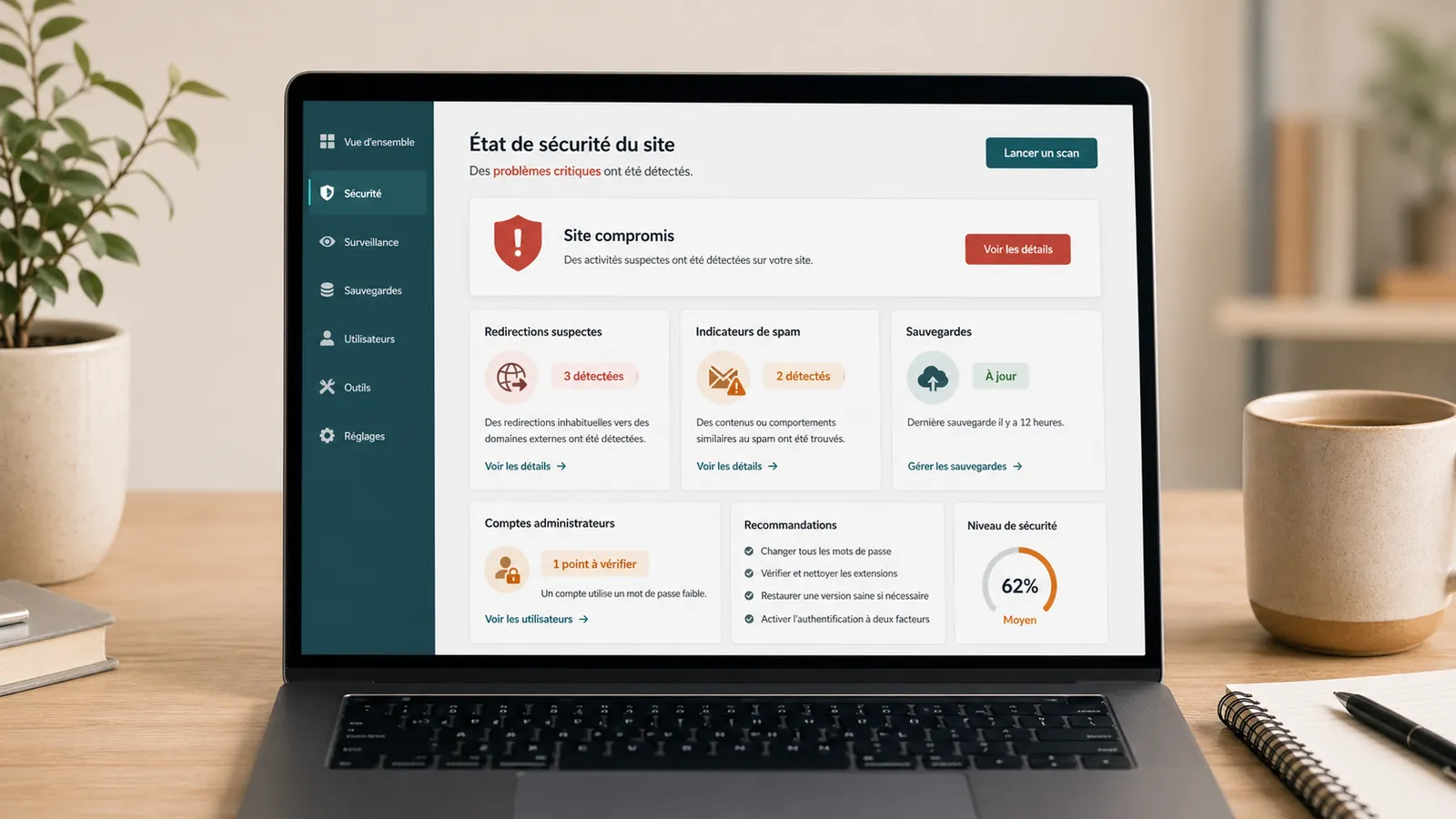
Hacked WordPress website: what to do without making things worse
WordPress website hacked? What to check, what to avoid and when to request a diagnostic review so cleanup does not make things worse.
Read the article