Malware files reported: what should you do on WordPress?
Has your hosting provider detected malicious WordPress files? What to check, what to avoid and how to prepare cleanup without making the incident worse.
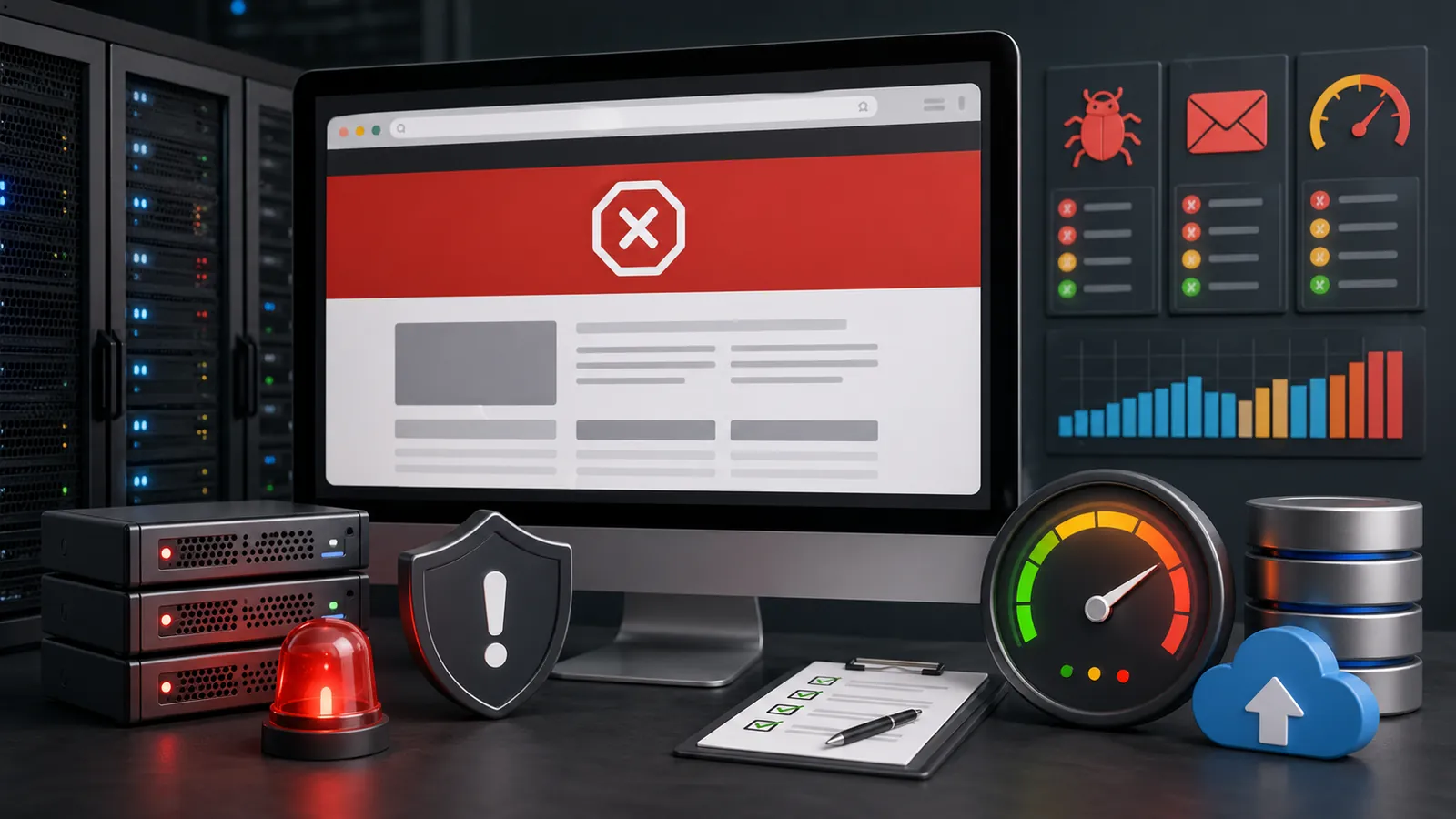
You receive a message from your hosting provider: detected malicious files, found malware, suspicious script, announced suspension or cleaning requested before reactivation. The WordPress site can still work, but the hosting provider has found something in the files or in the server activity.
The worst response is to delete the listed files at random. Some are infected; others are modified WordPress files, fake files in uploads, backdoors or only symptoms. If the cause remains active, the files can return.
The aim is to read the report, preserve useful evidence, clean WordPress thoroughly, secure access and respond to the hosting provider with verifiable information. Speed matters, but cleaning must be complete.
Quick response
Signal
Hosting provider's report
File paths, malware, suspicious script, outgoing spam or abnormal consumption.
Priority
Understand before deleting
A reported file may be a symptom. The entry point may be elsewhere.
To be kept
Report + backup
Keep file paths, dates, screenshots, messages and a copy of the current state.
What it means to detect malicious files
A host provider often monitors files, executed scripts, emails, server load, and some abnormal behaviors. When it reports malicious files on WordPress, it may come from a modified file, from a fake plugin, from a script placed in wp-content/uploads, a compromised theme, a vulnerable plugin or access used by someone else.
The site is not necessarily already blocked. The hosting provider can send a warning before suspension, place some files in quarantine, cut the sending of emails or request a correction within a specified time. The alert must therefore be treated as a real incident, even if the home page seems normal.
Read the report before touching the site
The hosting provider's message often contains the best clues. Before changing anything, note file paths, detection date, alert type, and actions already done by the hosting provider.
What should not be done too quickly?
Don't just delete the listed files without understanding how they got there. If an administrator account is compromised, if a vulnerable plugin remains active or if SFTP access is still circulating, infection may return.
Also avoid installing several security scanners in a rush, restoring an unknown backup, changing the theme to see whether the problem disappears or requesting reactivation without evidence of cleaning. These actions can mask symptoms without fixing the underlying problem.
Where suspicious files are often hidden
Malware files do not always have an obvious name. Some look like normal WordPress files, others are placed in folders where one rarely looks.
Uploads
PHP files should generally not appear in a folder for images or documents.
Plugin
An abandoned, modified or unknown plugin can provide an entry point or hide injected code.
Theme
functions.php, header.php or added files may contain a suspicious redirect or loader.
Root
index.php, wp-config.php, .htaccess or common name files can be changed.
Database
Scripts, users, options or spam content can survive even after file deletion.
Scheduled tasks
Cron tasks can recreate files or restart spam if they are not checked.
How to clean the site without making things worse
Effective cleaning goes beyond removing reported files. Identify the likely entry point, restore clean files, secure access and check that the problem does not recur.
- Keep hosting provider message, file paths and screenshots.
- Create a backup of the current state, even infected, before deletion.
- Check WordPress files, themes, plugins, uploads and server files.
- Control database, administrator accounts, planned tasks and redirects.
- Replace WordPress, theme or plugin files with clean copies from trusted sources where possible.
- Remove fake plugins, suspicious files, unknown accounts and unnecessary access.
- Change passwords and critical access: WordPress, hosting, SFTP, database and related accounts.
- Test the site, forms, emails, reported URLs and possible Google alerts.
To be sent for a diagnostic review
The hosting provider's report is the most useful piece. Even if it is technical, it avoids random cleaning.
Respond to hosting provider after cleaning
After cleaning, give the hosting provider a concrete response: explain which reported files were addressed, whether clean source files were reinstalled, which accounts were checked, which passwords were changed and which vulnerable plugins were removed or updated.
If the hosting provider has suspended the site, request a reanalysis or reactivation only when the main points are dealt with. Putting the site online too soon can trigger a new blockage or even complicate the relationship with the support.
What if the site is already suspended?
If the hosting provider has already blocked the site, first read the exact reason. A malware suspension needs a different response from a resource limit, unpaid bill or configuration error. The article on a WordPress site blocked by hosting provider details this scenario.
If Google also displays an alert, also read the guide on theGoogle site hacked alert. The two signals may be linked, but resolving them requires different steps.
When to ask for an intervention
Ask for help if the report mentions multiple files, if the site contains WooCommerce, if the backups are unclear, if you can't read the specified paths, if the site sends spam, or if the hosting provider threatens a quick suspension.
The budget is discussed after the first reading of the report and available access. An isolated file, an infection in uploads, an affected database, an active WooCommerce or a compromised server do not require the same work. In order to understand the criteria of the quote, the article on the hacked WordPress website cleanup page remains the right complement.
Frequently asked questions
Why does my hosting provider detect malicious files on WordPress?+
The host may detect suspicious code in WordPress files, the theme, plugins, uploads or server files. The website may appear to work while containing a backdoor, redirect, spam script or file disguised as legitimate.
Should the files reported by the hosting provider be deleted?+
Not without a clear process. First keep the report, back up the current state and establish whether the files are the cause, a consequence or only part of the infection. Deleting files at random can break the site or erase useful evidence.
Is a security plugin enough to clean WordPress?+
A plugin can help identify suspicious files, but it does not replace a check of access details, admin accounts, files, database, plugins, redirects and backups.
How to respond to the hosting provider after cleaning?+
You must indicate the processed files, the changed access details, the updated or deleted plugins, the verified backups and the measures taken to prevent the alert from returning.
Read next.
WordPress website sending spam: what to check on the server
Has your host reported spam sent from your WordPress website or server? What to check before re-enabling email.
Read the articleWordPress website blocked by its host: what should you do?
Has your host blocked your WordPress website? Possible causes and checks to make before relaunching it.
Read the article
Hacked WordPress website: what to do without making things worse
WordPress website hacked? What to check, what to avoid and when to request a diagnostic review so cleanup does not make things worse.
Read the article