WordPress site that redirects to another site: what should you do?
WordPress redirecting to another website? Why this often signals a security problem and what to check before cleanup.

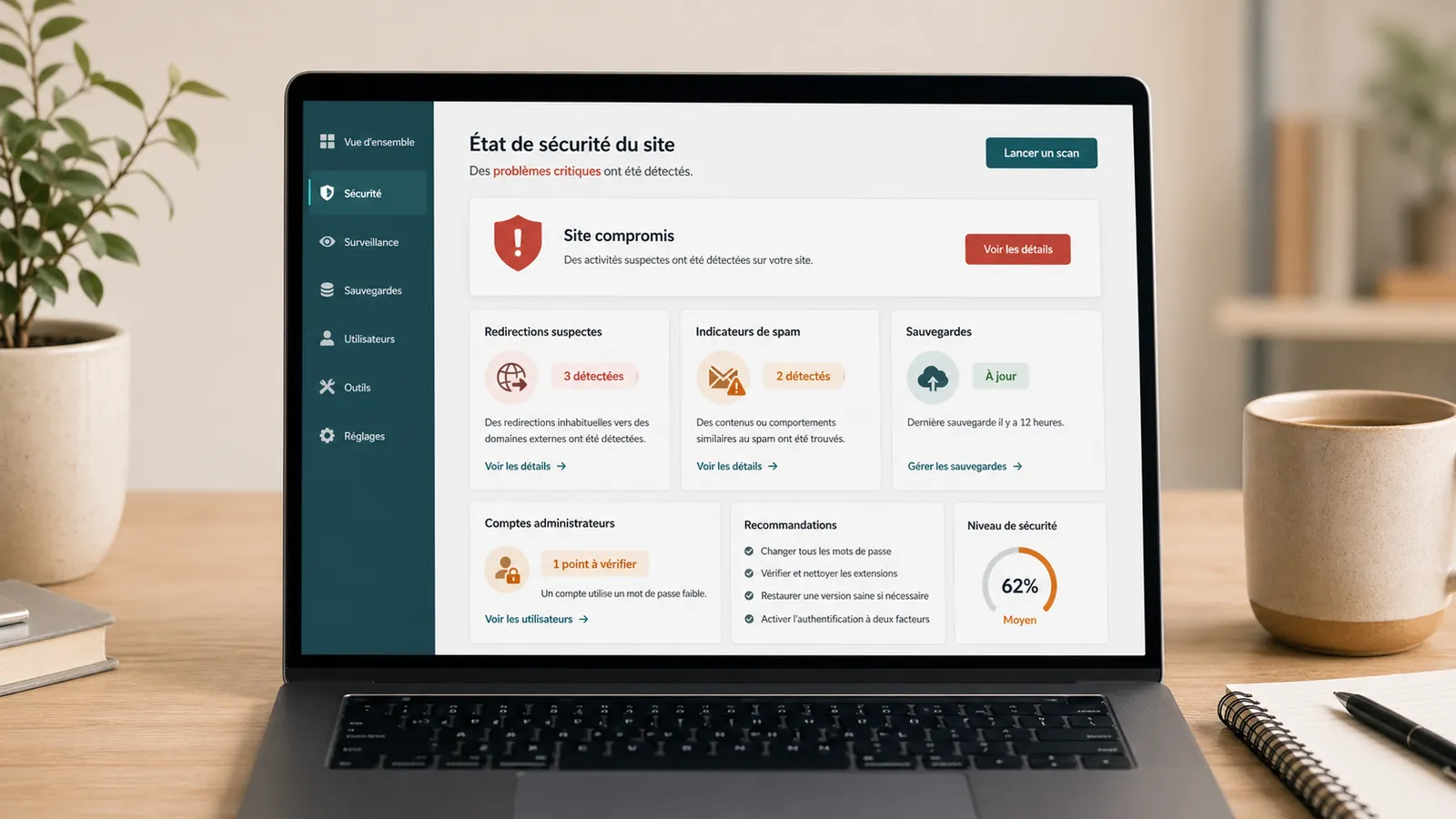
A WordPress site that redirects to another site is a sign to take seriously. The visitor arrives at your address and is sent elsewhere: unknown site, advertising page, browser alert or suspicious destination.
The problem can be visible all the time, only on mobile, only from Google, or only for some visitors. This irregularity makes diagnostic review more difficult.
Above all, it is necessary to understand how the redirection has arrived.
If the redirect is visible on the live website, keep screenshots, affected URLs and Google or hosting provider messages. The page WordPress emergency support allows to transmit these elements before cleaning.
Suspicious redirection is often a security issue
A redirect to another site may come from a wrongly configured redirect plugin. But when the destination is unknown, advertising or dangerous, the track of hacking becomes a priority.
A hacked WordPress website is not always seen on a spectacular page. It can simply divert part of the traffic.
A suspicious redirect often reports that an element of the site has been modified without control.
Possible causes
The redirection can be injected into a file, database, plugin, theme, server file or script added to a page.
It can also come from a cache that continues to serve an infected version, or from an old rule misunderstood. We must therefore look at several layers before correcting.

What should not be done?
Do not just remove visible redirection. If the entry point remains present, the problem may come back. Do not restore a backup without knowing if it is healthy.
A backup not found or unverified may complicate recovery. An infected backup can put the redirect online.
Useful checks
Note when redirecting appears: all pages, only Google, only mobile, only some browsers. Check the latest installed plugins, admin access details, hosting provider alerts and recently modified files.
Also check if the site is blocked, slow or reported as dangerous. A redirection can be accompanied by spam, suspicious files or blocking hosting provider.
When to ask for a diagnostic review
Ask for a no-obligation diagnostic review if the destination is suspicious, if the problem comes back after cleaning, if the hosting provider reports an alert or if you do not know which backup to use.
If the site is fragile, old or poorly monitored, a site audit may be necessary to understand how the vulnerability entered and avoid recurrence.
Key takeaway
Suspicious redirection must be treated as a security signal. Removing what can be seen is not enough if the cause remains active.
Frequently asked questions
Why does my WordPress site redirect to another site?+
Suspicious redirection may come from hacking, a modified file, a server rule, a compromised plugin, an injected script, a cache, or a poorly adjusted redirection configuration.
Does a suspicious WordPress redirect always mean a hack?+
Not always, but it's a serious lead. Check files, plugins, database, server rules and backups before concluding.
Should we remove the visible redirect right away?+
No. Delete only what is seen can leave the cause active. We need to understand where the redirection is injected and why it has appeared.
Read next.
Hacked WordPress site with Japanese pages: what should you do in Google?
Japanese pages in Google while your WordPress website looks normal? What to check, what to avoid and how to prepare cleanup while preserving useful evidence.
Read the articleHacked WordPress cleanup: quotes, timing and cleanup steps
Redirects, malware, Google warnings or spam pages: pricing criteria, timing and what to send for a WordPress cleanup estimate.
Read the articleHacked WordPress website: what to do without making things worse
WordPress website hacked? What to check, what to avoid and when to request a diagnostic review so cleanup does not make things worse.
Read the article