Unmaintained WordPress website: what are the real risks for a small business?
An unmaintained WordPress website can become slow, vulnerable or difficult to fix. Here are the real risks for a small business and when to request a diagnostic review.
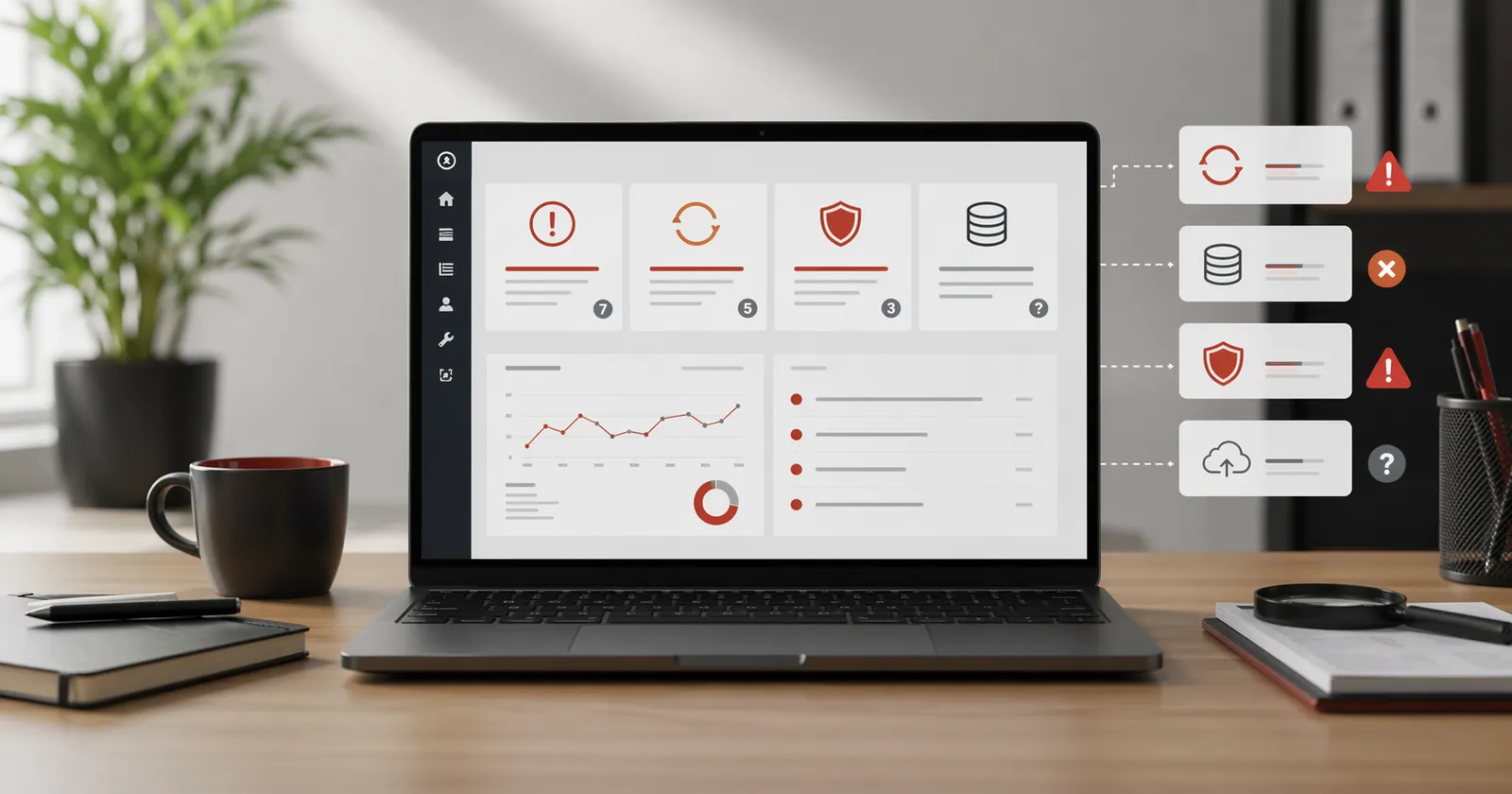
An unmaintained WordPress site can give the impression that everything is fine. It appears, the main pages respond, the form seems still in place. Yet the risk goes beyond a sudden cut.
The risk comes mainly from accumulation: ignored updates, WordPress backup not found, old plugin, progressive slowness, unclear access, small visible error that no one fixes. The site continues to exist, but it becomes more difficult to understand, secure and resume.
This control is used to determine whether your site simply needs a WordPress maintenance or if you first have to go through a regular diagnostic review to understand its real state.
An unmaintained WordPress site can work... until the day it blocks
A site can stay online while being fragile. The absence of a visible breakdown does not mean that the base is healthy. This is often the trap: as the site still responds, no one checks backups, plugins, access details or updates.
The problems of an unmaintained website are not always visible. They often emerge when urgent action is needed.
At that time, the site became a black box. We no longer know exactly who installed it, what has been modified, what plugins are indispensable, or what will happen if we update everything at once.
It is precisely the role of a diagnostic review: to look at the state of the site before choosing a solution. It can show that maintenance is enough. It may also reveal that a deeper basis needs to be corrected before a monthly follow-up is resumed.
Risk 1: Updates build up
WordPress, themes and plugins evolve regularly. A single update is often straightforward. A backlog is riskier: uncertain compatibility, abandoned plugins, themes that react badly or functions that break without warning.
A useful update asks you to know what to update, in which order, with which backup available, and who checks that the site still works after.
A WordPress maintenance with a clear scope is used to avoid this accumulation effect. It keeps the site in a more predictable state, with less delay and less uncertainty at the next change.
Risk 2: backups are unreliable
Many sites have "a backup somewhere". But that is not enough. We need to know where it is, whether it is recent, whether it covers the files and the database well, and whether it can be restored in case of a problem.
A failure without reliable backup turns a simple incident into a heavy subject. Time is wasted looking for access, understanding hosting, finding a clean version, or repairing directly in production.
For a small business, this type of failure can become a commercial interruption: form unavailable, lost customer request, large page broken, image degraded at the wrong time.
Risk 3: security becomes unclear
Maintenance does not guarantee that no incident will ever occur. That would be too broad a promise. On the other hand, an unmaintained WordPress site increases blind spots: obsolete plugins, forgotten access details, certificates to monitor, exposed forms, old versions.
A hacked WordPress site is not always spectacular. It can send spam, display a strange page, redirect some visitors, slow down strongly or find itself blocked by the hosting provider. The owner sometimes only sees it after several days, and the cost of cleaning after hacking depends on the extent of infection, access and data to be preserved.
Follow-up is therefore used to reduce obvious negligence: keeping components up to date, identifying weak signals, limiting unnecessary access, and knowing what to do if something seems abnormal.
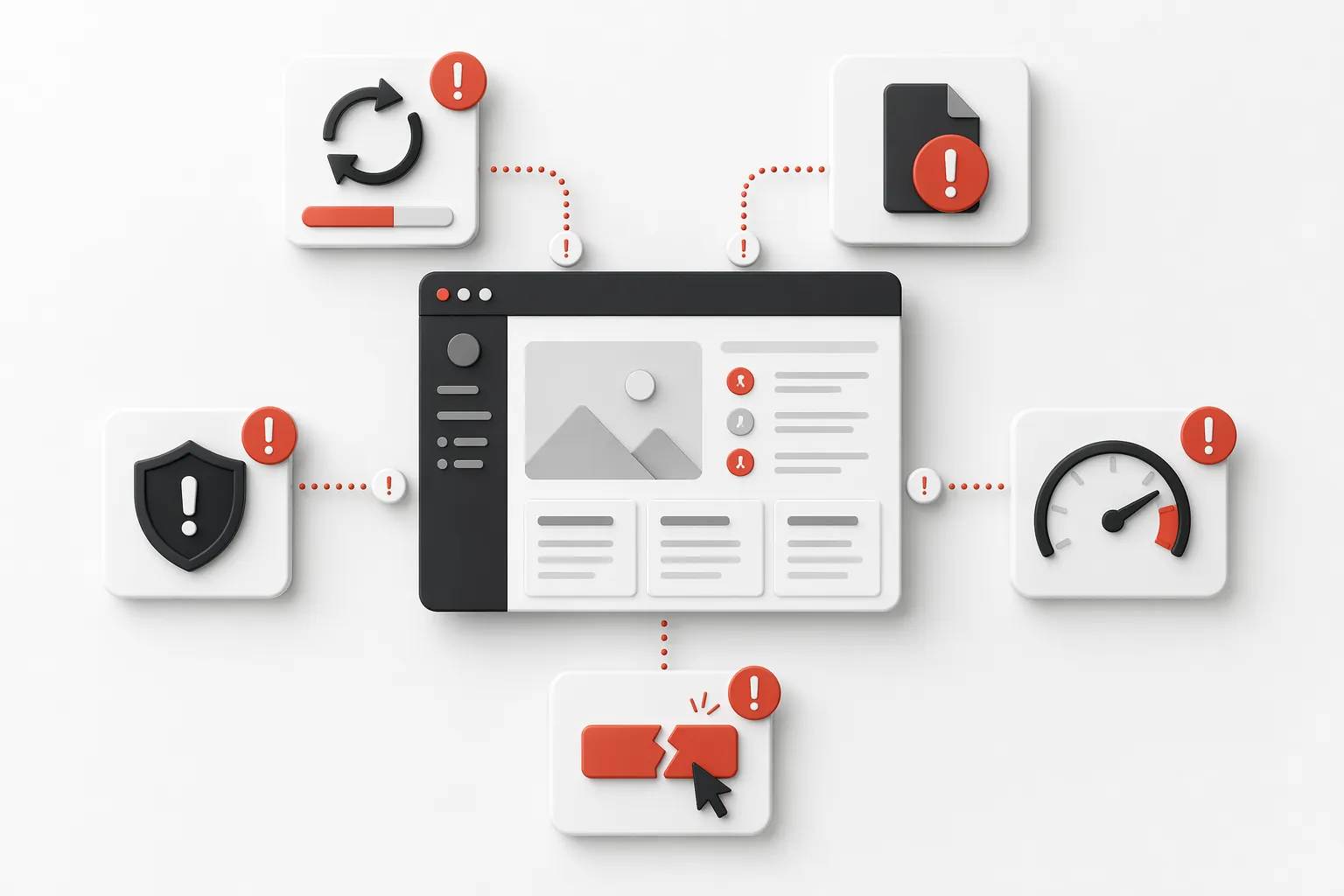
Risk 4: the site becomes slow or difficult to modify
Slowness often happens gradually. An image too heavy, a plugin added for a punctual need, a theme that is aging, a cache badly set, a base that is growing. No element seems dramatic alone, but the whole thing ends up weighing.
Same thing about the changes. Changing a button, correcting a text, adding a page or replacing an image should remain simple. When no one follows the base, each small request becomes longer, because it is first necessary to understand how the site holds.
If the problem already appears to be technical or structural, site audit can be more useful than just maintenance. It allows you to see what really slows down the site and what deserves a priority correction.
Risk 5: Your image is getting worse
For a small structure, the site is often consulted before the first contact. It serves as proof of seriousness. A neglected site therefore sends a weak signal, even if your work is good.
Outdated information, broken buttons, unreliable forms, slow pages, old notices or missing images can suggest that the business is poorly maintained. Visitors see these details before they know the context.
The risk is also commercial: to lose confidence even before you can talk with the prospect.
Signals to be monitored
Key takeaway
An unmaintained site is not necessarily broken. Above all, it is unpredictable: no one really knows what will happen to the next problem, the next update or the next urgent request.
When maintenance is enough
Maintenance is often enough if the site is generally healthy, if the main pages remain clear, if the content is still consistent and if the need is mainly for follow-up, security, backups and minor modifications.
The website then needs a clear support arrangement: a named contact, monitored updates, backups, a healthier setup and a simple channel for routine requests.
This is the typical case where the article on the WordPress maintenance: the scope of the service becomes useful: it explains what is included, what is not, and how far a monthly follow-up offer goes.
When you first have to ask for a diagnostic review
If the site is slow, unstable, difficult to modify, filled with unknown plugin, or if no one really knows what technical condition it is, it is best to start with a diagnostic review.
Same if the message is confused, if the structure is outdated or if you have a doubt about the quality of the base. In these cases, maintenance can keep the site online, but it does not necessarily correct the underlying problem.
The no-obligation diagnostic review serves to decide calmly: simple maintenance, audit, or deeper recovery via a Targeted redesign.
Sufficient maintenance if
- The site works globally.
- The main pages are still clear.
- Requests mainly concern minor changes or technical maintenance.
- You want to avoid forgetfulness.
Priority diagnostic review if
- The site is slow or unstable.
- Nobody knows what's been set up.
- The updates have not been made in a long time.
- You don't know if the site is still a good base.
Frequently asked questions
What are the risks of a WordPress site not maintained?+
The main risks are accumulated updates, missing or unusable backups, security flaws, gradual slowness and small visible errors that degrade the image of the site.
How often should a WordPress site be maintained?+
Schedule a regular review of important updates, backups and functions. Frequency depends on site activity and risk: a critical security patch or alert must not wait for the next monthly review.
When should you ask for a diagnostic review rather than maintenance?+
A diagnostic review is preferable if the site is already slow, unstable, difficult to modify or if no one really knows its technical condition. Maintenance comes next, once the base is clarified.
Conclusion: Clarify before repairing
An unmaintained WordPress site is not always an immediate problem. But it quickly becomes a unclear subject: no one knows exactly whether it is backed up, up-to-date, secure or simple to resume.
If your site still works but its tracking is uncertain, start with a no-obligation diagnostic review. You will know if it is enough to maintain it correctly or if you first need to correct a more fragile base.
Read next.
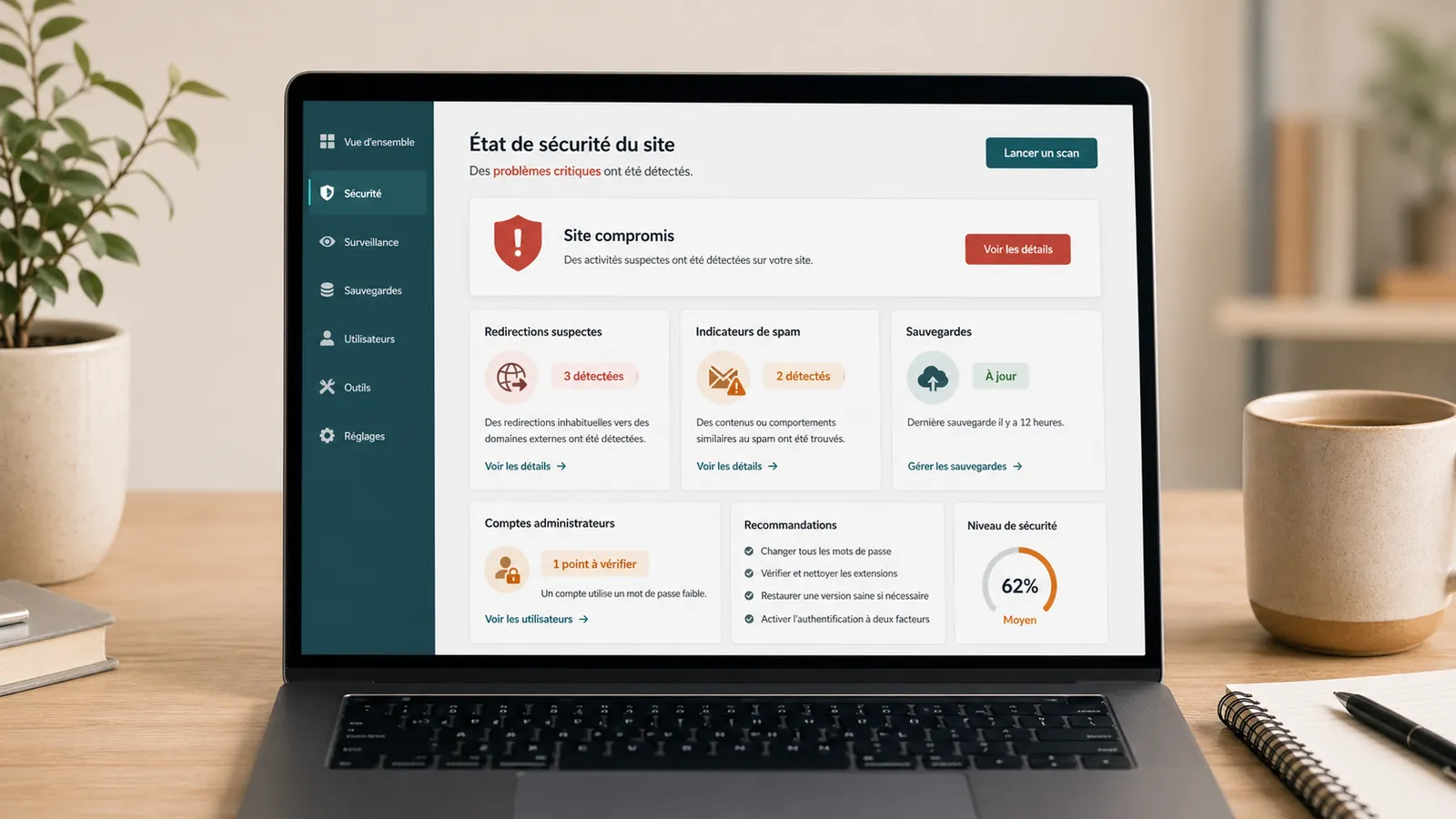
Google hacked-site warning: what should you do on WordPress?
Does Google warn that your WordPress website is hacked? What to check in Search Console, what to avoid and how to request a review properly.
Read the articleHacked WordPress site with Japanese pages: what should you do in Google?
Japanese pages in Google while your WordPress website looks normal? What to check, what to avoid and how to prepare cleanup while preserving useful evidence.
Read the articleHacked WordPress cleanup: quotes, timing and cleanup steps
Redirects, malware, Google warnings or spam pages: pricing criteria, timing and what to send for a WordPress cleanup estimate.
Read the article