Hacked WordPress site with Japanese pages: what should you do in Google?
Japanese pages in Google while your WordPress website looks normal? What to check, what to avoid and how to prepare cleanup while preserving useful evidence.
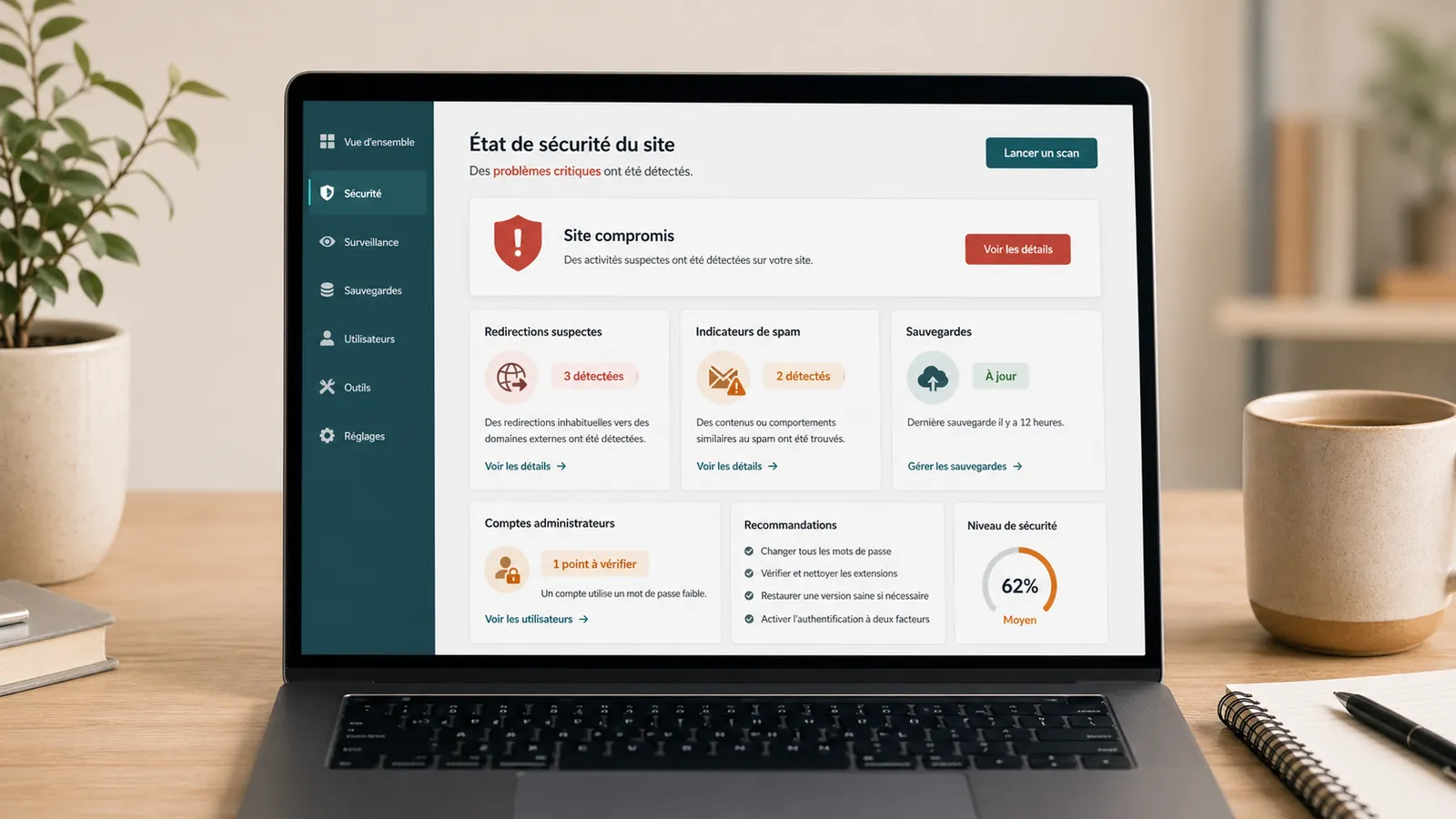
You type the name of your site in Google and you see pages in Japanese, Chinese or results that talk about casino, pharmacy or adult content. Yet, the homepage seems normal. The WordPress administration is still responding. There are no large alert messages.
This scenario often corresponds to SEO hacking. The site then serves as a support for spam pages that Google discovers, sometimes indexes, and then displays under your domain name. For a small business, a firm or a brochure website, the risk is twofold: loss of confidence on the visitors side and loss of visibility if Google links the domain with questionable content.
The immediate aim is to document, contain and clean without erasing useful evidence. This article focuses on Japanese pages appearing in Google: what they mean, what to check, what to avoid and how to regain control.
Quick response
Symptoms
Spam pages in Google
The site may seem normal, but Google displays unknown URLs attached to your domain.
Priority
Clean before unindexing
Asking for a Google deletion too soon does not serve if the pages are recreated.
For preparation
URL + screenshots + access
Search Console, hosting, WordPress, SFTP, database and date of discovery.
Why Google displays Japanese pages on a WordPress website
In many cases, the pages have been injected to capture traffic on queries unrelated to your activity. The attacker takes advantage of your domain, its seniority or its already known Google pages. The contents can be created in WordPress, in the database, in hidden files, via a fake plugin, redirection or server rule.
The trap: these pages are not always visible from the site menu. They can only appear in Google, in the results of the order site:votredomaine.frin Search Console, in logs or via unknown URLs. A normal visitor doesn't necessarily see them sailing from the homepage.
The signs to be checked
Before correcting, gather the signals. This makes it possible to distinguish a simple parasitic indexation from a wider infection.
What you shouldn't do right now
Avoid deleting pages one by one from WordPress without understanding how they were created. Also avoid restoring a backup at random: it may already contain the infection or cause recent data to be lost. A security plugin may help to spot suspicious files, but it does not replace a reading of files, database, accounts, access and Search Console.
Do not start by asking for the deletion of all URLs in Google if the site still generates the same pages. Google can remove them temporarily, then find them in the next pass. The cleaning of the site takes place before processing the index.
Steps to regain control
A case of Japanese pages is dealt with in several layers. The volume of indexed pages can impress, but the method remains the same: preserve, clean, secure, and then help Google to read the site properly.
- Make screenshots of Google results, affected URLs and Search Console messages.
- Keep a backup of the current state, even infected, before deletion.
- Check WordPress files, theme, plugins, uploads, server files and redirects.
- Control database, admin accounts, planned tasks and unknown contents.
- Replace WordPress files, themes or plugins with clean source files when possible.
- Change critical access details: WordPress, hosting, SFTP, database and related accounts.
- Remove or fix spam URLs, malicious sitemaps and active redirects.
- Ask Google to re-explore useful pages and, if necessary, temporarily remove spam URLs.
To be sent for a diagnostic review
The clearer the context, the faster the first reading of the incident can be. Even if you don't have all the access, send what you already have.
How long before Google displays a clean result?
Technical cleaning can sometimes be done quickly if access is complete and infection limited. The clean return in Google often requires more patience. The old URLs can remain visible a few days or weeks, especially if many spam pages have been indexed.
Search Console helps track the situation: URL inspection, recrawl request, indexing report, security issues and temporary deletions if necessary. But Google does not replace WordPress cleaning. If the pages still exist on the server side, they can come back.
When to ask for an intervention
Ask for help if Japanese pages appear on your domain name, if you don't know since when the site is hit, if the WordPress administration contains unknown accounts, if the hosting provider reports a malware or if Search Console displays a security alert.
If the site redirects some visitors to another domain, the article on the WordPress site that redirects to another site details this symptom. If the hosting provider has suspended the account, also start by reading the guide on the WordPress site blocked by hosting provider.
The budget is discussed after this first reading. A brochure website with a few spam URLs, a large volume of indexed pages, a WooCommerce shop or compromised hosting do not require the same work. To understand the criteria of the quote, keep the article on the cleaning a hacked WordPress site rather as a complement, once the scope is better understood.
Frequently asked questions
Why do Japanese pages appear in Google for my WordPress website?+
It's often an SEO hack: spam pages have been created or injected to take advantage of your domain. They may be invisible on the home page but present in Google, Sitemap, database, files or redirects.
Should Japanese pages be deleted one by one?+
No. Delete only visible URLs are not enough if the injection, compromised account, suspicious file or vulnerability remain active. First, you need to identify the origin, save the current state, clean up and then process indexing.
How long does it take to remove Google's spam pages?+
Technical cleaning can be quick in a simple case, but the complete disappearance of Google results can take several days or weeks depending on the volume of pages, Google's crawl, redirects and requests made in Search Console.
Is Search Console enough to fix the problem?+
Search Console helps identify affected URLs, request temporary removals and monitor recrawling. It does not clean the website. WordPress, files, the database, accounts, access and the likely cause must be addressed.
Read next.

WordPress website sending spam: what to check on the server
Has your host reported spam sent from your WordPress website or server? What to check before re-enabling email.
Read the articleMalware files reported: what should you do on WordPress?
Has your hosting provider detected malicious WordPress files? What to check, what to avoid and how to prepare cleanup without making the incident worse.
Read the articleGoogle hacked-site warning: what should you do on WordPress?
Does Google warn that your WordPress website is hacked? What to check in Search Console, what to avoid and how to request a review properly.
Read the article