Slow WordPress website: identify the cause before fixing it
Is your WordPress website slow to load, especially on mobile or in the admin area? Here is how to distinguish hosting, theme, plugins, images and caching problems.
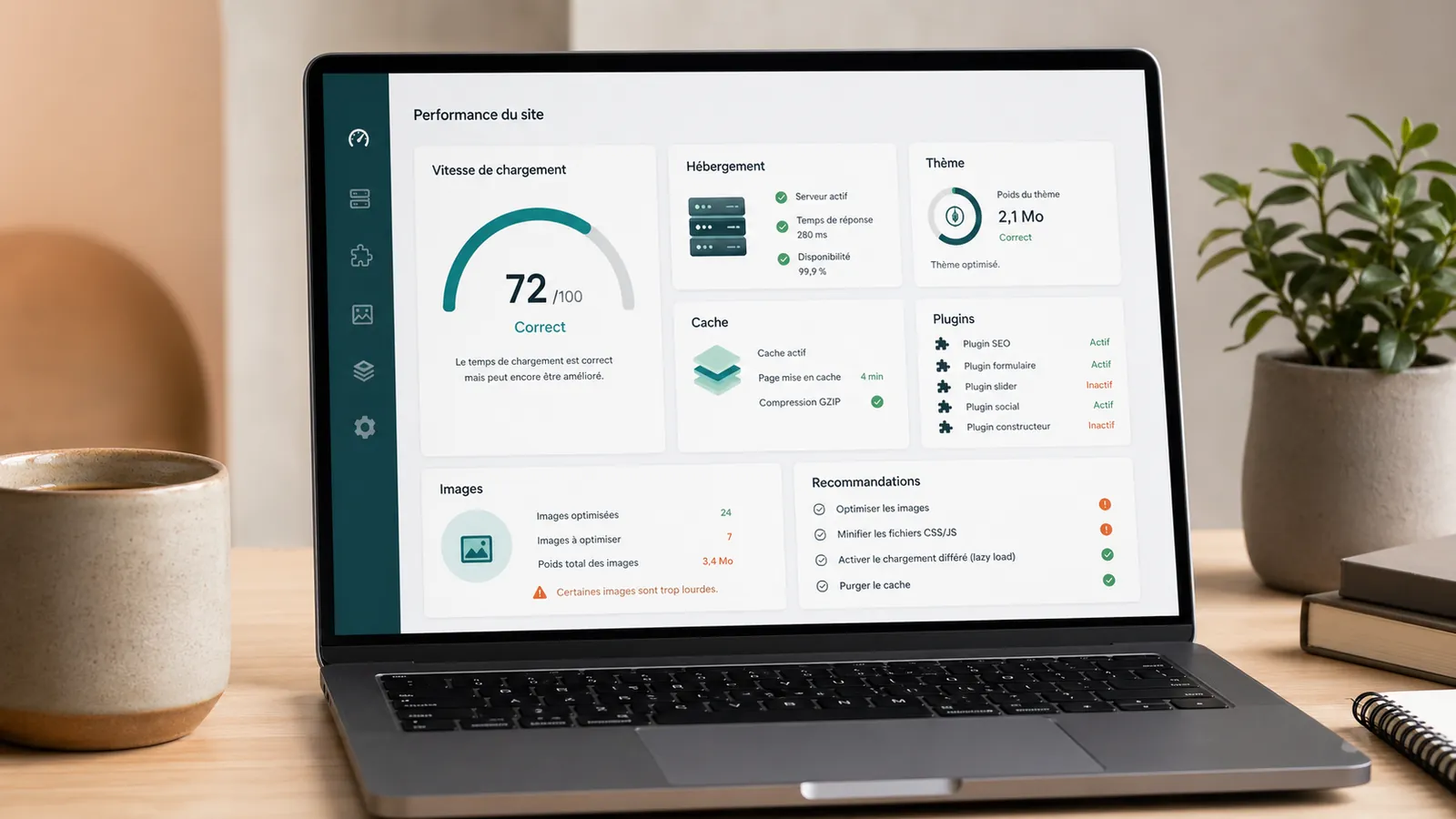
A slow WordPress website does not necessarily mean poor hosting. An overloaded theme, too many plugins, unoptimised images, missing caching or an ageing technical setup can also slow it down.
For a small business, slowness can cause a prospect to drop before the form. A page that loads badly gives an impression of negligence. A slow WordPress administration is wasting time with every small modification.
The trap is to correct at random. We change hosting provider, we install a cache plugin, we compress some images, then the site remains painful. The cause wasn't necessarily there. Changing hosting provider without diagnostic review, sometimes means paying more to keep the same problem.
This article is for sorting purposes. Not to transform a small business leader into a technician, but to understand the possible causes before asking for a WordPress maintenance, audit or a no-obligation diagnostic review.
A slow WordPress site does not always have a single cause
Slowness is rarely an isolated problem. Average hosting can become acceptable with a clean site. Good hosting can stay slow if the theme loads too many scripts. One page can be fast, while another block because of too heavy a picture or a poorly integrated form.
Before correcting, the cause must be identified. Otherwise we pay for the wrong solution.
It is for this reason that automatic responses must be avoided. "We have to change the hosting provider" or "just install a cache" can be right in some cases, but not in all. The right reflex is to look at where slowness comes from.
The first clue is often the context: is the site slow everywhere, only on mobile, only in the WordPress administration, or since adding a plugin? These differences completely change the course to follow.
Cause 1: Hosting is too weak or poorly configured
Hosting remains a frequent cause. If the server responds slowly, everything else leaves late. The visitor waits before the page really starts to load.
This happens with highly loaded mutualised hosting, too weak configuration, an old technical version or a remote server from the main audience. For a French activity, a WordPress hosting in France may be more consistent, especially if the site targets local visitors.
But hosting doesn't explain everything. If the site loads twenty plugins, huge images and a very heavy theme, a better server may improve the response time without solving the background. The site will remain slow to load for the visitor.
Cause 2: The theme loads too much
Many WordPress sites use very comprehensive themes. On paper, it's convenient: blocks, animations, options, page templates, visual builders. In reality, the site can load a lot of code it doesn't need.
The problem is often seen with the sites that were created quickly, then modified several times. The theme remains in place, pages change, modules add, and no one looks at what's actually loaded.
A slow WordPress theme doesn't always fix itself with a plugin. Sometimes it is necessary to lighten the page, review certain components or accept that a optimized redesign is more sensible than a series of fragile corrections.
It is common with sites built on an old base: you want to keep the site, but each correction becomes slow because the starting structure pulls everything down.
Cause 3: plugins slow down the whole
The plugins are useful, but they are not free for the site. Some add files, queries, scripts, styles, external calls or treatments in the background.
Plugin count alone does not determine risk. Ten well-maintained plugins can cause fewer problems than three heavy ones. Check their quality, usefulness, maintenance and effect on the pages.
It is also a direct link to the risk of WordPress site not maintained. The more the plugins accumulate without follow-up, the more difficult the site becomes to understand and stabilize.
A slow WordPress administration often comes from there: too active, some useless, some old, some who work in the background without the owner of the site seeing it.
Cause 4: Images and scripts weigh too much
A page can be slowed down by a few images too large. It is common on small business sites: a photo added from a phone, an uncompressed visual, a much too wide banner, then the page becomes heavy without anyone reporting it.
External scripts also add weight: maps, videos, forms, tracking tools, widgets, fonts and booking modules. Each addition seems small, but together they can substantially increase loading time.
On mobile, these details matter even more. An acceptable page on computer can become slow on the phone, especially with an average connection. This is often where the prospect discovers the site.
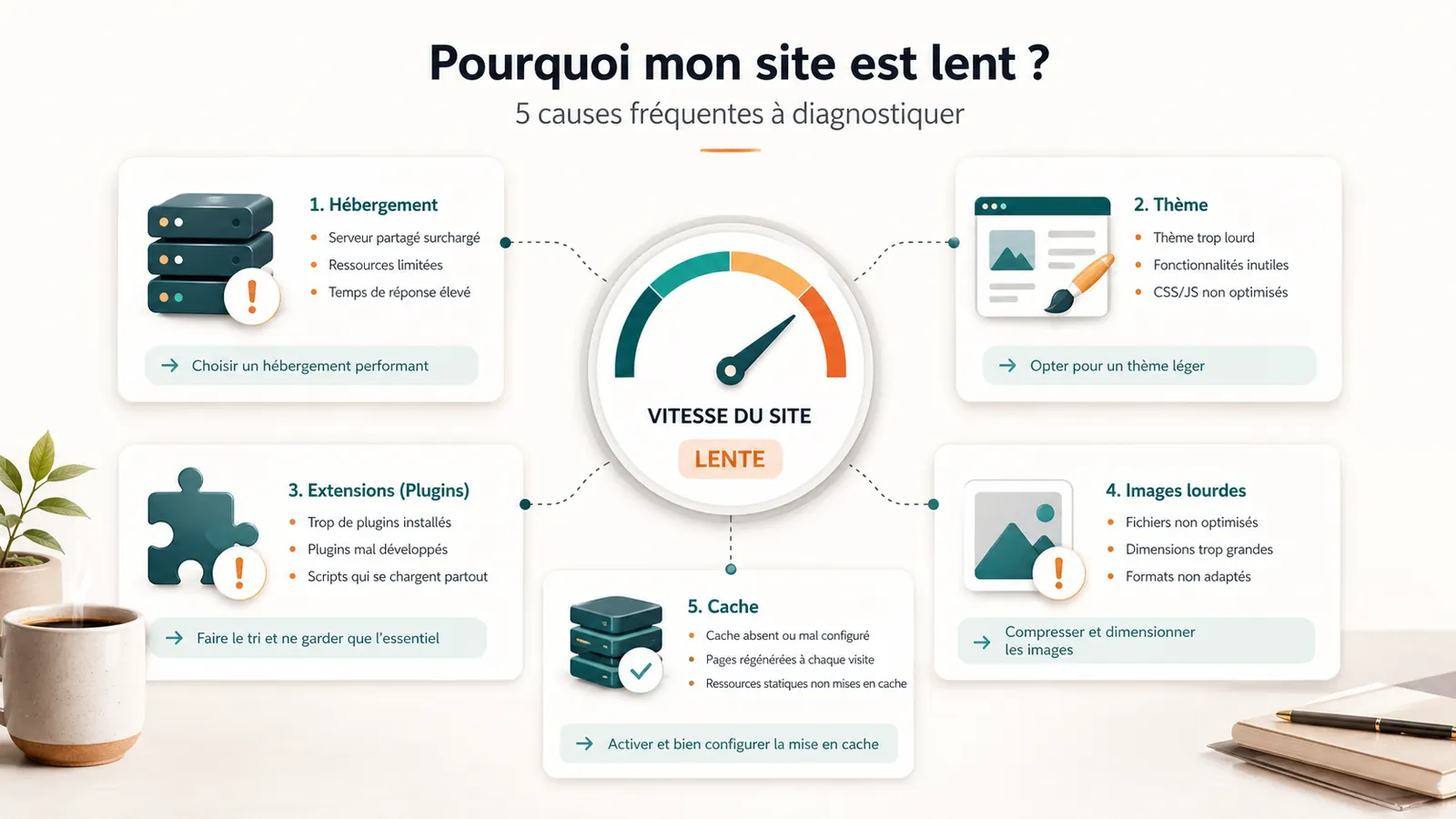
Cause 5: The cache is missing or poorly set
The cache helps prevent the site from rebuilding too many things every visit. Well set, it can significantly improve speed. Badly set, it can create annoying effects: old version displayed, form that reacts badly, invisible modification, conflict with another plugin.
The cache is not a magic solution. It's a useful tool when the base is correct. On a heavy, unstable or poorly maintained site, it can mask the problem more than it corrects.
First sort
How to make an initial assessment without technical expertise
A few simple observations already help to guide the topic. If the whole site is slow, hosting, theme or cache are to look at. If only one page blocks, you should look for a specific image, video, form, card or module.
If the site is mostly slow on mobile, you have to look at the actual weight of the page, the images, the scripts and the loading order. If the WordPress administration is slow, the problem can come from plugin, automatic tasks or too limited hosting. If the slowness occurred after adding a tool, this track should be checked as a matter of priority.
This first sorting does not replace an audit. It simply avoids going in the wrong direction from the start.
When maintenance is enough
Maintenance can be sufficient if the site is generally healthy, the slowness remains slight and the problems come mainly from common elements: cache to be fixed, images to be lightened, updates to follow, small technical corrections.
In this case, an offer such as the WordPress maintenance: the scope of the service can be consistent. It provides tracking, backups, updates and a clear contact around the site.
The interest is to keep the site in a cleaner, more monitored and more predictable condition.
When to request a diagnostic review or audit
If the site has been slow for a long time, if no one knows what has been installed, if the theme seems very heavy or if the simple corrections do not change anything, you must stop treating the symptom.
The no-obligation diagnostic review helps decide whether maintenance can resume or further investigation is needed. An auditsite audit becomes useful when the causes, priorities and corrections to be carried out need to be precisely identified.
At 2Cafés, the work consists first of reading the site as a whole: hosting, theme, plugin, important pages, mobile, backups and ability to maintain the base in time.
Sufficient maintenance if
- The site works globally.
- Slowness remains mild or recent.
- The main pages are clear.
- The need is for tracking, cache, images or updates.
Priority audit if
- Slowness is old.
- The site contains a lot of plugin.
- The theme seems heavy or difficult to repeat.
- The site is slow on mobile or in administration.
Frequently asked questions
Why is my WordPress site slow?+
A WordPress website can be slow because of underpowered hosting, a heavy theme, poorly chosen plugins, oversized images, missing caching or several causes combined.
Should we change hosting provider when a WordPress site is slow?+
Not always. hosting may be involved, but you must first check the theme, plugins, images and cache. Changing hosting provider without diagnostic review can simply move the problem.
When should we request an audit for a slow site?+
An audit becomes useful if the slowness is old, if no one knows the origin of the problem, if the site contains a lot of plugin or if the simple corrections do not change anything.
Conclusion: identify before paying
A slow WordPress site does not always call the same answer. Sometimes hosting is involved. Sometimes the theme, plugins, images, mobile or cache weigh more. Often, several factors are mixed.
Before paying for a correction, you must know what is being corrected. If your site is slow and the cause is not clear, start with a no-obligation diagnostic review. You will know whether maintenance is sufficient or whether an audit is required.
Read next.
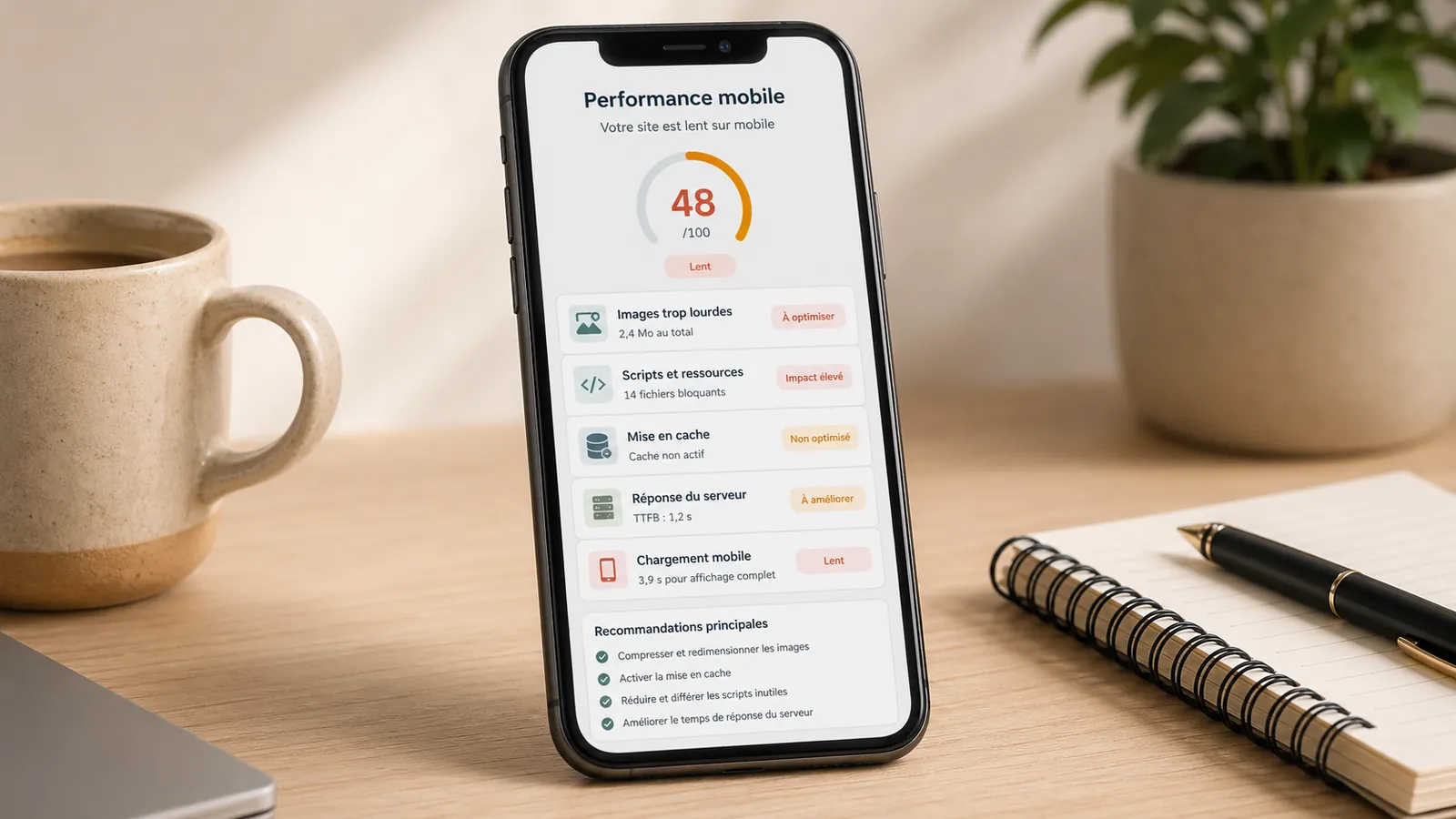
WordPress website slow on mobile: 5 causes to be checked
Heavy images, theme, scripts, cache, hosting: 5 causes to check if your WordPress site is slow on mobile.
Read the article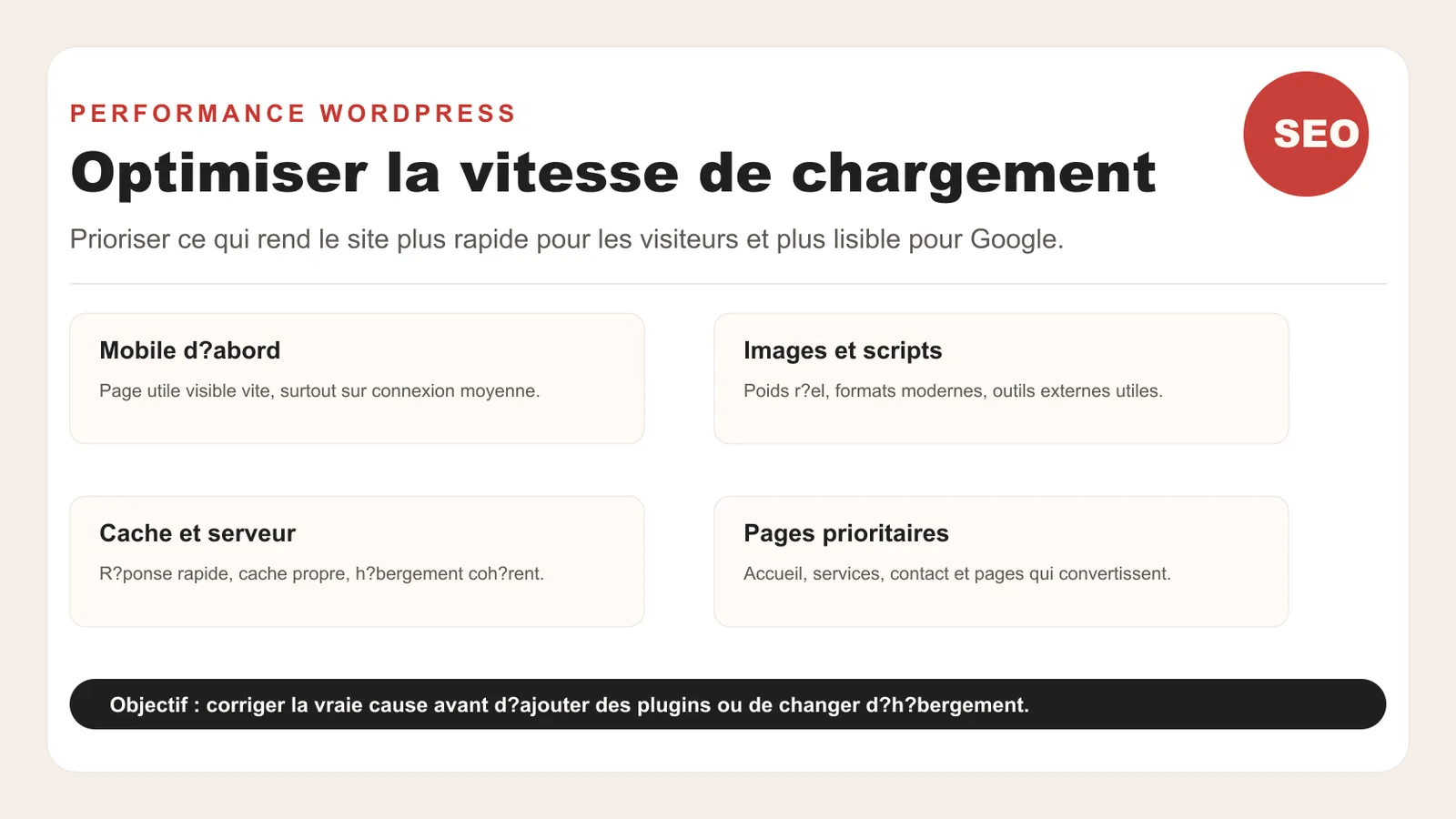
Optimize loading speed in 2026
How to improve the speed of a WordPress site in 2026: Core Web Vitals, images, cache, scripts, mobile and priorities without redoing everything.
Read the article