WordPress website slow on mobile: 5 causes to be checked
Heavy images, theme, scripts, cache, hosting: 5 causes to check if your WordPress site is slow on mobile.
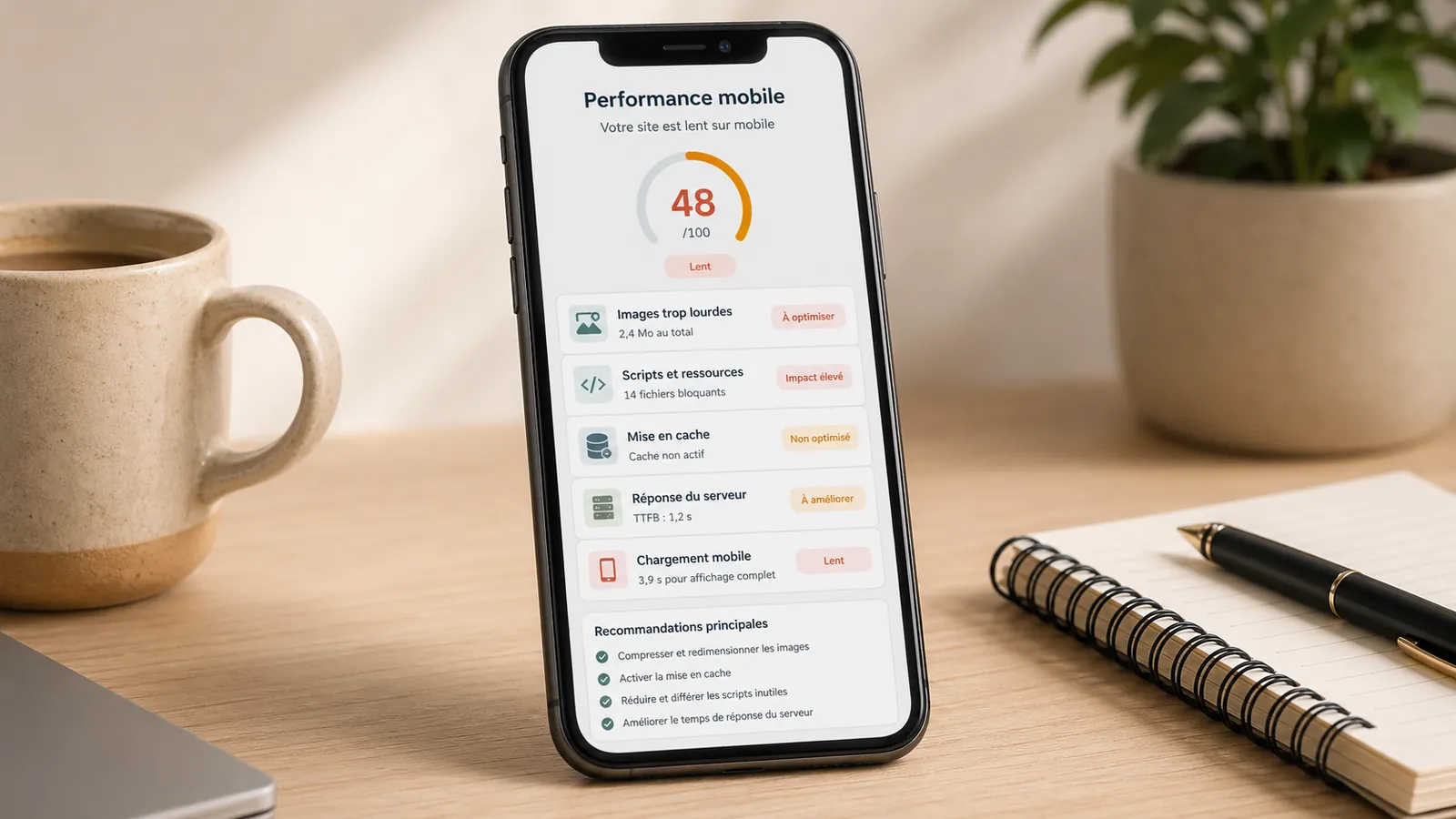
A WordPress website can seem fine on a computer but frustrating on a phone. The page opens, yet useful content takes too long to appear. Visitors wait, struggle to scroll or leave before understanding the offer.
For a small business, mobile is often the first contact: a Google search, shared link, business profile, recommendation or contact page. Slow loading on a phone can prevent contact.
Compressing images is not always enough. Slowness can come from images, theme, scripts, cache, hosting or too busy a page. Indicators such as PageSpeed Insights, LCP or Core Web Vitals give leads, but they must be linked to what the visitor really sees.
Why a site can be slow on mobile but correct on computer
A computer better tolerates a heavy page: better connection, more powerful processor, wide screen, browser often already loaded. On mobile, the connection varies, the phone has less margin and the page must become useful faster.
Mobile devices are less forgiving of heavy pages. What remains tolerable on a computer can quickly become frustrating on a phone.
The paradox is simple: even if the screen is smaller, the site can load the same large images, scripts, animations and external tools as in desktop version.
Cause 1: Too heavy images
Images are a common cause. A photo sent from a phone, too large a banner, an unoptimized format or a desktop image served to the mobile can significantly slow down a page.
The problem is sometimes invisible: a hidden image on mobile can still be loaded. A page can also contain several very large visuals while only one actually appears on the screen.
The general article on the slow WordPress site explains how to distinguish causes. On mobile, images often arrive in the first tracks to check.
Cause 2: too heavy a theme or page builder
Some WordPress themes and visual builders load a lot of code to produce blocks, columns, animations, sliders and graphic effects. The rendering may be correct, but the site becomes heavy.
On mobile, these choices are paid faster. A slider, animation or decorative section can bring little value to the visitor, but slow down the first display. If the base is too heavy, a simple optimisation plugin is not always enough.
In this case, a targeted optimisation or a wider recovery may be more rational than an accumulation of small adjustments.
Cause 3: Too many external scripts and tools
A map, video, widget, appointment tool, form, external fonts or tracking scripts can slow down the page. Every addition seems useful. The whole thing ends up weighing.
You need to know what is really needed on important pages. A contact page should help to contact. A service page should clarify the offer. Everything that slows down this result must be questioned.
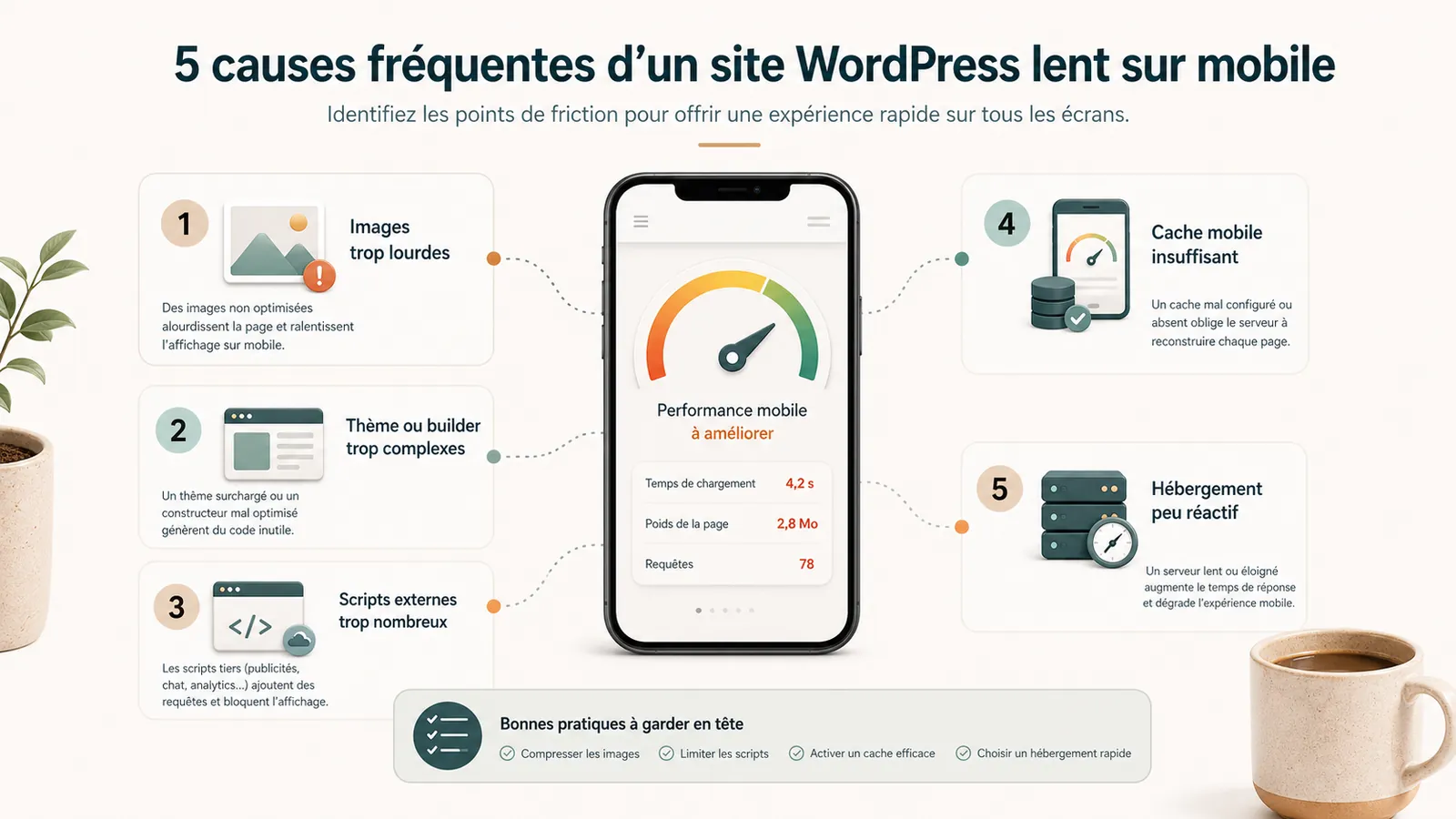
Cause 4: cache absent or poorly set on mobile
The cache can speed up a site, but it is not magical. It avoids rebuilding too many things every visit, but it can also create confusion if the mobile and desktop versions are not well managed.
A poorly set cache can display an old version, hide a correction, or create a mismatch between what you see and what the visitor sees. Installing a cache plugin without a method can therefore move the problem.
Cause 5: Hosting or server response too slow
If the server responds slowly, the mobile waits from the start. This may be due to saturated mutualised hosting, too small a configuration, or a remote server from the main audience.
For a local or French activity, a WordPress hosting in France Can help. But hosting alone will not correct a too heavy page.
A maintenance and hosting that is consistent helps maintain a clearer foundation: technical monitoring, backups, updates, small fixes and a named contact.
Errors to avoid
Avoid installing multiple optimisation plugins without understanding. Avoid removing items at random. Also avoid changing hosting provider too quickly if the page itself is too heavy.
Also test the service, contact or important pages for your prospects: they can be slower than the rest. The form must also be tested, because a fast but uncontactable site is not useful.
A good score is useless if the visitor waits too long to understand who you are and contact you.
How to make an initial assessment without technical expertise
Compare the main pages: home, contact, services, pages that bring requests. Test on mobile with a normal connection, not just on a computer connected to the fiber.
Note if the slowness affects the entire site or a specific page. See if it appeared after adding a tool, video, form or plugin. Also check if the images look very large or if the page loads a lot of items before displaying useful content.
- Test the home, the contact page and a service page on the phone.
- Compare a Wi-Fi connection and normal mobile connection.
- See if PageSpeed primarily reports LCP, images, JavaScript, or server.
- Note the videos, maps, widgets and scripts that load before the useful content.
This first sorting avoids paying for the wrong correction. It does not replace a diagnostic review, but it already gives direction.
When to request a diagnostic review or audit
Ask for a diagnostic review if the mobile slowness is old, if no simple correction changes the situation, if the site contains a lot of plugin, if the theme seems heavy or if the site really counts for your acquisition.
The no-obligation diagnostic review is used to decide whether to optimize, audit, change hosting or take over a heavy base. If the problem warrants further analysis,site audit becomes more relevant.
When the slowness comes from the very structure of the site, a redesign or targeted optimization can be more useful than stacking plugins.
The article on theWordPress site audit details precisely when an audit becomes necessary rather than a simple correction.
Key takeaway
A slow WordPress site on mobile does not always have a single cause. Before correcting, it is necessary to know whether the weight comes from images, theme, scripts, cache, hosting or set.
Frequently asked questions
Why is my WordPress site slow on mobile?+
Frequent causes are too heavy images, a loaded theme or visual page builder, too many external scripts, a poorly adjusted cache, slow hosting or a page too heavy for a mobile connection.
Should we change hosting provider if the site is slow on mobile?+
Not necessarily. The hosting may be involved, but a too heavy page will remain slow even on a better server. The main cause must first be identified.
How to improve the mobile speed of a WordPress site?+
It is necessary to lighten images, limit unnecessary scripts, check the theme, set the cache, control the hosting and test important pages on mobile, including beyond the home page.
Why is my Mobile PageSpeed score bad?+
A Mobile PageSpeed score can be bad because of too slow a LCP, too heavy scripts, poorly sized images, a loaded theme, an absent cache or too long a server response.
Is a cache plugin enough to make a site fast on mobile?+
Not always. The cache helps, but it does not correct a too heavy page, poorly prepared images, too many external scripts or a structurally slow theme.
Conclusion: mobile is often the decisive test
A slow WordPress site on mobile often blocks the first contact.
If your site seems correct on computer but painful on phone, start by identifying the real cause. If it's not clear, a no-obligation diagnostic review lets you know if you need to optimize, audit, change hosting or take over a heavy base.
Read next.
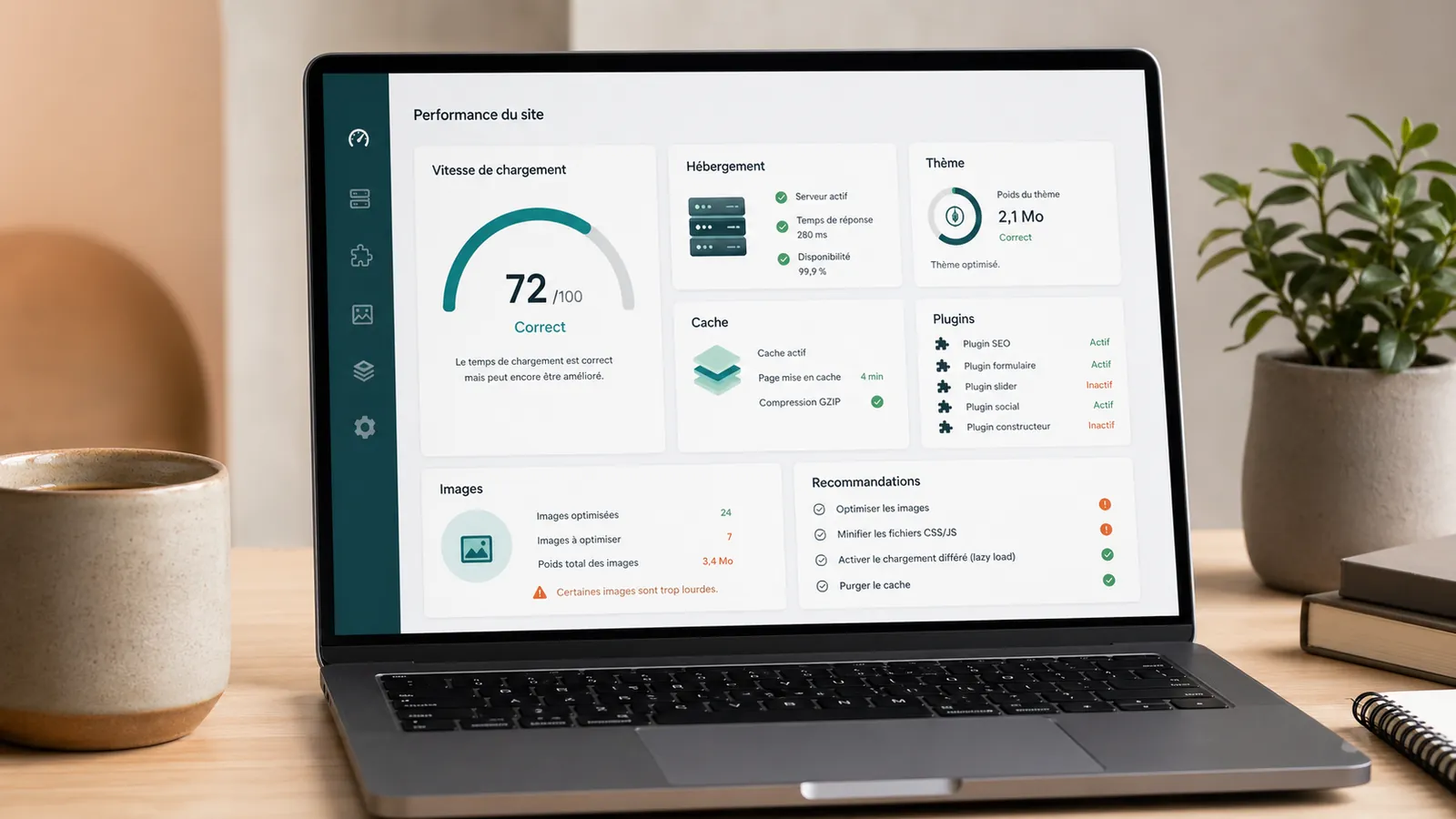
Slow WordPress website: identify the cause before fixing it
Is your WordPress website slow to load, especially on mobile or in the admin area? Here is how to distinguish hosting, theme, plugins, images and caching problems.
Read the article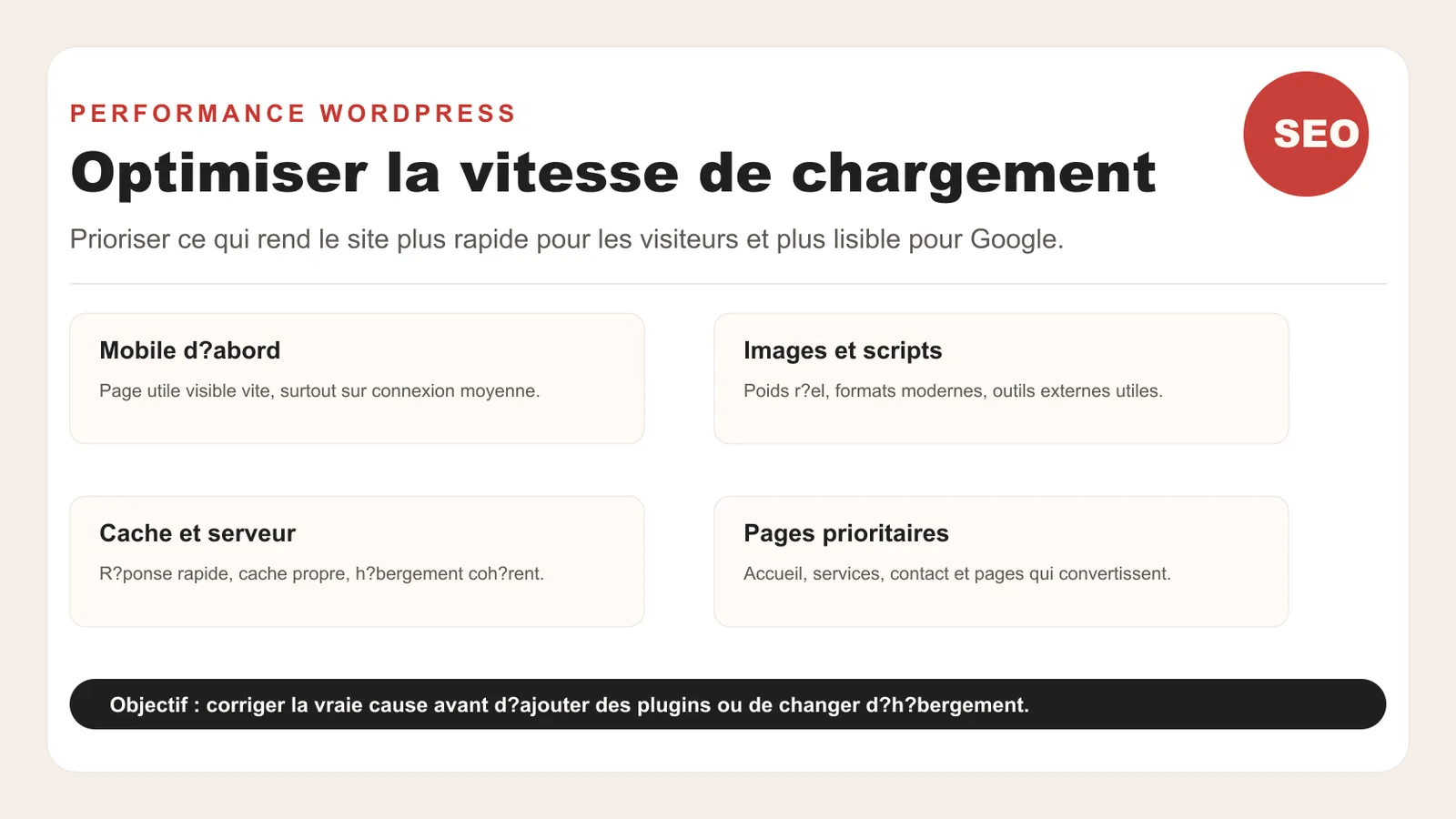
Optimize loading speed in 2026
How to improve the speed of a WordPress site in 2026: Core Web Vitals, images, cache, scripts, mobile and priorities without redoing everything.
Read the article
WordPress website audit: when is it really needed?
A WordPress website audit helps you determine whether your website needs maintenance, fixes or a redesign. Here is when it becomes useful.
Read the article