LexCase Avocats
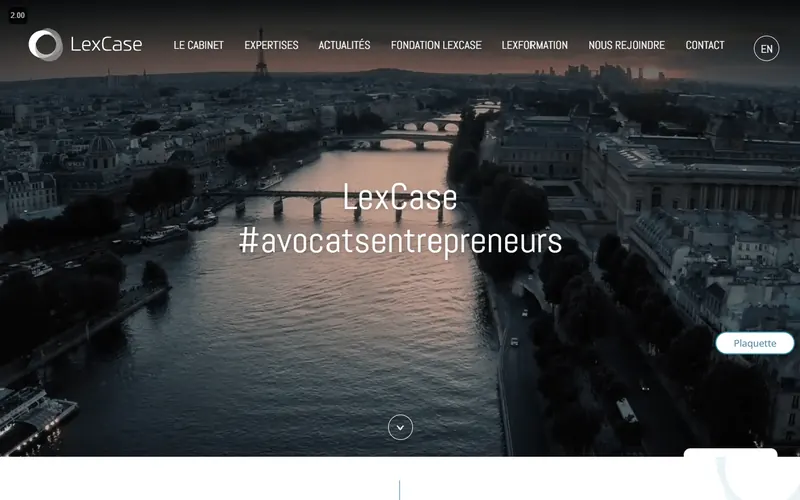
Designing a law firm website with several offices.
Read the case studyCase study · Website creation
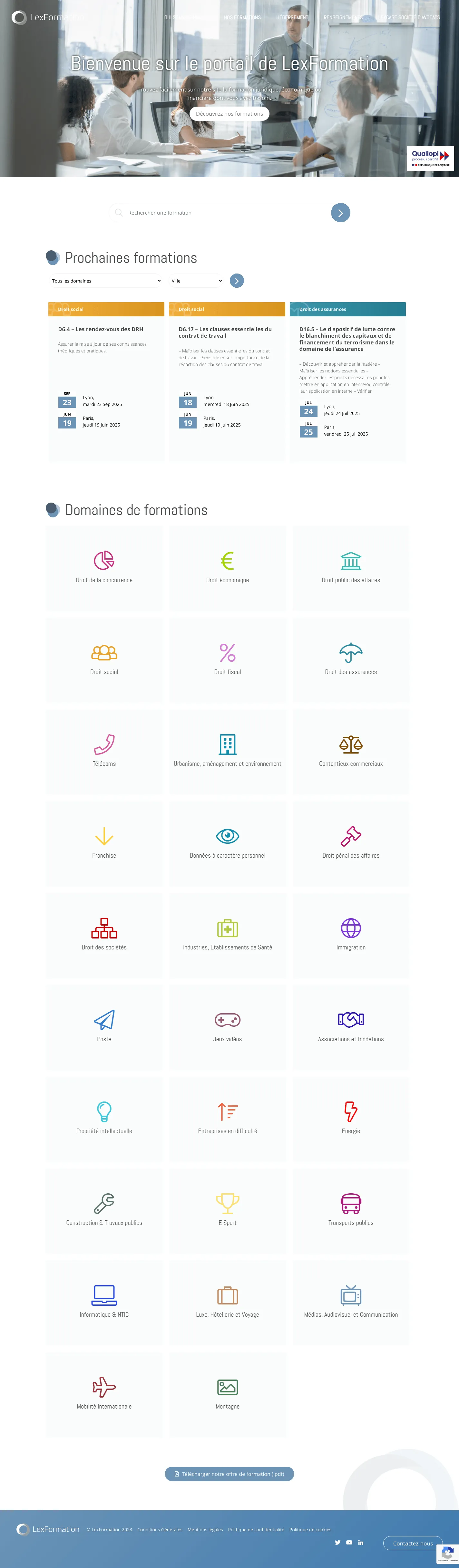
We created the WordPress portal for LexFormation, a legal, economic and financial training provider. Visitors can search for a session by subject, city or date, download the PDF catalogue and request information.
The starting point
A training provider needs to help visitors quickly find the right session, understand the subject, check the city, view practical information and request details without getting lost in an extensive catalogue.
The challenges
Organise numerous courses by subject, date, city and detailed course page to avoid a list that is difficult to browse.
Present LexFormation as a legal, economic and financial training provider, with institutional, practical and quality information.
Highlight useful access points: courses, accommodation, information requests, catalogue downloads, contact and legal information.
What we did
Created the LexFormation WordPress website and training portal.
Structured entry points by training subject, city, date and session.
Set up catalogue filters and journeys to course details, information enquiries, accommodation and the PDF catalogue.
Integrated institutional information: organisation, locations, quality, accessibility and contact.
Under the hood
The website uses WordPress dedicated to training, with separate content for institutional pages, subjects and sessions.
Navigation uses catalogue filters and internal search to help visitors find training by subject, city or session.
The website combines a PDF catalogue, information requests, contact forms and practical registration content.
For visitors
The homepage provides access to upcoming courses, training subjects and a downloadable PDF of the offering.
Visitors can browse courses by legal or economic subject, then identify sessions by city and date.
The website presents LexFormation, its locations, quality information, contact options and documents needed before registration.
Who visits, and why
Quickly identify a subject, session and city before viewing details or requesting information.
Check the provider’s framework, download the programme and prepare an enquiry for internal or external training.
Find information about cities, accommodation, contact and accessibility before registering.
What the project delivers
The items below describe the functions and documented work for this project. They are not measurements of traffic, enquiries or revenue.
Visitors can browse by subject, city or session instead of working through an undifferentiated course list.
The catalogue provides access to course details, information requests and the organisation’s contact details.
The website brings together essential training provider information: introduction, locations, quality, accessibility and contact arrangements.
Explore further
Designing a law firm website with several offices.
Read the case study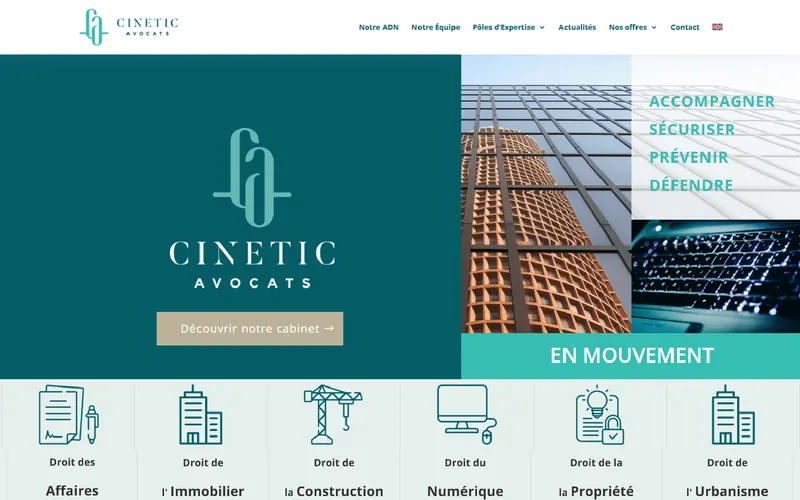
Designing a law firm website, clear and well-maintained.
Read the case study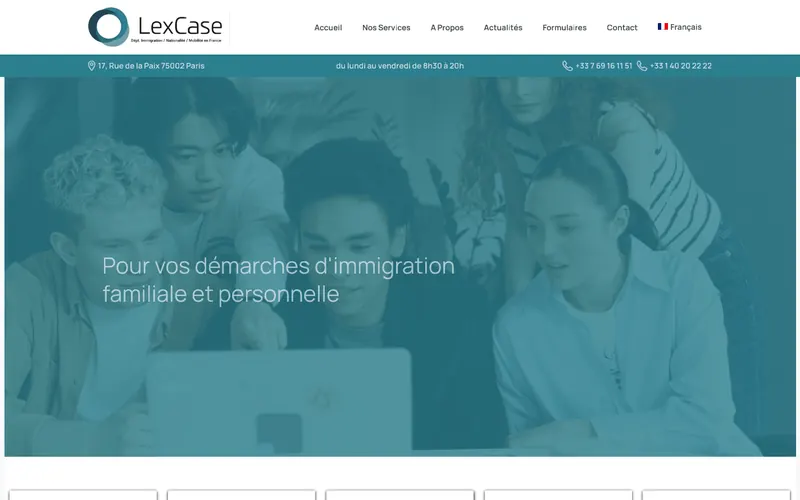
Designing a specialist legal website built to last.
Read the case studyOur services