Cannot access WordPress admin: what to check without making the problem worse?
Cannot access WordPress admin? Common causes and useful checks before making changes that could worsen the problem.
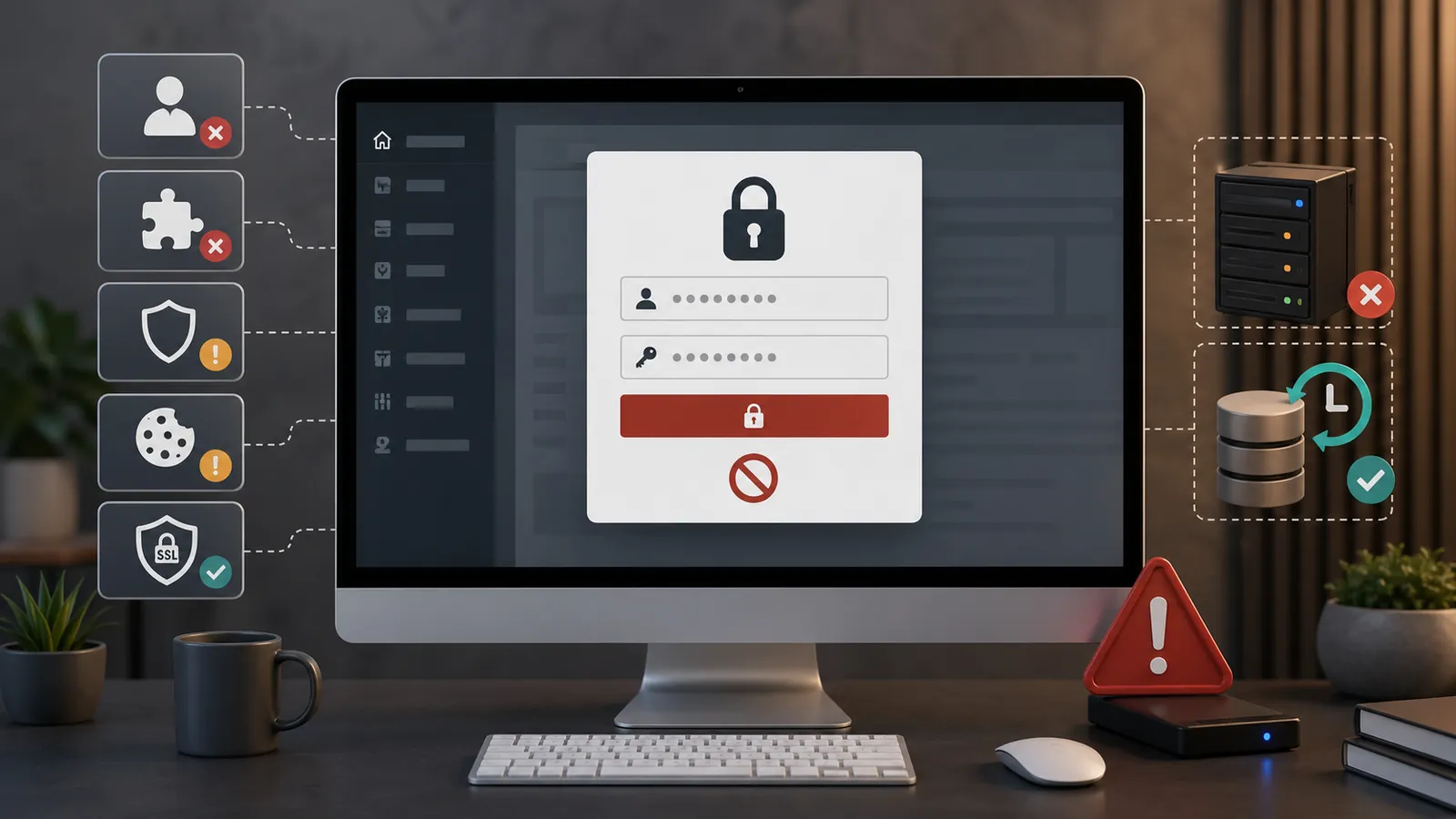
Losing WordPress admin access quickly prevents you from working on the website. It may still be visible publicly, while you cannot edit a page, handle an emergency or check what is happening.
The cause may come from a forgotten password, a security plugin, a PHP error, server blocking, hacking, SSL problem or a modified administrator account.
Avoid making changes before understanding the problem
When a login fails, it is tempting to keep trying, edit files, change the database or disable plugins. Without a backup, these actions can make the problem worse.
Losing admin access can reveal a problem deeper than a simple connection error.
Frequent causes
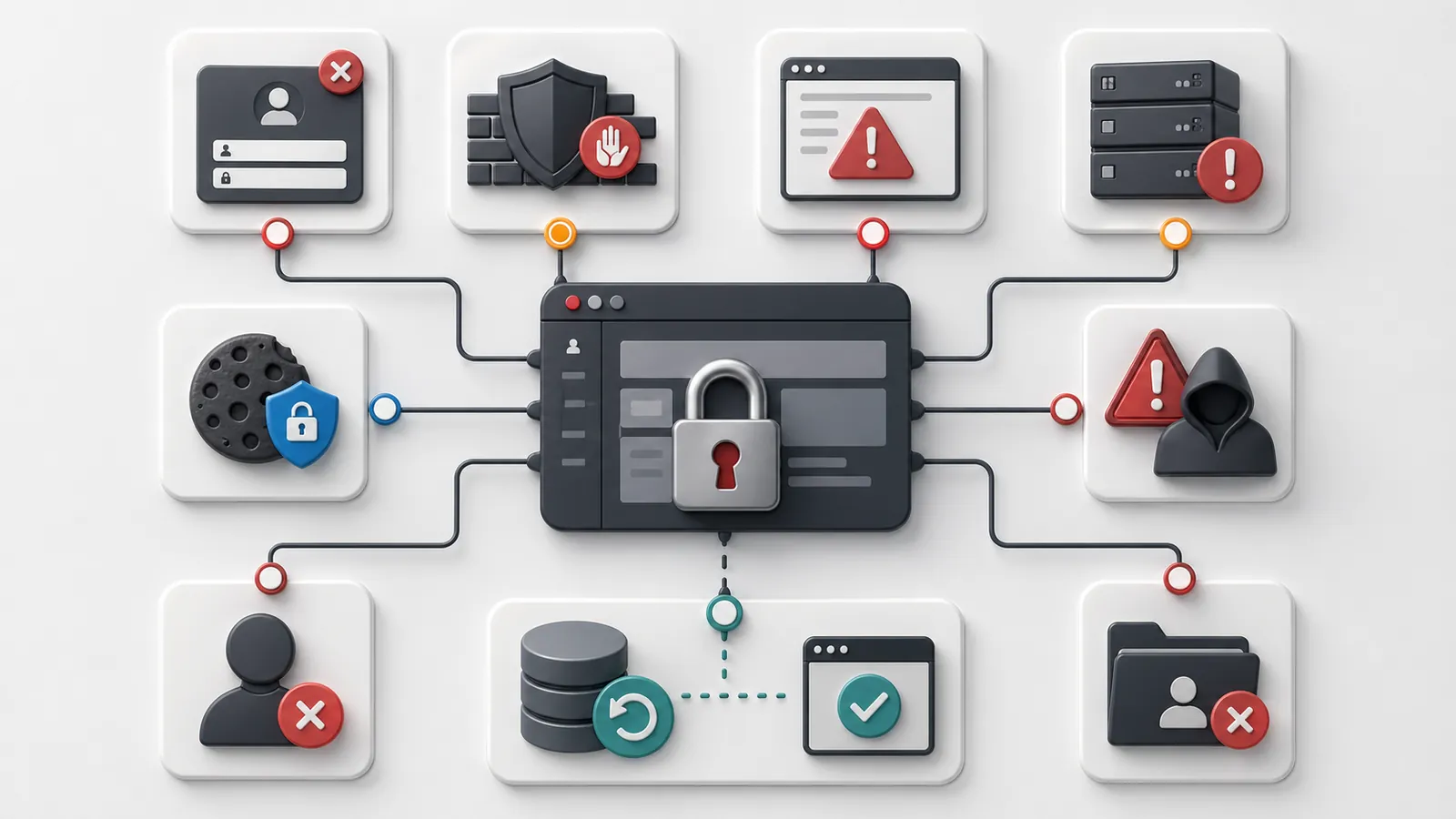
The simple case remains the forgotten WordPress password, incorrect email address or URL wp-admin entered incorrectly. But a failed WordPress login can also result from a deleted administrator account, a security plugin blocking your IP address, a critical error, a login redirect, blocked cookies, misconfigured SSL or unstable hosting.
If admin access is blocked at the same time as the site becomes inaccessible, the article on the unreachable WordPress website gives the general framework.
Common
You do not receive the WordPress reset email?
If WordPress says it sent an email but nothing arrives, the problem may be the account's email address, an Outlook or Gmail rule, a hidden folder, a locked WordPress.com account or a deliverability issue.
First distinguish two situations: a self-hosted WordPress website and a blocked WordPress.com account. The evidence required and recovery procedure differ.
If the blocking exceeds the WordPress account, the article on the recovering access to WordPress, hosting and your domain helps to distinguish the levels to be recovered.
When to suspect hacking
If the admin account has disappeared, if an unknown new user appears, if the site redirects elsewhere or if the hosting provider reports an alert, consider a hacked WordPress website.
In this case, recovering access is not enough. We need to understand what has been changed and prevent the problem from coming back.
Useful checks
Record the exact message displayed. Test the password recovery if it works. Check if the public site remains visible, if the hosting reports an alert, if an update has taken place and if a recent backup exists.
If the error looks like a WordPress critical error, the problem can be technical rather than simply lost access.
When to ask for a diagnostic review
Ask for a no-obligation diagnostic review if admin access remains impossible, if the site is also hit on the public side, if the administrator account seems to be changed or if you don't know which backup to use.
Diagnostic review is used to distinguish a simple connection problem from a security block, a technical conflict or a more serious incident.
Key takeaway
Being unable to access WordPress admin does not always mean a forgotten password. Security, accounts, hosting and the website's technical condition need checking.
Frequently asked questions
Why can't I access WordPress admin?+
Admin access can be blocked by an incorrect password, security plugin, PHP error, SSL problem, cookie, deleted account, hack or hosting suspension.
What if I can no longer connect to WordPress?+
Check the displayed message, test password recovery, check security alerts and avoid changing the database without backup.
Can blocked admin access come from hacking?+
Yes. An account can be changed, deleted or blocked after an intrusion. You need to check users, files, plugins and backups.
Why don't I get the WordPress reset email?+
The email may go to a different address, be blocked by the mailbox, be filtered as spam or fail because of the website's sending configuration. You may also be using a WordPress.com account unrelated to the self-hosted website.
Read next.
WordPress critical error: what to do when the site displays an error message?
Does your website display 'There has been a critical error on this website'? Here is what to check, what to avoid and when to request a diagnostic review before making fixes.
Read the article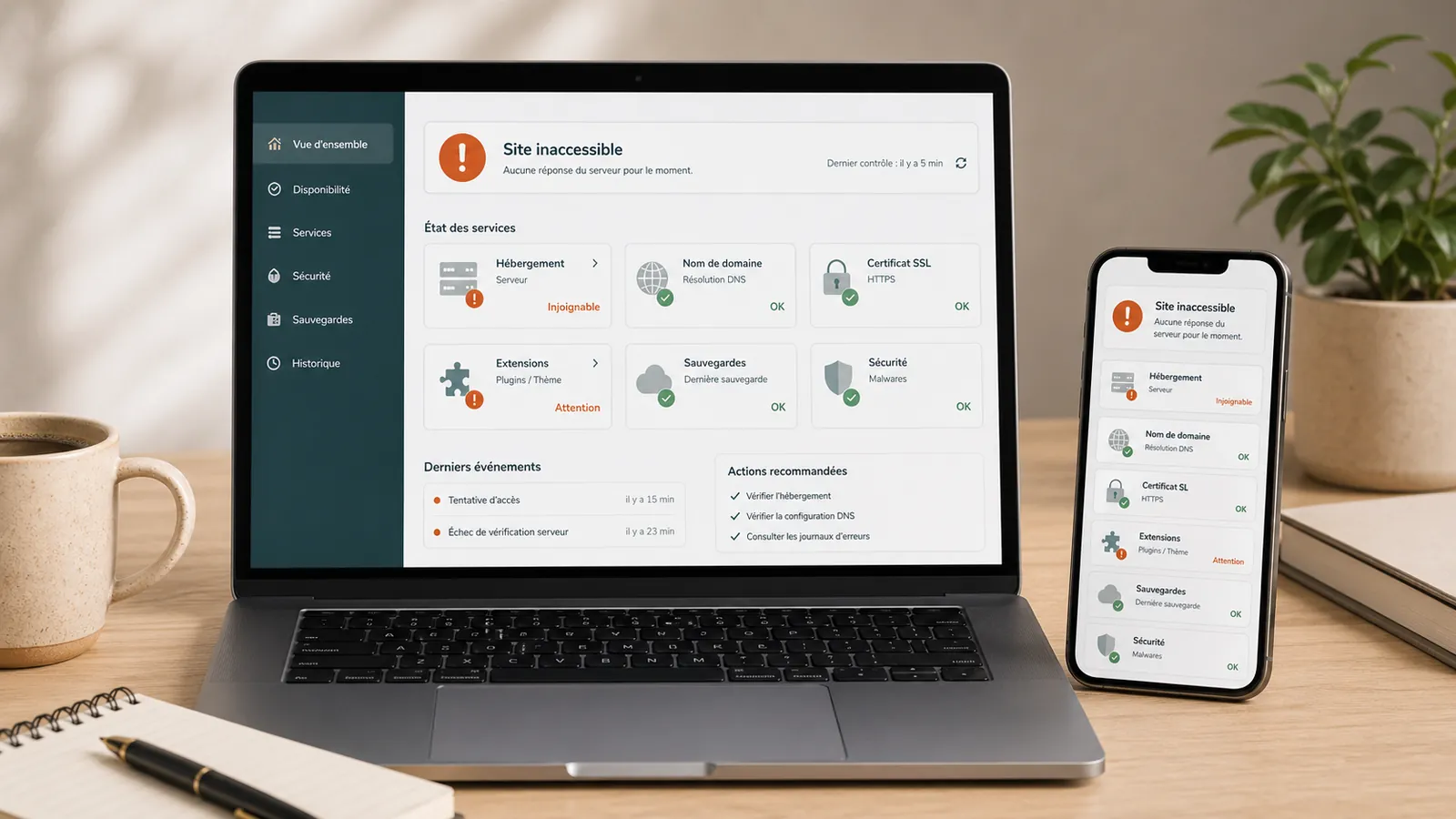
WordPress website unreachable: what to do before you call someone?
WordPress website unreachable? What to check before acting: hosting, domain, SSL, updates, plugins, backups and signs of hacking.
Read the article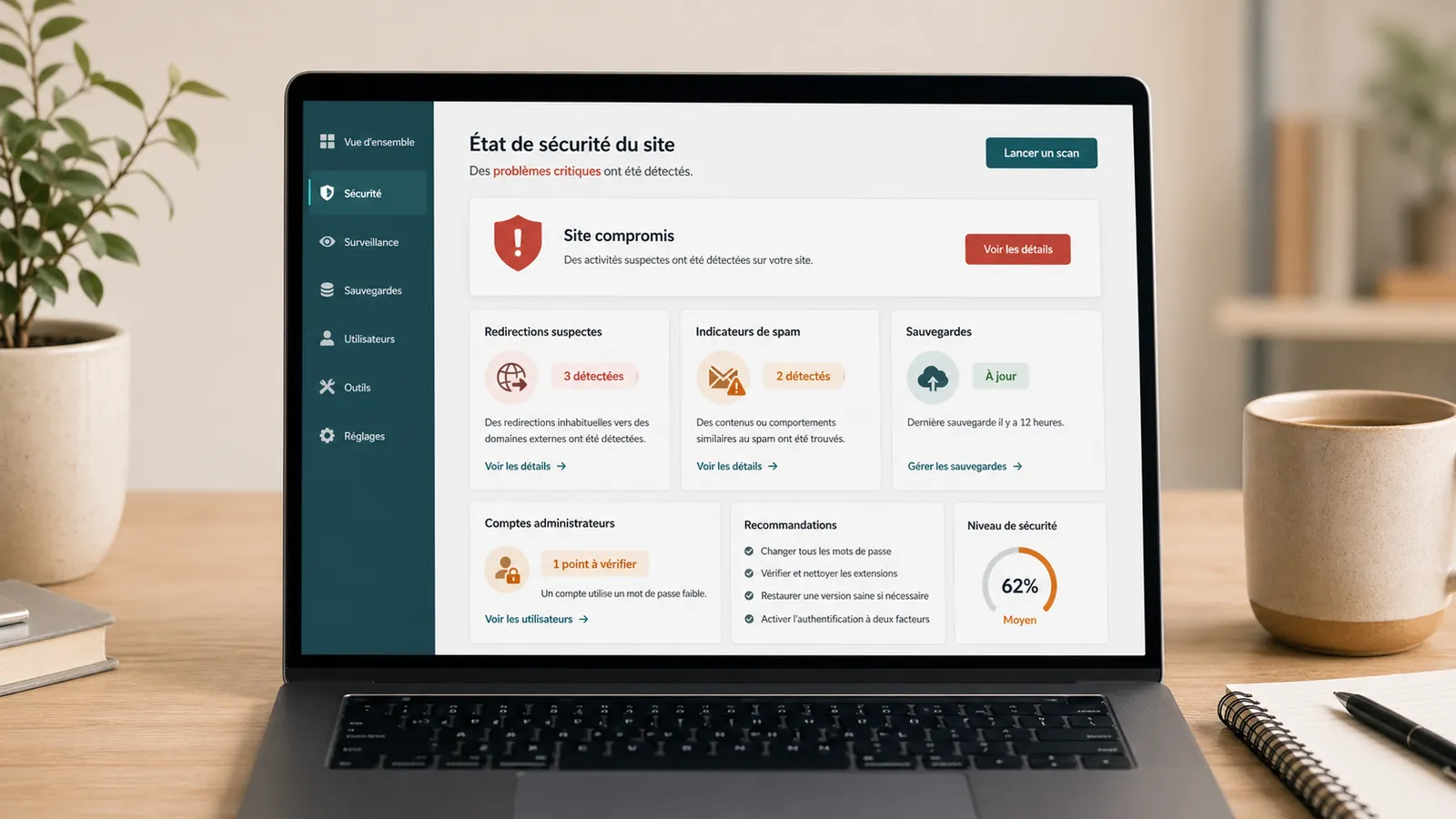
Hacked WordPress website: what to do without making things worse
WordPress website hacked? What to check, what to avoid and when to request a diagnostic review so cleanup does not make things worse.
Read the article