Urgent WordPress support in Allier: how to respond without making things worse
WordPress blocked, hacked, unreachable or broken in Allier? 2Cafés assesses the emergency before restoring, cleaning or changing the website.
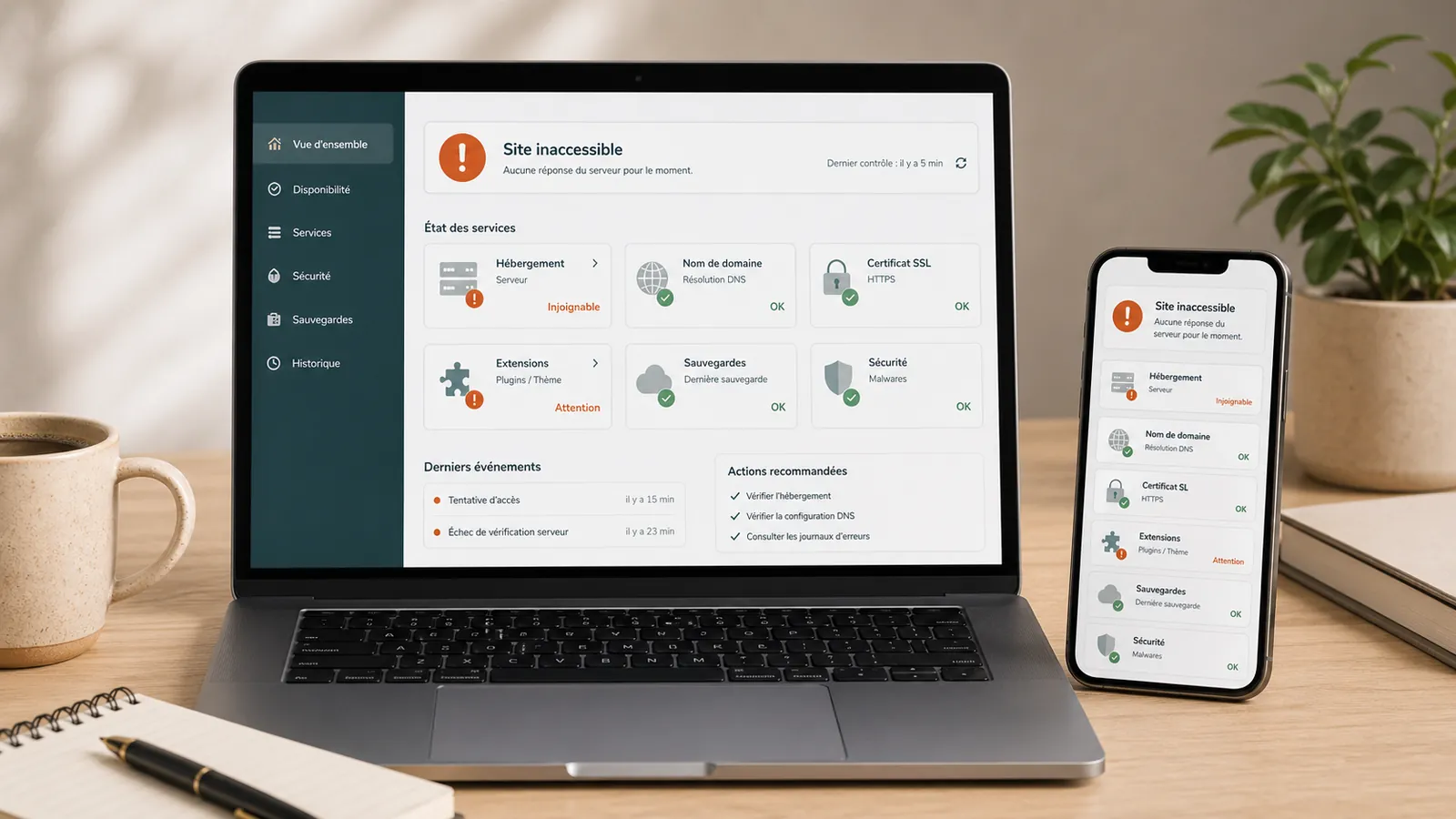
When a WordPress website becomes unreachable, displays a critical error, redirects to an unknown page or gets blocked by its host, wanting a quick fix is understandable. Andrei provides technical support from Bellenaves: for a business in Allier or around Gannat, Vichy, Montluçon, Moulins and Clermont-Ferrand, an unresponsive website can prevent enquiries, disrupt a local campaign or damage a firm's credibility.
Most work takes place remotely: access to WordPress, hosting, SFTP, the database and Search Console is usually enough. Having a local contact means knowing who is handling the incident, with someone who understands the area and can assess the problem quickly without promising a fix before seeing the website.
A WordPress emergency is not always resolved by clicking the first available button. Start by identifying the type of incident before deleting files, running updates again or restoring a backup at random.
The priority is to regain control methodically: understand what is affected, preserve what can be preserved, then choose the least risky intervention.
If the incident is ongoing, the page WordPress emergency support is used to send the URL, visible symptom and context before any intervention.
Area served
Bellenaves, Allier and nearby cities.
Andrei provides technical support from Bellenaves. Urgent WordPress support primarily serves Allier and nearby towns: Gannat, Vichy, Montluçon, Moulins, Saint-Pourçain-sur-Sioule and Clermont-Ferrand, depending on the website's situation.
Most work takes place remotely. Proximity primarily supports a clear working relationship: a local contact, a defined area, stated limits and a recovery plan before any risky changes.
First steps
- Note the exact message: critical error, blank page, error 500, Google warning, suspension by the host or redirect.
- Check if the problem affects the entire site, a specific page, WordPress administration or only the form.
- Keep emails from the hosting provider, WordPress or Google Search Console.
- Do not delete a plugin, theme or file without first backing up the website's current state.
- Do not restore a backup without checking its date, content and condition.
- Prepare the available access details: WordPress, hosting, SFTP, database, domain, DNS and Search Console.
Urgent WordPress support: what counts as an emergency?
The word ‘emergency’ covers several different situations. An unreachable WordPress website does not necessarily have the same cause as a hacked site, a WordPress blank page, a silent form or blocking by the hosting provider.
Start by assessing the incident. Is the website completely unresponsive? Does WordPress admin still work? Was an update just installed? Is Google displaying a warning? Are email or the contact form also affected?
Troubleshooting starts with understanding the symptoms so you can choose the right fix.
Common case 1: WordPress site is inaccessible
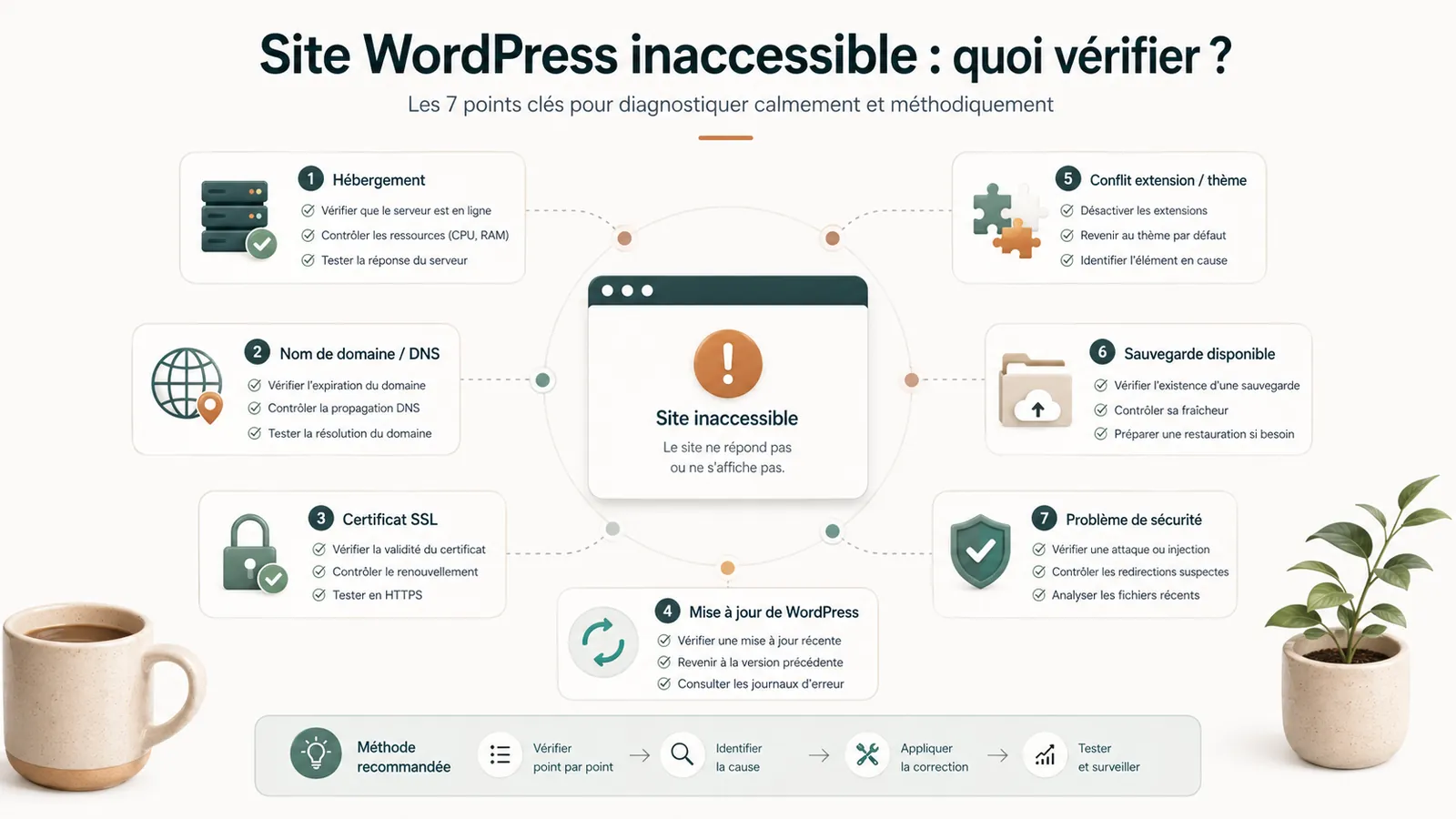
An unreachable website can result from hosting, the domain, SSL, a server error, a plugin, the theme, the PHP version, an update or a hack. Avoid making a series of changes without understanding the cause.
If the website displays an error 500, a blank page or a timeout, first check what changed recently. Diagnosis is often easier if WordPress admin still responds. If everything is blocked, also check the hosting environment and files.
Common case 2: WordPress displays a critical error
The message ‘There has been a critical error on this website’ indicates a serious failure, but does not identify its cause. A plugin, theme, PHP, update or changed file may be responsible.
A critical error can look alarming, but recovery may be straightforward when access and backups are available. The article on theWordPress critical error explains the first steps to take.
Common case 3: the website is hacked or redirects elsewhere
A hacked WordPress website does not always display a large red warning. It may redirect some visitors, create unfamiliar pages in Google, send spam or display strange content.
Removing the visible redirect is not enough. Investigate the likely entry point and check accounts, plugins, files, the database and backups. If the website is extensively compromised, a hacked WordPress cleanup must be quoted after an initial assessment. When hacking is confirmed, the scope of WordPress cleanup and its pricing criteria are detailed on the dedicated page; local troubleshooting does not replace this work.
Common case 4: the hosting provider blocks the website
A host may suspend a website because of malware, spam, excessive resource use, suspicious files, non-payment or configuration problems. Read the exact reason before asking for reinstatement.
If the site has been suspended for security, putting it online without correction can worsen the problem. The article on the WordPress site blocked by hosting provider explains the points to check before requesting a reactivation.
Common case 5: the website is online, but enquiries are not getting through
An emergency does not always take the website offline. A WordPress form that no longer works can be just as serious for a small business, firm or freelancer. The website looks normal, but enquiries are no longer arriving.
If the form is the main contact channel, the failure must be treated as a commercial emergency. Submission, notifications, SMTP, domain, antispam and inbox must be checked.
What should not be done in an emergency?
Do not run every update to 'finish the job', delete several plugins at random or change the theme without understanding what depends on it. Do not restore a backup simply because it exists. Avoid giving several people access simultaneously without coordination.
Each action can conceal the cause, overwrite useful evidence or lengthen recovery. In a WordPress emergency, method matters as much as speed.
Prices and deadlines: what to assess before promising
Urgent WordPress work can be straightforward or extensive. A clearly identified plugin conflict requires a different quote from a hack involving indexed spam pages, an affected database or an active WooCommerce shop.
Three situations to distinguish
Limited incident: targeted correction
Brochure website, available access, clear symptom, usable backup, no shop or sensitive data.
Complex incident: recovery scope to assess
Hacking, suspicious redirects, suspension by the host, Google warnings, reinfection, an affected database or incomplete access.
Sensitive case: quoted individually
Active WooCommerce shop, multisite, customer data, compromised server, full recovery or an incident also affecting email.
These situations help establish a quote: a limited breakdown does not require the same checks as a widespread security incident. The time to first response is not the time to relaunch.
Why being based in Bellenaves, Allier matters
For a WordPress emergency, proximity is reassuring but does not replace a method. Andrei provides technical support from Bellenaves. A business in Allier, a firm in Vichy or Gannat, an association in Montluçon or Moulins, or an organisation near Clermont-Ferrand may prefer a local contact who understands its context, working hours and need for a clear, direct conversation.
Being local does not mean continuous on-call cover. We state the limits clearly: an initial assessment subject to availability, no work without agreement on scope and no promise of relaunch before reviewing access and the website's actual condition.
What to send to save time
Before requesting an intervention, prepare a simple message: site URL, exact symptom, date of appearance, latest known change, screenshots, message from the hosting provider or Google, available access and existence of a backup.
An initial assessment is still possible without every access detail. Further work will depend on what is available. The article on recovering access to your WordPress website helps to distinguish WordPress, hosting, domain, DNS, emails and backups.
After troubleshooting: stabilisation or maintenance?
Urgent work first aims to stabilise the website, bring it back online or establish why it should not be reinstated too quickly. Maintenance follows once the underlying setup is healthy and suitable for ongoing support. For that support around Bellenaves, see the page WordPress webmaster in Allier.
Simple maintenance may not be enough for an old, slow, poorly documented or fragile website. You may need a targeted fix, an audit, technical recovery or a redesign. Start with the same question: what is actually broken, and what needs to be brought back under control?
Key takeaway
Urgent WordPress support in Allier should not begin with random changes. First assess the incident, preserve what can be preserved, then fix the relevant layer: website, hosting, domain, security, backup or form.
Frequently asked questions
Who should you contact for urgent WordPress support in Allier?+
Contact someone who can assess the problem before acting: the visible symptoms, available access, backups, hosting, domain, possible hacking and impact on customer enquiries. Andrei provides technical support from Bellenaves and can work remotely on WordPress websites in Allier and nearby towns.
How much does urgent WordPress support cost?+
Support is quoted after assessing the incident, access and backups. Hacking, hosting suspension or an affected database can expand the scope. The quote and timing are confirmed before work starts.
Should we restore a backup right now?+
Not necessarily. A backup may be too old, incomplete or already infected. Before restoring, you must check what it contains, its date and the current status of the site.
Does WordPress maintenance cover an existing emergency?+
No. Maintenance keeps a healthy website running over time. A website that is already broken, hacked or blocked first needs a one-off intervention or an assessment to establish how to stabilise it.
What should you prepare before urgent work begins?+
Prepare the URL of the site, the displayed message, the latest known changes, the emails of the hosting provider or Google, the WordPress access details, hosting, SFTP, database, domain and the available backups.
Conclusion: assess quickly, make careful fixes
If your WordPress website is blocked, hacked, unreachable or broken after an update, speed matters. But the work still needs a clear scope. A rushed fix without a backup or investigation can make recovery harder.
For a WordPress emergency in Bellenaves, in the Allier or nearby cities, start by sending the URL, the visible symptom and the latest known changes via the page WordPress emergency support. You will soon know whether the website needs repair, restoration, cleanup, an audit or ongoing support.
Read next.
WordPress website unreachable: what to do before you call someone?
WordPress website unreachable? What to check before acting: hosting, domain, SSL, updates, plugins, backups and signs of hacking.
Read the article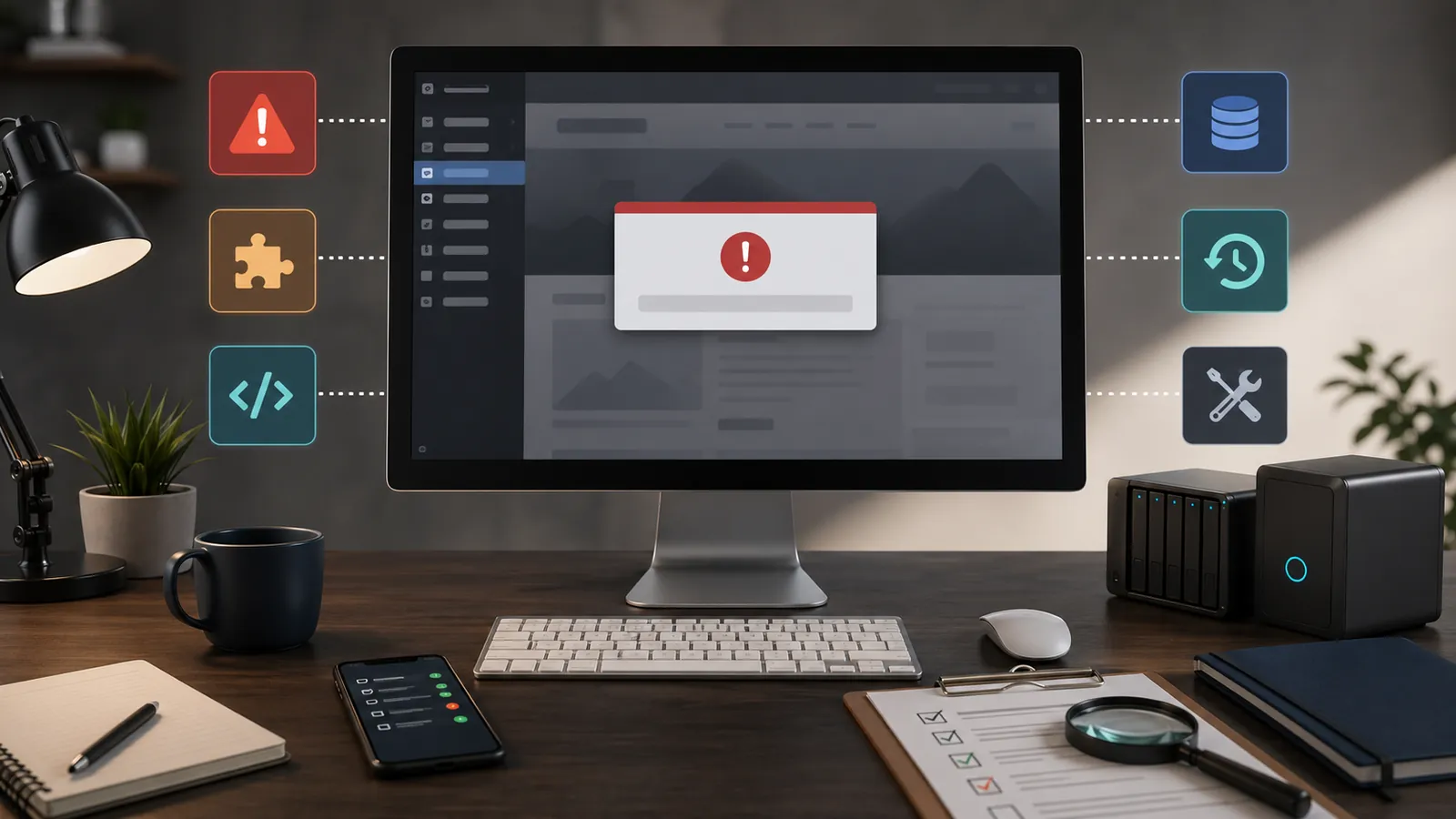
WordPress critical error: what to do when the site displays an error message?
Does your website display 'There has been a critical error on this website'? Here is what to check, what to avoid and when to request a diagnostic review before making fixes.
Read the article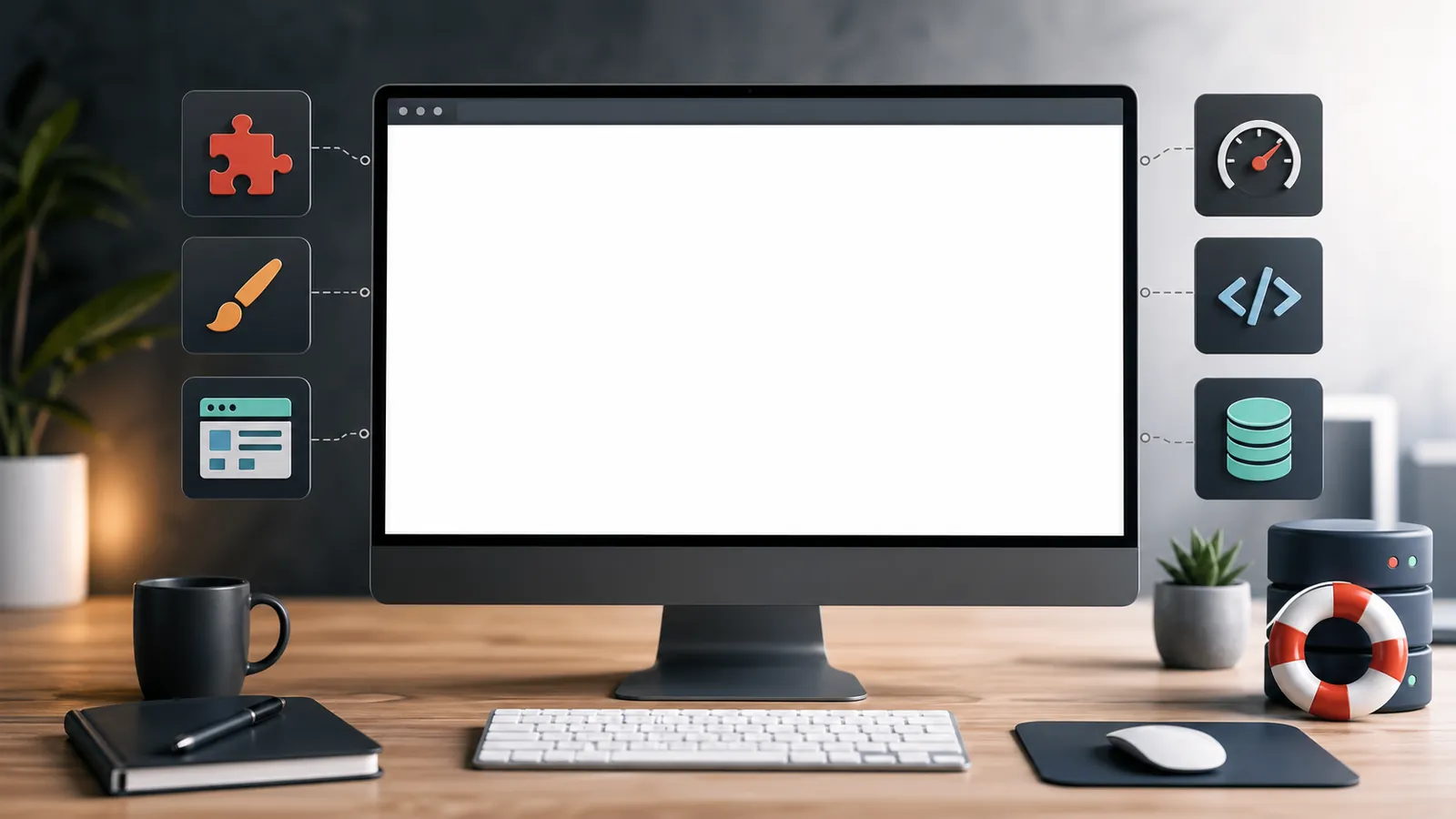
WordPress blank page: frequent causes and errors to avoid
Does WordPress display a blank page? Common causes, useful checks and mistakes to avoid before making fixes.
Read the article