WordPress website unreachable: what to do before you call someone?
WordPress website unreachable? What to check before acting: hosting, domain, SSL, updates, plugins, backups and signs of hacking.
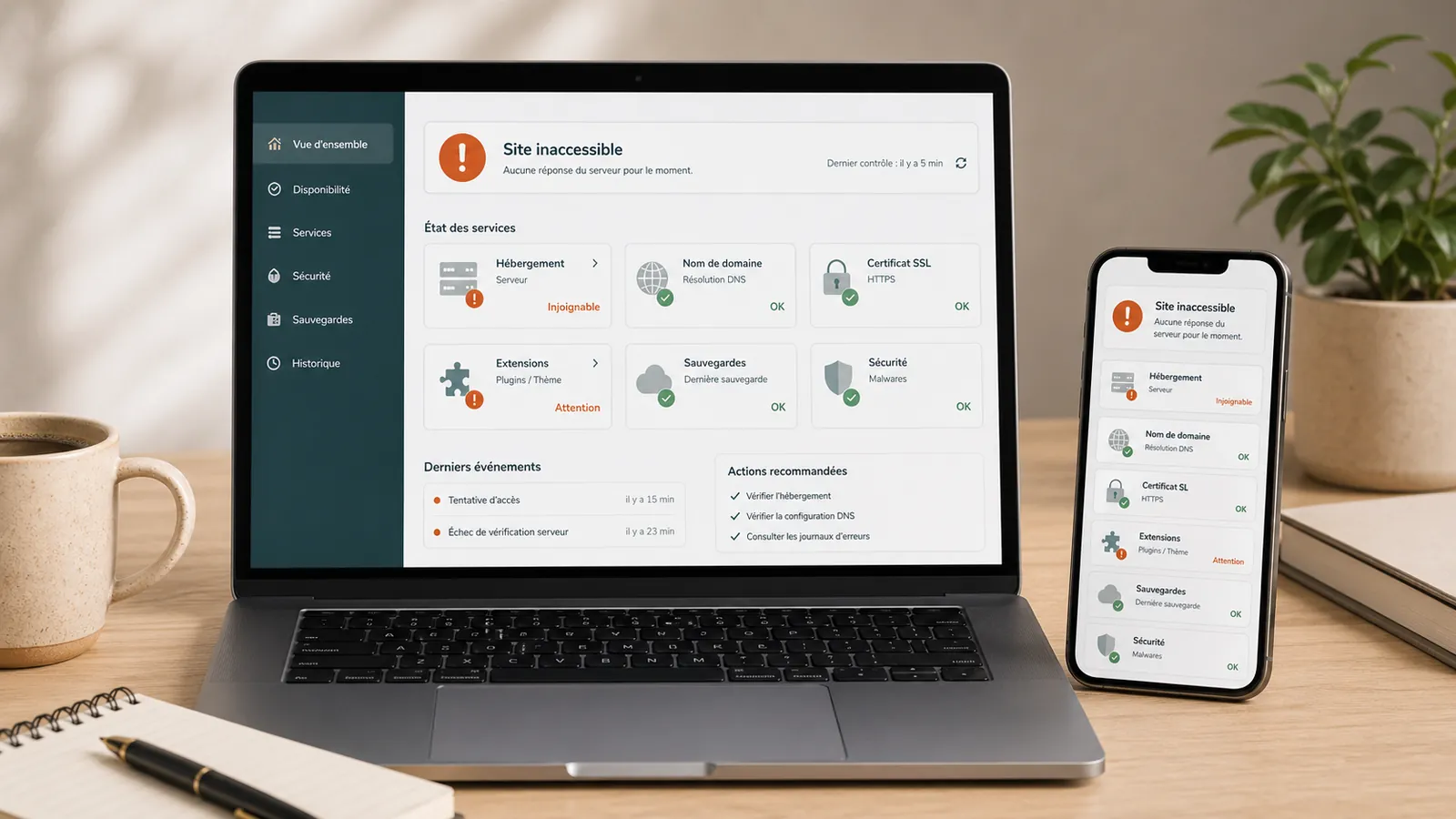
An inaccessible WordPress site quickly creates tension. The page no longer loads, an error message appears, the administration does not respond, or the site just seems offline.
For a small business, the website is often a first point of contact, hosts a form, demonstrates professionalism or is consulted just before a call. When it disappears, trust falls and enquiries can be lost.
The natural reflex is to look for an immediate solution: refresh, click everywhere, disable plugins, call hosting provider, install a plugin or restore a backup. Before correcting, you have to understand what's going on.
First: identify what is inaccessible
An inaccessible site may mean several things. The site can be completely offline. It can display a server error, redirect to another page, work for some visitors but not for you, or be visible on the public side while remaining inaccessible in WordPress administration.
The first step is to avoid aggravating the problem.
Note precisely what you see: blank page, 500 error, WordPress critical error, wait time, security alert, strange redirection, impossible admin access, hosting provider message, or site visible on mobile but not on computer.
Do not multiply random manipulations
When a site no longer responds, each action can make diagnostic review more difficult. Avoid removing plugins, changing the theme, restoring a backup without checking, editing files, or launching multiple updates in an emergency.
Mishandling can mask the real cause, overwrite a recoverable version or make the site longer to resume. Instead, note what has changed recently, which has intervened, what updates have been made, whether the hosting provider has sent an email and whether the problem also affects administration.
Possible cause 1: hosting no longer responds
A WordPress site depends on its hosting. If the server encounters a problem, the site may become inaccessible without WordPress being directly involved.
Check the hosting provider's customer space, alert emails, hosting status, renewal date and any blockages for spam, malware or excessive consumption. If the hosting provider indicates that the site has been blocked, it is necessary to understand why before putting the site online.
An offer of maintenance and hosting also serves to make these situations more readable: where to look, who to contact, what to check, and what to do first.
Possible cause 2: The domain or SSL is a problem
Sometimes the site isn't really broken. The problem comes from the domain name, DNS or HTTPS certificate. An expired domain, poor configuration or an unrenewed SSL certificate can make the site inaccessible or display an alert in the browser.
Check if the domain is still active, if the HTTPS certificate is valid, if the problem appears on all pages, if the site works with or without www, and if the hosting provider reports a DNS problem.
In this case, touching WordPress may be useless. We have to correct the right layer.
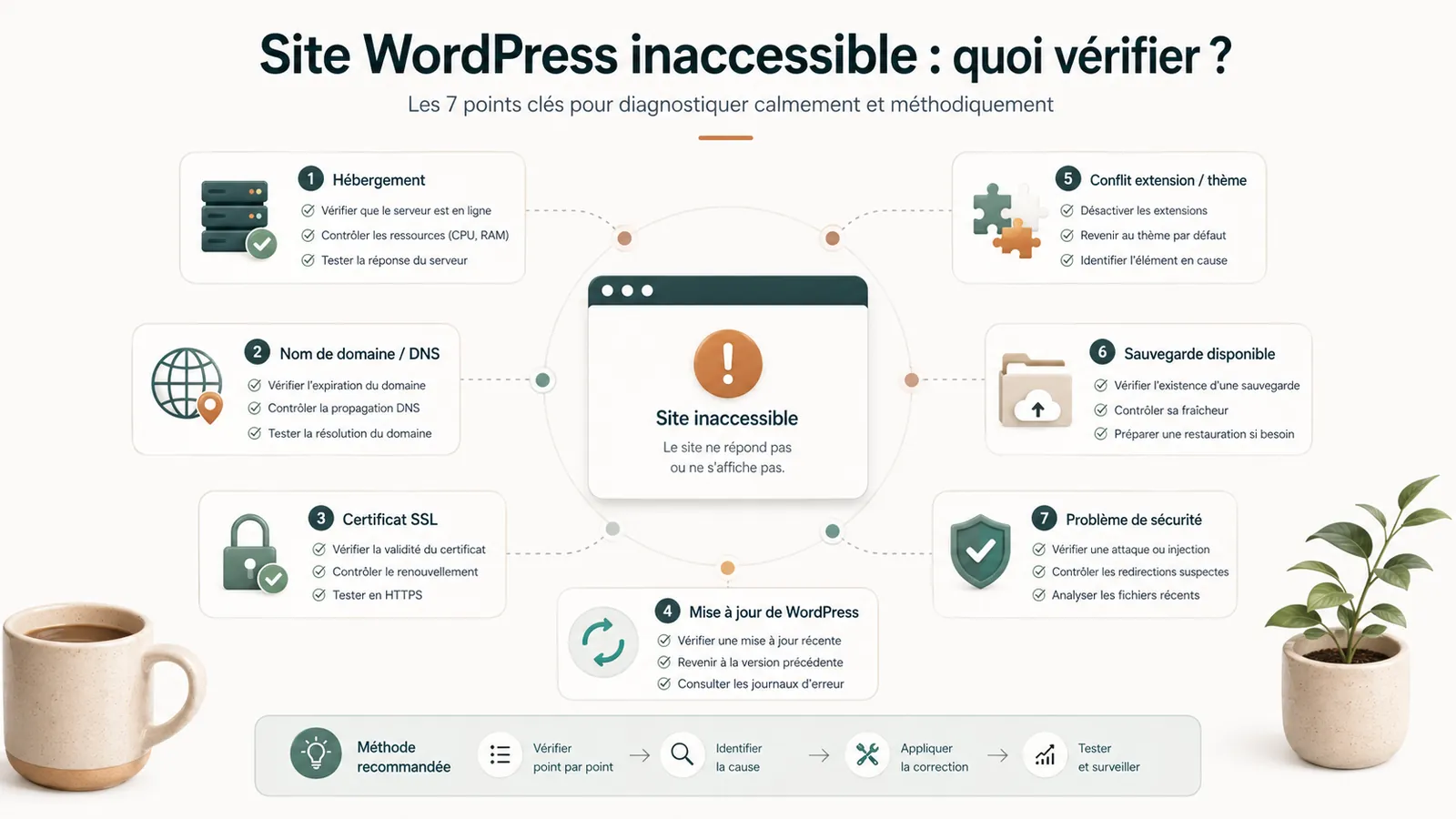
Possible cause 3: an update broke the site
If the site became inaccessible after an update, the track is clear: WordPress, the theme or a plugin may have reacted badly. This does not mean that the update was bad. This may reveal an incompatibility, an old plugin, a fragile theme or an inappropriate PHP version.
In this case, avoid restarting all updates. It is better to identify what has changed, check the backups and take over the site cleanly. The article on the update WordPress that breaks the site details this scenario.
Possible cause 4: a plugin or theme blocks WordPress
A plugin can make a site inaccessible. Same thing for a theme. This happens after an update, a recent installation, a conflict between plugin or a change of technical version on the server side.
Frequent signs are a WordPress critical error, a blank page, an inaccessible administration, a partially visible site or a problem that appeared just after a modification. Again, random deletion is not a reliable method.
Possible cause 5: the site has been hacked or blocked
An inaccessible site may also be linked to hacking. The hosting provider can block the site if it detects spam, suspicious files, redirections or abnormal consumption. Google or the browser can also display an alert.
A hacked WordPress website cannot be fixed by removing only visible symptoms. Identify the entry point, clean thoroughly, check access and backups, and prevent recurrence.
Check backups before any big action
Before restoring or modifying the site heavily, check the backups. A good backup must be identifiable, recent, complete, restorable and pre-problem if the site is hacked.
Restoring a backup too recent can put the problem online. Restoring a backup too old can cause content to be lost. One WordPress backup not found often turns a simple incident into a heavier problem.
When to ask for a diagnostic review
Ask for a diagnostic review if the site has been inaccessible for several hours, if the WordPress administration no longer responds, if the hosting provider has blocked the site, if an update has just broken something, if a backup is not found or if the site redirects to a strange address.
The no-obligation diagnostic review is used to decide the next step: correct, restore, clean, audit or return the site under maintenance. If the problem is recurring or deeper, a site audit may become necessary.
If the site is already blocked, hacked or very unstable, the page WordPress emergency support allows you to assess the incident before taking action.
Key takeaway
An inaccessible WordPress site does not always have a unique cause. Before correcting, it is necessary to identify whether the problem comes from hosting, domain, SSL, update, plugin, theme, hacking or missing backup.
Frequently asked questions
Why is my WordPress site inaccessible?+
A WordPress website can become unreachable because of hosting, domain, SSL certificate, update, plugin, theme, hacking or server configuration problems.
What if WordPress administration is inaccessible?+
We must avoid forcing manipulations. Write down the displayed message, check the hosting, the latest updates, backups and ask for a diagnostic review if the cause is not clear.
Should we restore a backup right now?+
Not necessarily. First, we need to check whether the backup is healthy, complete and pre-problem. Restoring too fast can overwrite useful data or put the same problem online.
Conclusion: Clarify before repairing
An inaccessible WordPress site is not always lost. But we must avoid reacting at random.
If your site is offline, blocked, redirected, broken after an update or inaccessible in administration, start by clarifying the cause. If it is not obvious, a no-obligation diagnostic review allows you to know whether to correct, restore, clean, audit or return the site under maintenance.
Read next.
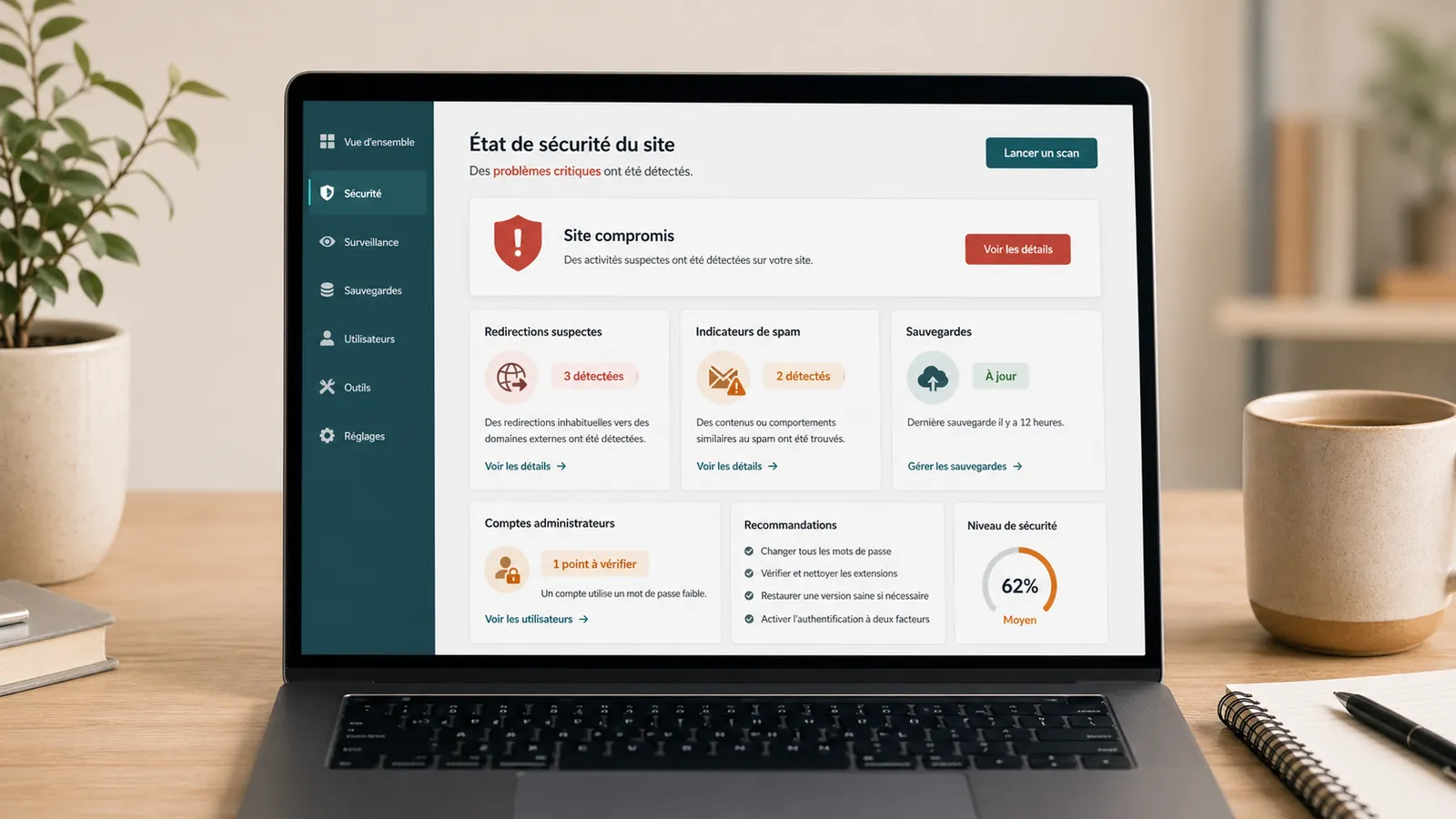
Hacked WordPress site with Japanese pages: what should you do in Google?
Japanese pages in Google while your WordPress website looks normal? What to check, what to avoid and how to prepare cleanup while preserving useful evidence.
Read the articleHacked WordPress cleanup: quotes, timing and cleanup steps
Redirects, malware, Google warnings or spam pages: pricing criteria, timing and what to send for a WordPress cleanup estimate.
Read the articleHacked WordPress website: what to do without making things worse
WordPress website hacked? What to check, what to avoid and when to request a diagnostic review so cleanup does not make things worse.
Read the article