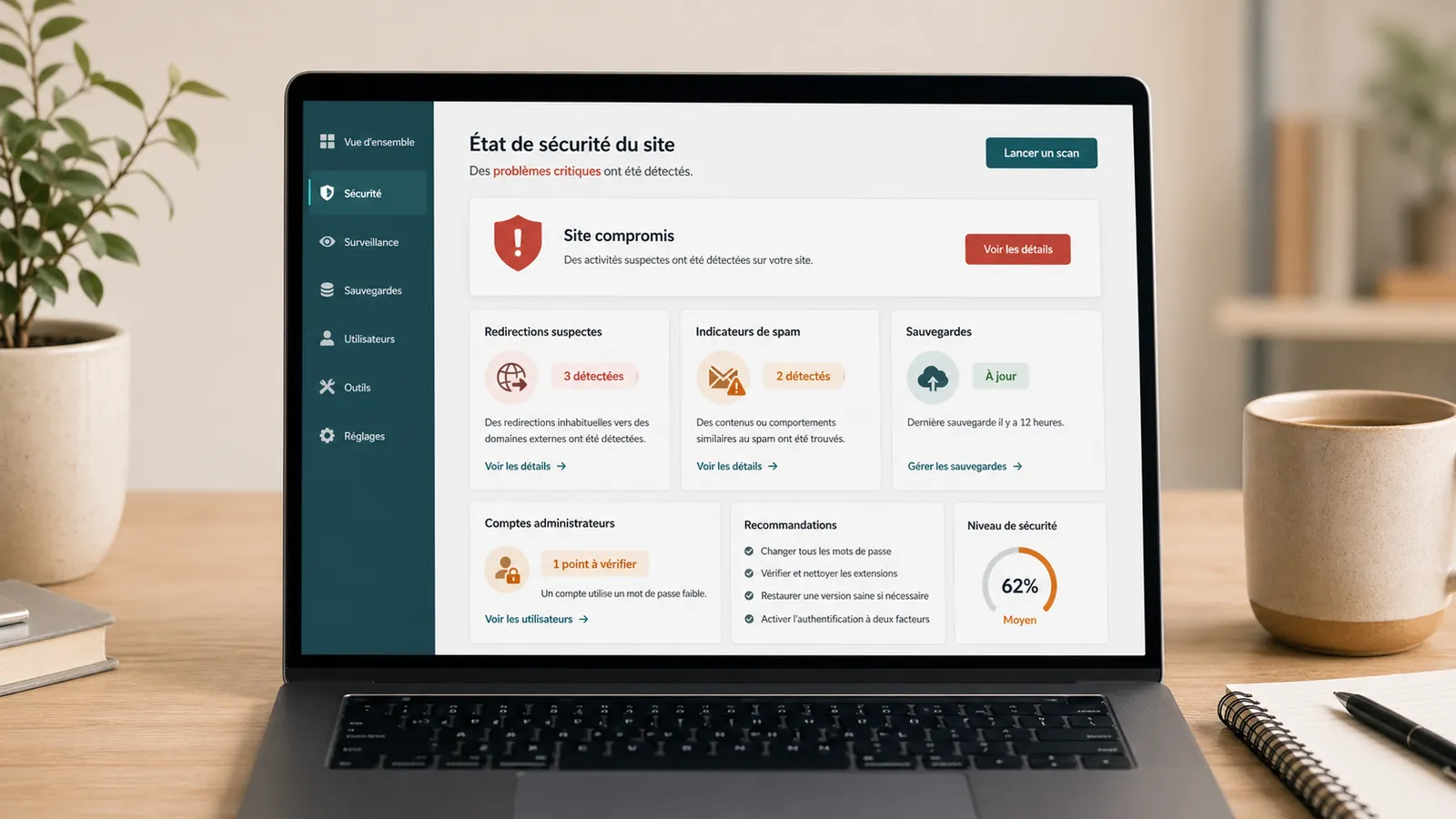
Hacked WordPress website: what to do without making things worse
WordPress website hacked? What to check, what to avoid and when to request a diagnostic review so cleanup does not make things worse.
Read the articleHacked WordPress cleaning
Unknown redirection, malware, Google alert, spam pages, site blocked by the hosting provider or suspicious admin access: send the URL and the alerts received to assess the cleanup without deleting useful traces.
Symptoms treated
The page is used in cases where the risk of hacking is already probable. For a breakdown or unclear access without visible infection, the emergency hub may be enough to choose the right first move.
Redirect to an unknown domain, sometimes only from Google or mobile.
Browser, Google Safe Browsing, Search Console or antivirus warning.
Japanese pages, casino, pharmacy, adult or spam indexed in Google.
Hosting provider that blocks the site for malware, spam or abnormal consumption.
Unknown admin accounts, suspicious files or fake plugins.
Reinfection after first cleaning too fast.
Scope included
A useful cleaning does not stop at "the site is working again". We also need to understand what has been done, what remains fragile and what needs to be monitored afterwards.
Reading the symptom, backed up the current state, access and level of risk.
Cleaning files and database as appropriate, rotation of access details and removal of suspicious components.
Public website checks, form testing, Search Console where useful, recommendations and a decision on further monitoring.
Pricing and first steps
A serious estimate begins by distinguishing a limited symptom from a complete security recovery: files, database, accounts, backups, Google, hosting and risk of re-infection.
Once the incident has been handled, it is not necessary to launch a redesign or subscription. The right follow-up is decided according to the cause, age of the site, backups, requests received and commercial criticality.
If the site is not clearly hacked, start with theWordPress emergency supportwhich helps distinguish a breakdown from a security incident.
Method
Symptoms, affected URLs, messages received, commercial criticality, latest changes and access available.
Copy the current state before deletion or restoration when possible.
WordPress files, uploads, database, admin accounts, redirects, plugins, theme and backups.
Removal of injections, backdoors, fake plugins, suspicious accounts and replacements from clean sources.
Rotation of access details, useful updates, removal of abandoned components and correction of likely entry, then control of public pages, administration, form, Search Console, sitemap and external scans.
In practice
LegalTech
A compromised WordPress brochure website: rebuilding a clean foundation, cleaning components and caches, reviewing access and checking pages after relaunch.
Read the case studySEO and marketing
Surveillance, cleaning after infection, hardening and follow-up after correction of a WordPress site dedicated to SEO.
Read the case studyFrequently asked questions
The price depends on the actual risk. An accessible brochure website with localised symptoms needs less work than a case involving a Google warning, hosting suspension, reinfection or an affected database. WooCommerce, multisite, sensitive data or a compromised server requires a specific quote. We provide the estimate before any work.
A simple case can sometimes be framed and processed within a few hours. A common case requires 24 to 48 hours depending on the access, the status of backups and the checks required. If Google or the hosting provider have to recheck the site, the full return to normal may take longer.
Send the URL, visible symptoms, Google messages or hosting provider, date of appearance, latest known changes, available access details and what you know about backups. A screenshot of the alert helps a lot.
No. We do not advertise 24/7 on-call cover. Our first commitment is to assess the incident properly and avoid harmful changes. A prompt intervention depends on availability, risk, access and the agreed scope.
Not necessarily. A backup may be too old, incomplete or already infected. Before restoring, you must check its date, content and preserve a copy of the current state if possible.
You leave with a site stabilized according to the validated scope, the sensitive access changed when necessary, the fragile points identified and a clear recommendation: nothing more, maintenance, audit or wider resumption.
Explore further
On the blog
WordPress website hacked? What to check, what to avoid and when to request a diagnostic review so cleanup does not make things worse.
Read the articleDoes Google warn that your WordPress website is hacked? What to check in Search Console, what to avoid and how to request a review properly.
Read the articleJapanese pages in Google while your WordPress website looks normal? What to check, what to avoid and how to prepare cleanup while preserving useful evidence.
Read the article